Add MobilityArena as a preferred source on Google
Samsung Galaxy A83 5G brief info
- OS: Android 11
- Release Date: Expected 2022
- Network Type: 2G/3G/4G/5G
- Display: 6.7-inch, 1080 x 2400 pixels resolution
- Processor: MediaTek Dimensity 900
- Selfie Camera: 32 MP
- Rear camera: 108 MP
- RAM: 8 GB
- ROM: 128 GB
- Battery: 5000 mAh
- Related:
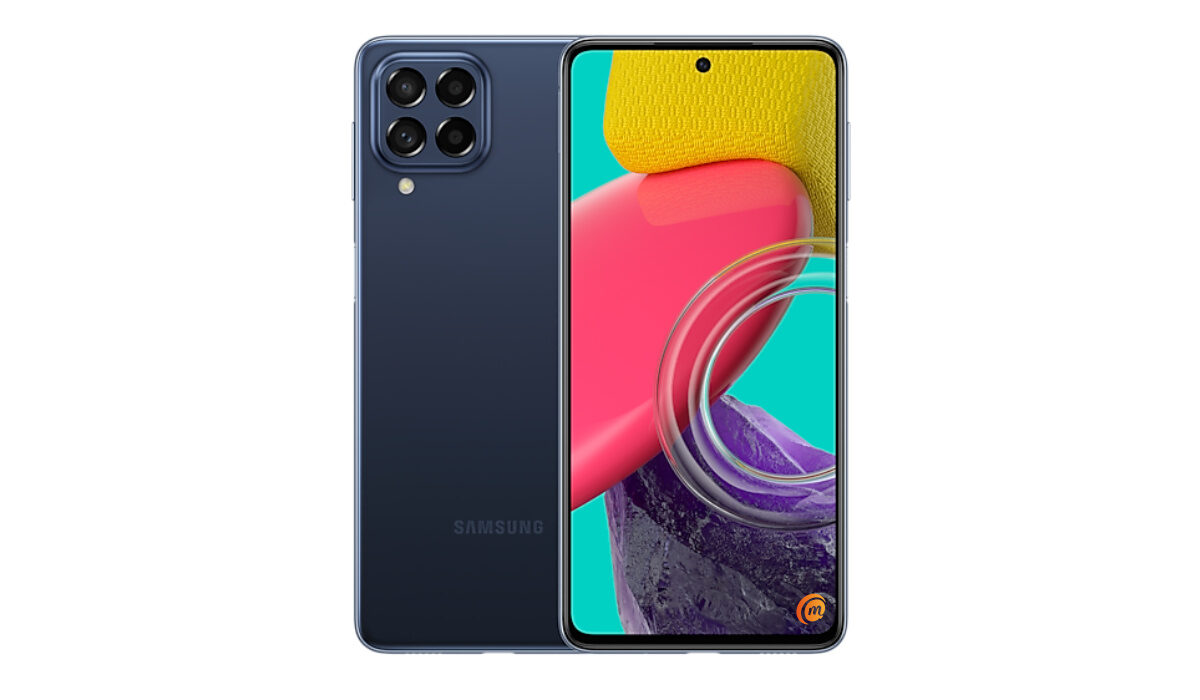
Samsung Galaxy A83 5G specification
Mobile Wireless Network and Software
- 2G mobile network bands : GSM, GPRS, EDGE 850 / 900 / 1800 / 1900 MHz.
- 3G mobile network bands : UMTS, WCDMA, HSDPA 850 / 900 / 2100 MHz
- 4G mobile network bands : LTE.
- 5G mobile network bands : NSA/SA
- SIM Type : Nano-SIM, Single and Dual SIM options
- Software / OS : Android 11
Design, Form Factor, Appearance
- Dimensions : 164.7 x 77.0 x 7.4 mm
- Weight : 176g
- Display : 6.7 inches, 1080 x 2400 pixels, 120 Hz refresh rate, 19.5:9 aspect ratio, Super AMOLED Plus
- Colours : .
- Physical Build :
Internal Hardware Specs
- Processor Type : 64-bit, 2.4 GHz Octa-core
- Processor Name : MediaTek Dimensity 900
- Graphics Processor : ARM Mali MP
- RAM : 8 GB
- Extended/Virtual RAM :
- Internal Storage : 128 GB
- External Storage : microSD, up to 1 TB (dedicated slot)
Photography, Video Recording
- Main Camera : 108 MP main sensor + 8 MP + 2 MP + 2 MP, autofocus, dual LED flash, 1080p@30fps video recording
- Front Camera : 32 MP, fixed focus, Face Recognition, 1080p@30fps video capture
Audio, Video Playback
- Music Support : PCM, AAC / AAC + / eAAC + / MP3 / AMR – NB / WB / APE
- Audio : 3.5 mm audio jack
- Loudspeaker : Mono speaker
- Video Support : H.264/MP4/MPEG4 player
- FM Radio : Yes.
Phone Sensors
- Digital Compass : Yes.
- Accelerometer : Yes.
- Proximity Sensor : Yes.
- Ambient Light Sensor : Yes.
- Barometer : No.
- Pedometer : No.
- Heart Rate Monitor : No.
- Gyroscope (G-Sensor) : Yes.
- Fingerprint Scanner : Yes; rear-mounted.
- Face Unlock : Yes.
- Iris Scanner : No.
- Motion Sensing / Gesture Control : No.
- Voice Control : No.
- Intelligent Digital Assistant : Yes; Google Assistant.
- Infra-red Blaster : No.
Connectivity Options
- Bluetooth Version : 5.2
- Bluetooth Profiles : A2DP
- WiFi : Wi-Fi 802.11 a/b/g/n/ac, hotspot
- GPS : Yes, A-GPS, GLONASS, BDS, Galileo
- USB : microUSB v2.0. Type-C. USB-OTG.
- NFC : Yes.
Miscellaneous Specs and Features
- Battery Type and Capacity : Non-Removable Lithium-Polymer 5000 mAh
- Battery Charging : 33W fast charging
- Wireless Charging : No.
- Reverse Charging : No.
- Model Version/Number :
Launch/Release Dates and Information
- Announced : Expected 2022
- Release Date : Expected 2022
Samsung Galaxy A83 5G Prices by Country
- International/Global :
- European Union :
- Nigeria : ₦
- Egypt : Egyptian Pound
- UAE : AED
- India : Indian Rupee
- Iraq : Iraqi Dinar
- Kenya : Ksh.
- Ghana :
The above prices may change with time from country to country, as market forces and economic policies influence product price movements.
Is Samsung Galaxy A83 5G a 4G phone?
Samsung A73 supports 2G, 3G, 4G, and 5G mobile networks.
Is Samsung Galaxy A83 5G battery removable?
The A83 has a non-removable 5000mAh battery.
Is Samsung Galaxy A83 5G good for gaming?
The Dimensity 900 5G chipset offers superior perfowmce that should handle all games.
Does Samsung Galaxy A83 5G have Google Play Store?
It supports Google Services and software applications, including Play Store and Maps, Gmail, YouTube, and others.
Will Samsung Galaxy A83 5G work in the USA?
This is a GSM phone and is supported on US GSM carriers like AT&T and T-Mobile and other networks riding on their networks. It does not support CDMA networks. Do make enquiries from your carrier to know what bands/frequencies are supported on their service.
MobilityArena Buyer’s Guide Verdict
Not available.
Our Buyer’s Guide Verdict is a recommendation based on the specificationss of the device and a general guide to help you understand how much value a device offers for its price. It is not an endorsement of the device. Ask questions and use your judgement when buying any device; MobilityArena takes no responsibility for your buying decisions .
Samsung Galaxy A83 5G Phone Review Rating
Not available.
- Don’t miss our reviews .
- Follow our news on Google News .
- Join our WhatsApp Group , to be notified of the most important articles and deals,
- Follow us on Instagram , Facebook , Twitter , and YouTube .
Author:InfoDesk
Add MobilityArena as a preferred source on Google
Did you know that your iPhone and iPad have a feature that helps you take a full page screenshot. You don’t have to take multiple screenshots while scrolling through sections of the page. The steps below will help you take a single screenshot of the full page that you are interested in capturing.
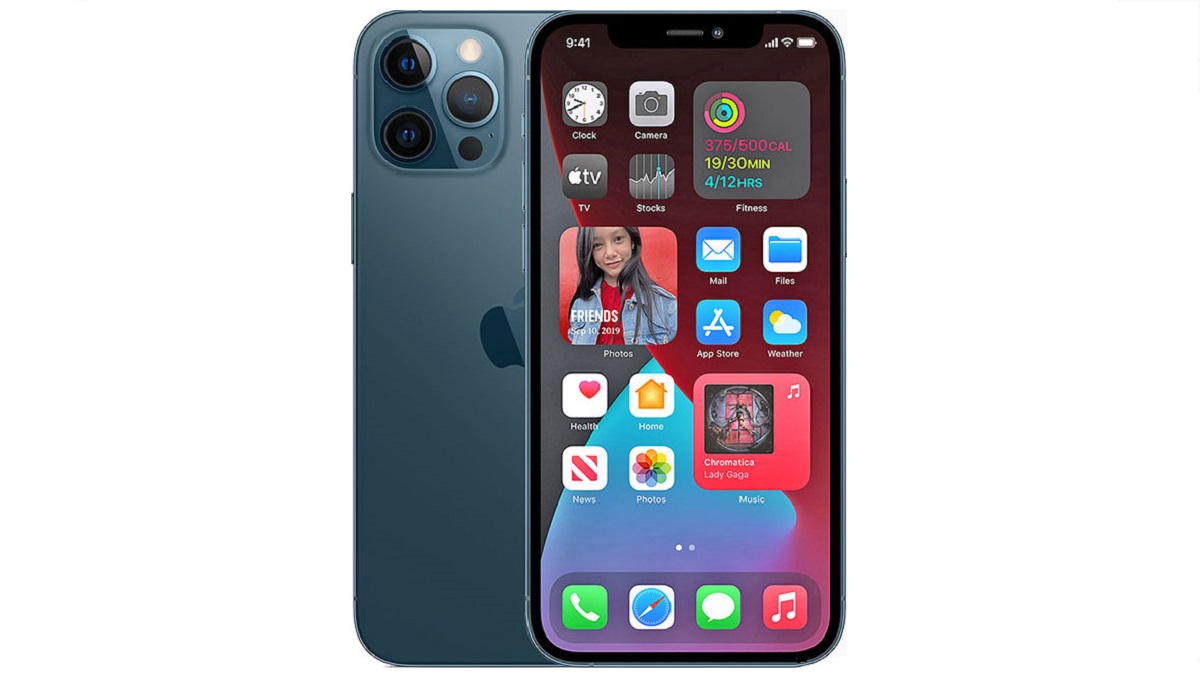
How to take a full page screenshot on iPhone
Here are the steps to follow to take a screenshot of a whole page on your iPhone or iPad.
- Navigate to the web page or content you want to capture a screenshot of.
- Next, press and hold the volume up and power buttons at the same time.
- Tap on the image preview at the bottom left corner of the screen.
- Choose the Full Page option in the top right corner.
- You can scroll down the entire page via a scroller on the right side of the screen.
- You are presented with the option to either delete the screenshot or save the entire page as a PDF.
- Tap on Save the entire page to save it to your device.
That’s it. You now know how to take a full page screenshot on iPhone and iPad devices. Enjoy.
- Don’t miss our reviews .
- Follow our news on Google News .
- Join our WhatsApp Group , to be notified of the most important articles and deals,
- Follow us on Instagram , Facebook , Twitter , and YouTube .
Author:Mister Mobility
Digital Skills and Communication Coach | Mobile Phone Connoisseur since 2001 | Tech Blogging since 2004
