Add MobilityArena as a preferred source on Google
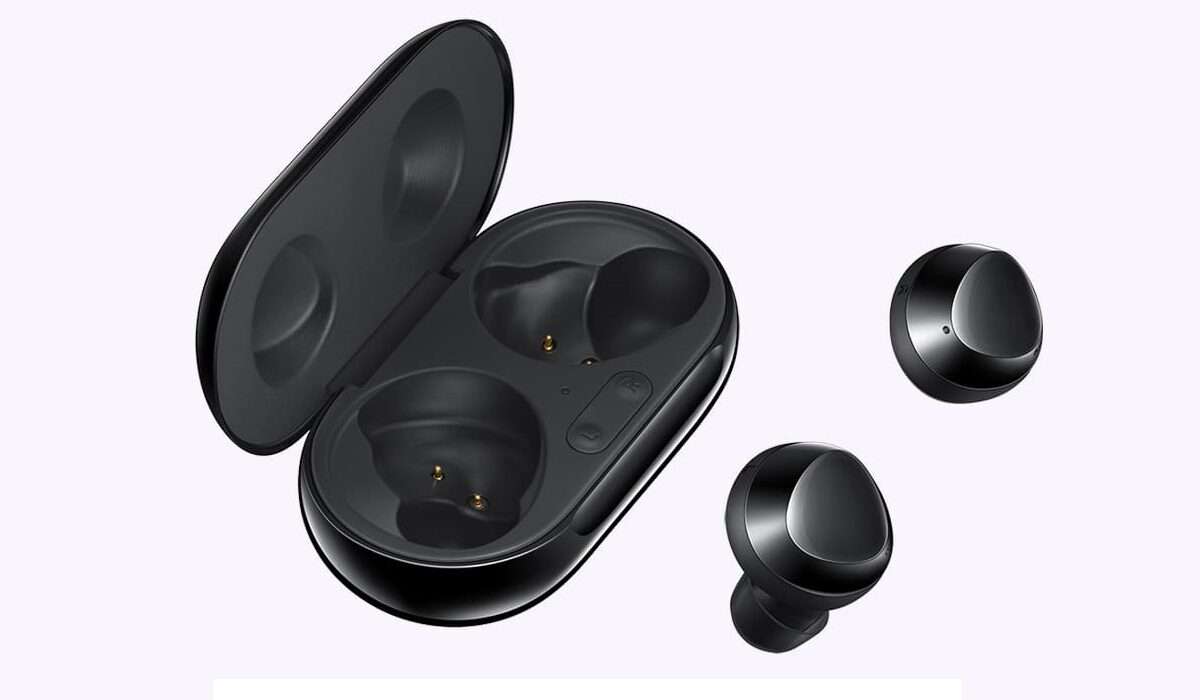
Samsung Galaxy Buds and Galaxy Buds Plus are Bluetooth wireless earbuds that alow you to manage phone calls and music playback without a cable. Beyond that, they also allow you to hear ambient sound around you, so you can keep safe with the earbuds in use.
The Galaxy Buds are first generation and were announced in March 2019, while the Galaxy Buds Plus followed a year later in 2020.
Like most modern earbuds, both Samsung Galaxy Buds and Buds Plus come with a charging case that supports both USB-C wired and wireless charging.
Are Samsung Galaxy Buds worth it?
Galaxy Buds and the Plus succesor are premium quality accessories and they deliver decent audio quality. They are compatible with Samsung Galaxy phones , as well as Android smartphones in general.
They support Bluetooth 5.0 standard and the following Bluetooth profiles : A2DP, AVRCP, HFP.
Which Samsung phones come with Galaxy Buds Plus?
During the launch phase of the Galaxy S20 series, Samsung shipped free Galaxy Buds Plus with the Gaalaxy S20 Plus and S20 Ultra. If you want a pair now, you have to buy them separately.
From time to time though, Samsung offers promotions in which buyers of any of their flagship devices get a free pair of earbuds. These promos have been known to happen in the United States and elsewhere, so if you are buying a Samsung smartphone, it does not hurt to ask if there is an ongoing promo that you can take advantage of.
For example, there have been promos offering a free pair of Galaxy Buds and a Galaxy Fit fitness tracker with every Samsung Galaxy Note 10+ and Samsung Galaxy Note 10+ 5G purchased.
Which phones are compatible with Samsung Galaxy Buds?
All Samsung phones and Android phones with Android 5.0 or higher, in general are compatible and can be paired with Galaxy Buds and Galaxy Buds Plus. That means you can buy your Buds and use with OPPO phones , Xiaomi phones, TECNO phones , Infinix phones , Nokia phones , Huawei phones , and others. Samsung’s earbuds are also compatible with iOS devices, as well as Bluetooth-enabled laptops and desktop computers.
Can Galaxy Buds connect to Samsung TV?
Yes; Galaxy Buds and Buds Plus can be paired with your Samsung TV.
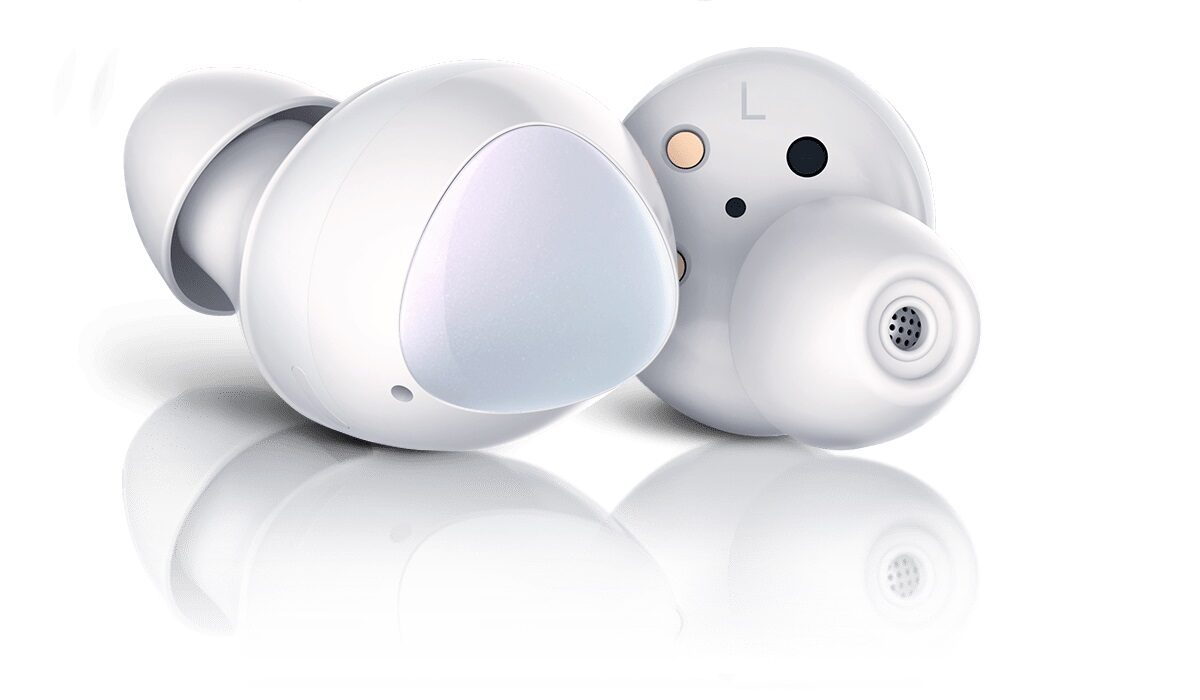
Are Samsung Galaxy Buds waterproof? Can I use them in the shower?
Galaxy Buds are not water resistant and not suitable for use in water, so avoid using them in the rain or letting water splash on them. If they do come in contact with water, quickly wipe them with a soft fabric to get them dry as fast as possible.
Do not use your Galaxy Buds in the shower for any reason, as they are most likely to get damaged and become unusable. This will also void their warranty.
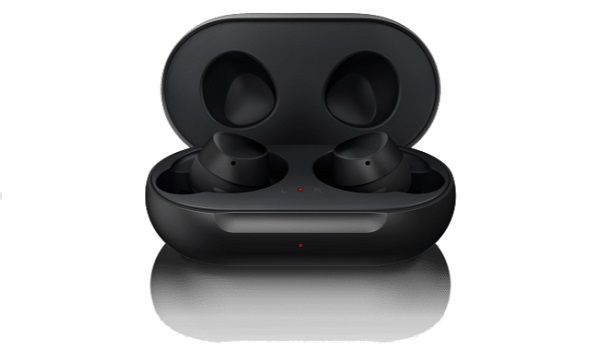
Are Samsung Galaxy Buds and Buds Plus good for working out?
Both models are good workout accesories and deliver between 6 and 11 hours of active battery life. You are not likely to workout for that long, of course, but it is comforting to know.
Samsung Galaxy Buds Plus Colours
Samsung’s earbuds come in a number of colour options. The older Galaxy Buds come in black, white, and yellow, while the Buds Plus come in white, blue, black, red, and pink.
Where can you buy Samsung Galaxy Buds?
Follow MobilityArena on social media!
Author:InfoDesk
Add MobilityArena as a preferred source on Google

Saheed’s Amazon order
She’s always saying, “Alexa play Daddy pig song”. And Alexa would play it and she would jump on the bed. I found another order for glasses and yes, that was also shipped. So it finally hit me: my 3yr old daughter just ordered these.
Emergency Lockdown Procedure Activated
The first thing I did was disconnect my card from Alexa. I went through the voice commands and found her tiny voice all over the place. Over 200 commands.
“Alexa, play gummy bear”.
“Alexa, play Daddy pig song”,
“Alexa, play Baby shark”.
“Alexa, play Enya only time” Enya’s only time is my wife’s song for an afternoon nap with her and her brother.
I found, “Alexa, play Bach”, which is my own song for night time.
Then I found the voice command for the glasses and Peppa pig. Alexa must have assumed she said, “Pay Peppa Pig set” or something close. Alexa’s default question is for you to confirm and my daughter’s default answer is always YES. Well, the order just arrived. I will allow her to have it. $34 won’t break the bank. She’s earned it. I will return the other order.
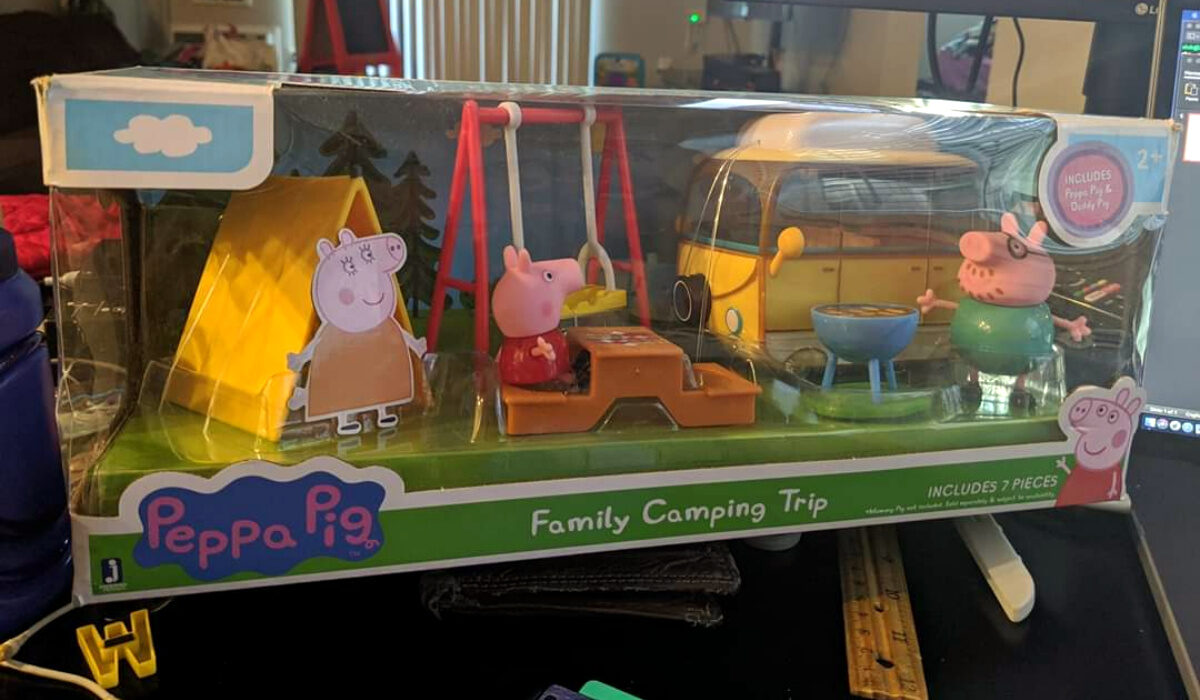
Saheed’s Amazon order arrived
The second package has landed. Sunshades. I will return that package.
End of story .
I am so happy for Saheed that his bill came to only $34. I mean, what if she had ordered a Tesla? That would have been proper gbese! Interesting that this mild drama happened because of the small difference between the pronunciation of the words “play” and “pay” by a child.
I would also argue that voice asistants need to become more intelligent. The technology is superb; it just needs refinement. I’d expect that Alexa should initiate a shopping order if only it hears the word “Order”, “Buy”, or the phrase “Pay for” (which is different from just “Pay”). That is the level of refinement it needs.
Meanwhile, Saheed told me that he has never ordered anything via Alexa, His daughter is officially the first person to do so in the house. Not bad at all. The little girl has blazed a new trail for the oldies in the house.
Any Lessons?
If you have Alexa or any other voice asistant active at home or on your devices and a child who uses it, you need to enable extra security on it to prevent unauthorised orders. This sort of thing can happen with Google Assistant too, as it is tied to app and music purchases in the Play Store. For example, you can set it to require authentication (including Biometric) for purchases.
Secure your account today and escape the tyranny of toddlers. Even if you do not have toddlers with access to your account, it is still a good idea to have an extra layer of security enabled for payments. That way, you can reduce the chances of anyone making unauthorized purchases on your card.
You can read the interesting story HERE on Facebook.
Author:Mister Mobility
Digital Skills and Communication Coach | Mobile Phone Connoisseur since 2001 | Tech Blogging since 2004
