Add MobilityArena as a preferred source on Google
MobilityArena’s readers located in the United Kingdom, United States, Canada, and Australia, will be quite interested in reading this one, as those are key countries where the Samsung Galaxy S23 is on sale. You are likely not a stranger to Samsung’s Galaxy S range of phones. They are the cream of the crop – the crown jewel – in the Korean brand’s range of smartphones. As such, you already have the idea that the Samsung Galaxy S23 is a premium flagship Android phone. It is the base Galaxy S model released in 2023.
The S23 is also a small or compact smartphone. There are not a many mainstream smartphone brands making compact premium flagship smartphones anymore. Big smartphones are all the rave these days. Thankfully, Samsung has retained the vanilla S23 model with a compact size. I and other members of the MobilityArena team have been using one in the last few weeks and now have our detailed Samsung S23 review ready for your delight. Buckle up and come on this journey with us.
Why you can trust MobilityArena reviews: our expert reviewers spend days, and sometimes weeks, using, testing, and comparing cell phones, accessories, apps, and services of all kinds so you can make informed buying decisions.
Before I dive into my review, let’s have a quick look at the phone’s specifications to see what to expect.
6.1-inch, 1080 x 2340 pixels, 120Hz, Super AMOLED display with Corning’s Gorilla Glass Victus 2.
Operating System: One UI based on Android 13
12MP selfie camera
50MP main camera with OIS + 10MP telephoto lens with 3x optical zoom + 12MP ultrawide lens + LED light
3900mAh battery with 25W fast charging
Qualcomm Snapdragon 8 Gen 2 processor
8GB RAM
128GB internal storage
What I like about the Samsung Galaxy S23
What I dislike about Samsung S23
Compact Size
Premium Build and Feel
Stereo Speakers
Great Cameras
Network And Telephony
Multitasking And Performance
Battery life
Should You Buy It?
What I like about the Samsung Galaxy S23
- Premium physical build
- Good battery life
- Compact size
- Excellent performance
- Great cameras
- Great stereo speakers
What I dislike about Samsung S23
- The charging is not as fast as it should be
- 5G network reception is not good in poor coverage areas.
- Lack of aptX HD and aptX Adaptive codecs.
Compact Size
This is not likely the kind of thing you read from most phone reviewers out there. These days, people love their smartphones large. Not me. The more compact a phone is, the better for me. My present daily driver is the iPhone SE 2022, which is even more compact than the Samsung S23, and I love its dingy size. As a matter of fact, the S23 feels a little too big sometimes. I am serious. But I can get used to this. I have been unable to get used to big phone sizes.
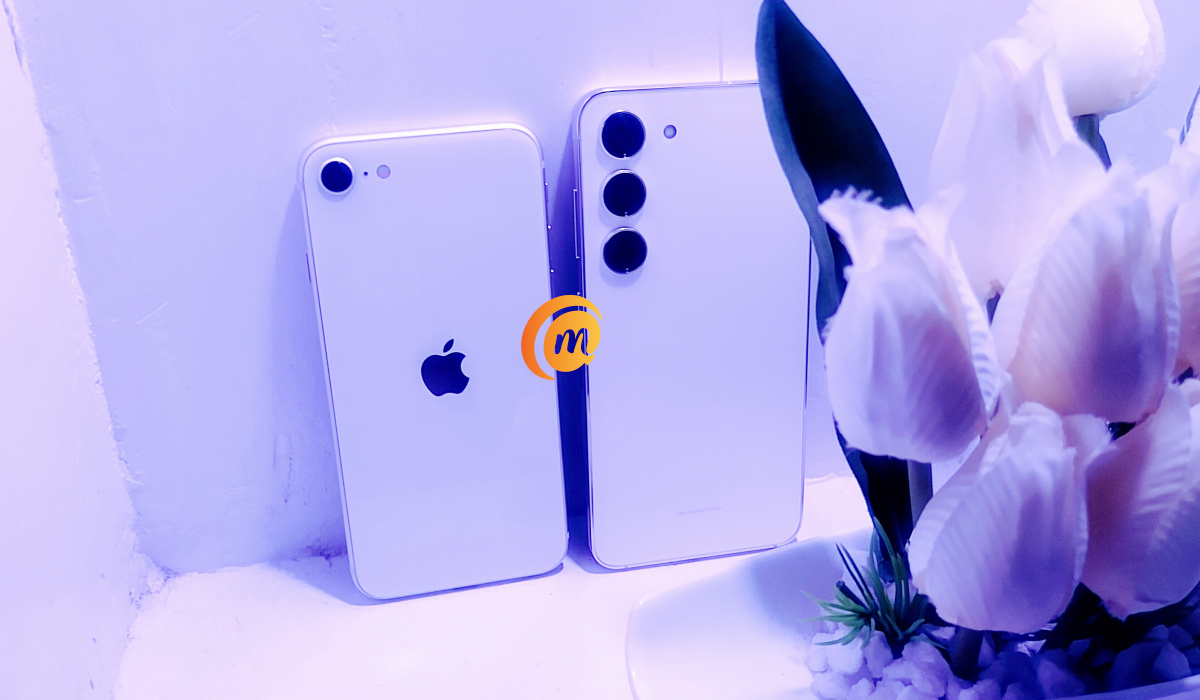
iPhone SE 2022 and Samsung S23 are almost the same size
Premium Build and Feel
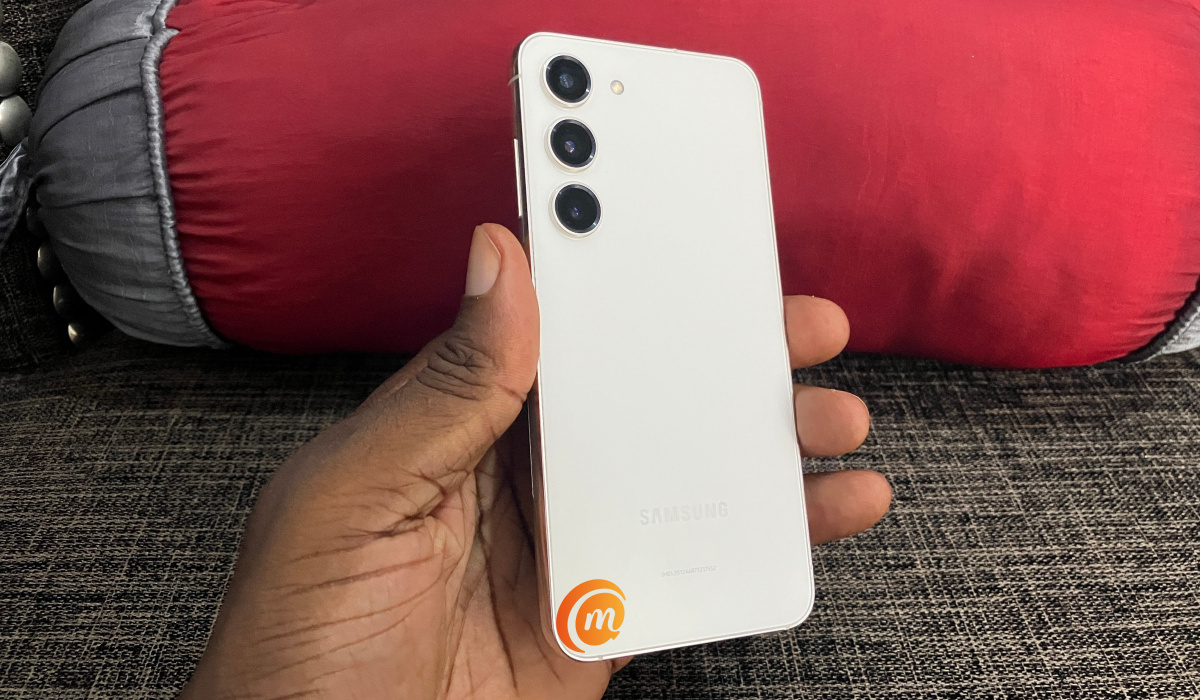
The frame of the S23 is premium aluminium and there is glass in front and at the back. It is all so well done and the phone feels pleasant in the hand. The weight is just about right, too. The 6.1-inch, 120Hz AMOLED screen is gorgeous as well.
Stereo Speakers
The stereo speakers on the Samsung S23 are good, but they are not the best I have heard. Still, the audio is decent enough for me to look forward to playing a music track or watching a YouTube video.
Great Cameras
Look, if there is one overwhelming area in which the Samsung S23 tempts me away from the iPhone SE 2022, it is photography a d video recording. It is simply so much, much better than the budget iPhone.
And it isn’t just me. These days, whenever we have a photograph to take, other members of the MobilityArena team ask for the Samsung S23, shunning my previously loved iPhone SE 2022. These guys have no loyalty.
The Samsung Galaxy S23’s cameras are outstanding. And that’s that.
Network And Telephony
We did not have any issues with the network reception of the S23, except that in many locations where other phones like the iPhone SE 2022 and AGM G2 Guardian were able to hold on to a 5G network, the S23 was mostly fixed on 4G LTE. I definitely was not expecting this from a premium flagship smartphone from Samsung, but it happened so often that it is difficult to ignore.
Multitasking And Performance
One approaches the Samsung Galaxy S23 with expectations of top-notch performance. Happily, one is not disappointed. There are no performance issues that we can identify in our use of the device. Everything works snappily.
This is me being greedy, but I wish it had a 12GB RAM option. My personal greed aside, even with 8GB RAM, apps launch and run smoothly. Switching between apps is smooth as well. On everyday use, the Snapdragon 8 Gen 2 and 8GB RAM combination of the Galaxy S23 is perfect.
If you are into benchmark performance scores, the S23 scored the following in the Geekbench 6 CPU tests we ran:
- Single-core: 1832
- Milti-core: 4608
Battery life
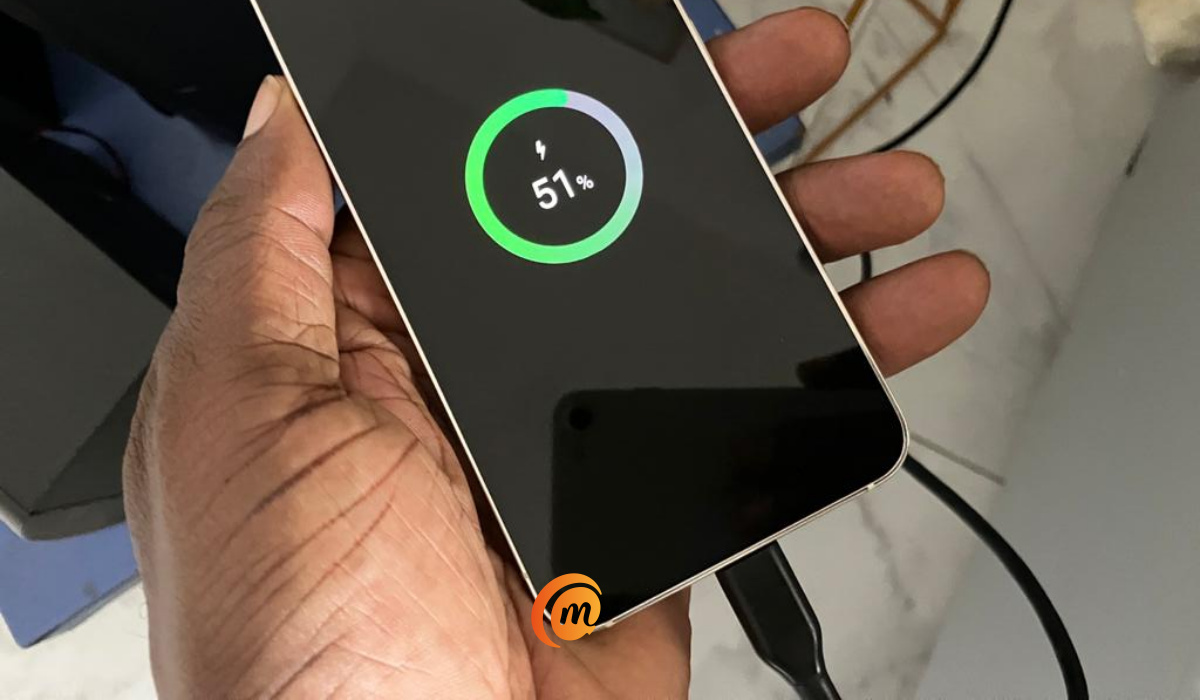
Unsurprisingly, battery life of the Samsung S23 is good. On a full charge, the battery runs for one working day and some hours. This is on a moderate use case – a few hours of web browsing, email, and the odd telephone call and SMS.
If used more intensively, it will likely require a recharge before 6pm. That is not poor, but it is not excellent either. What really leaves a sour taste in my mouth is the slow 25W fast charging that it is equipped with. Several competitors have 65W and above in their premium flagship phones. I guess Samsung is happy to instead keep their phones in the company of Apple iPhone and Google Pixel phones.
Should You Buy It?
Samsung Galaxy S23 is a beautiful premium flagship smartphone that checks all marks and scores high in terms of features and actual performance. The only things that have been a let down is lack of aptX HD and aptX Adaptive Bluetooth codecs, and the 5G reception. In many fringe areas where other 5G phones fix on the network, the S23 often struggles or remains fixed on 4G. Bummer, especially for a smartphone of this class and price. Where the 5G signal is strong, of course, it maintains the signal.
It is a good deal for $690 (for the 128GB storage option), and I read that Samsung may be reviewing the price downwards. The phone is available in the United Kingdom, United States, Canada, and Australia, as well as in almost all other countries and regions, so if you are interested in it, you shouldn’t have any trouble buying one.
Copyright Notice : Reproduction of this article on any website, e-book, book, newspaper, magazine or other media without express written permission from MobilityArena is a violation of copyright rules and will result in appropriate action being taken.
Author:Mister Mobility
Digital Skills and Communication Coach | Mobile Phone Connoisseur since 2001 | Tech Blogging since 2004
Add MobilityArena as a preferred source on Google
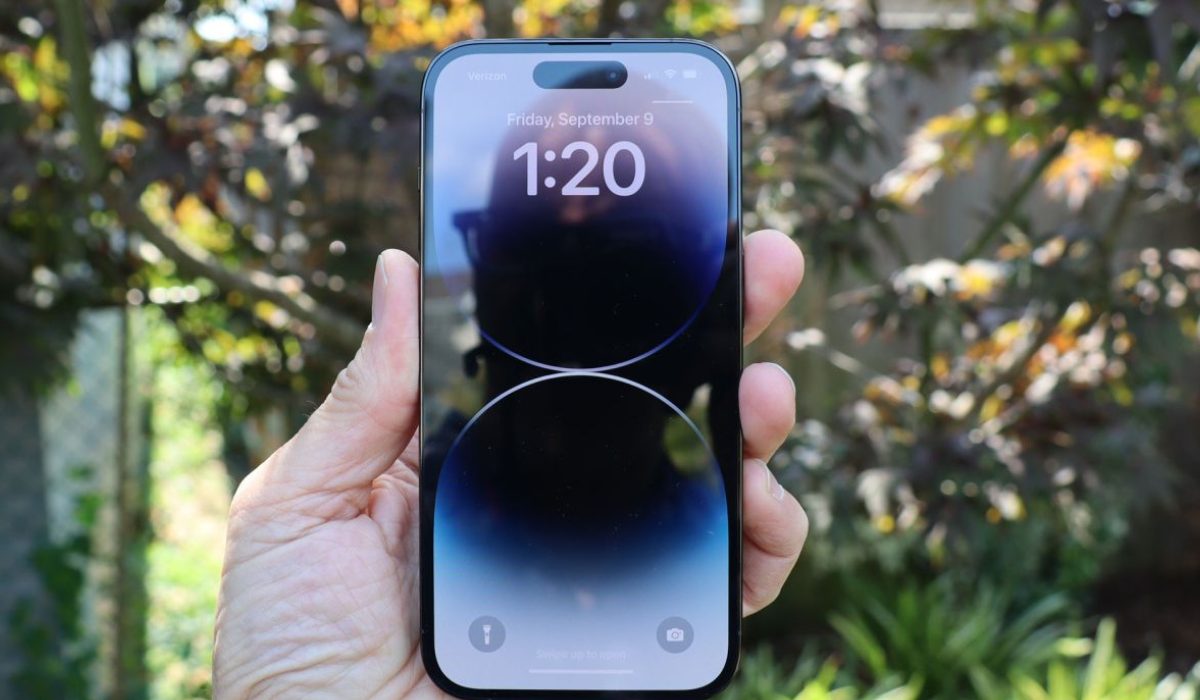
With the iPhone 14 Pro, Apple introduced a number of firsts. From the always-on display to the 48MP camera, there is a lot to discover. However, there’s also extra battery pressure brought on by such new functions, as several reviews claim that the iPhone 14 Pro can’t match the battery life of previous iPhone models.
In this article, I’ll discuss strategies to maximize iPhone 14 Pro battery life. Some of these suggestions require you to disable hardware components, others require software settings modification. Whichever you choose, you’ll surely get more use out of your battery.
- How Can I Maximize iPhone 14 Pro Battery Life? Turn off the Always-On Display Disable ProMotion to Limit the Frame Rate Disable Auto-Brightness Turn off Keyboard Haptics Reduce Background App Activity Turn Off 5G
How Can I Maximize iPhone 14 Pro Battery Life?
If the battery on your iPhone 14 Pro is depleting more quickly than you would expect, you are not alone. But that does not imply that your phone is faulty. Here are some tips to maximize iPhone 14 Pro battery life.
Turn off the Always-On Display
Unlike Android devices, the iPhone’s always-on display displays all of the elements normally visible on the Lock Screen. Each element, from your wallpaper to the Apple Watch-inspired widgets in iOS 16, keeps its position, although in a dimmed state while refreshing at 1Hz and constantly updating data in real-time.
However, if you keep using your iPhone 14 Pro in this manner, its battery life may diminish over time. So, follow these steps to maximize iPhone 14 Pro battery life by turning off the always-on display:
- Go to the Display & Brightness page in Settings on your iPhone.
- Locate the Always On setting by scrolling down and tap on it.
- Turn off the Always On Display toggle on the next screen.
Apple has added a few options if you don’t want to disable Always On Display to maximize iPhone 14 Pro battery life.
You can tweak the Always On Display setting instead of completely turning it off. Do this by disabling the Show Wallpaper or Show Notifications toggles in the same menu where you located the Always On Display toggle. If you turn off both of these toggles, your iPhone will only display the time, date, and widgets when it is locked. It’s another sufficient option to maximize iPhone 14 Pro battery life.
Disable ProMotion to Limit the Frame Rate
High refresh rate displays are attractive to look at and even more so to use, but they do run the risk of draining the iPhone’s battery. The iPhone 13 Pro handled this quite well, and we expect the iPhone 14 Pro to do the same.
However, limiting ProMotion to disable the high refresh rate display can help you maximize iPhone 14 Pro battery life if you’re ever in a pinch. To limit the refresh rate of your iPhone to achieve this, follow the steps below:
- Open Settings on your iPhone then navigate to Accessibility .
- Now, click on Motion .
- Enable the Limit Frame Rate toggle to limit your phone to 60Hz.
Disable Auto-Brightness
Disabling the Auto-Brightness setting in iOS is a vital trick for saving iPhone battery life. Since the iPhone 14 Pro can reach a peak brightness of 2,000 nits when used outside, this is even more crucial. If used for an extended time, such a brightness setting might affect the battery life of your iPhone 14 Pro.
You can disable Auto-Brightness and thereby maximize iPhone 14 Pro battery life through the following steps:
- Open Settings and select Accessibility .
- Then, navigate to the Display & Text Size menu.
- Scroll to the bottom of this screen and disable Auto-Brightness .
Turn off Keyboard Haptics
Keyboard Haptics, a new feature in iOS 16, is something you’re unlikely to value until you’ve used it personally. Sadly, the feature comes with a warning: according to Apple’s support page , it will diminish your iPhone’s battery life.
Although the option is disabled by default, if you’ve activated it or restored your iPhone 14 Pro from a device backup that included the feature, you should disable it now. Just follow these steps to do so and maximize iPhone 14 Pro battery life:
- Launch Settings , then choose Sounds & Haptics .
- Find Keyboard Feedback and tap it.
- Disable Haptics from the two options.
Reduce Background App Activity
Another way to maximize battery life on the iPhone 14 Pro is to minimize background app activities on the device. It’s common knowledge that programs on our smartphones are often running in the background. Working behind the scenes and always refreshing data ensures that you receive notifications on time and return to applications with little delay.
However, if background activities keep running, they tend to deplete the battery and consume mobile data. So, consider turning off the Background App Refresh option if you’re looking to maximize iPhone 14 Pro battery life. Follow the steps listed below to make the necessary adjustments:
- Access Settings and navigate to General .
- Find the Background App Refresh subsection.
- Which applications can refresh in the background will be up to you to choose for each one. Turn off the toggle for any applications that you believe are unnecessary.
Turn Off 5G
Another available option to maximize iPhone 14 Pro battery life is to disable 5G. The hardware components responsible for connecting to 5G networks consume additional power and affect iPhone 14 Pro battery capacity, despite the added speed benefit.
Also, with the lack of 5G-enabled towers, your smartphone may get stuck constantly searching for a signal. As such, I recommend switching off the 5G function to maximize iPhone 14 Pro battery life. To accomplish this, follow the steps outlined below:
- On your iPhone, go to Settings and then click on Cellular .
- Now, select Cellular Data Options, then Voice & Data .
- Select 5G Auto or LTE on this screen.
Note that on some devices, you might see the phrase Mobile Data instead of Cellular . This difference is due to the iPhone’s language settings.
The first option ( 5G Auto) allows your iPhone to search for and connect to 5G networks if the impact on battery life is deemed minor. The latter ( LTE) will restrict connections to 5G networks and stop the constant search for accessible networks in your area, thus helping you maximize iPhone 14 Pro battery life.
To conclude, the tips provided above will no doubt help if you ever need to maximize iPhone 14 Pro battery life. Try any or all of the suggested tips to get the best results. If you’re ever in need of tips to fix or maximize battery use in other iPhone models, check out our dedicated guides .
