Add MobilityArena as a preferred source on Google
I got the Android Pie + One UI update on my Galaxy S9+ last night and immediately tried out the new Samsung One UI Night Mode feature. Fantastic, I say. Stunning! Here are screenshots, as well as instructions on how to enable it .
Last night…. as is my habit, I did a manual software update prompt on, and like a dream, the Android Pie software notice showed up on my Samsung Galaxy S9 Plus. You should have seen my excitement. I didn’t even hesitate: I initiated the download immediately, and within some minutes, I had Android 9 Pie and Samsung’s new One UI running on my phone.
Perhaps the feature I am most excited about is the system-wide dark theme that was supposedly built into One UI. So I dived into Settings -> Display -> Night Mode, and toggled the switch there. The S9+’s traditional white user interface immediately plunged into pitch darkness. Hallelujah!
This arguably the best thing to ever happen to an Android smartphone, I tell you. Yes; yes, I exaggerate. It isn’t. But it comes close, please. LOL.
The Night Mode does not impose a dark theme on 3rd party apps, though. Only the system user interface and Samsung’s own apps are affected. That is good enough for me. It is said that a picture speaks more volumes than a thousand words. Well, I will simply share screenshots of One UI’s Dark Mode in different menus and apps with you.
One UI Night Mode in Photos
This is where I enabled Night Mode in Settings:

The Samsung One UI Night Mode switch
Night Mode: Drop-down Menu:

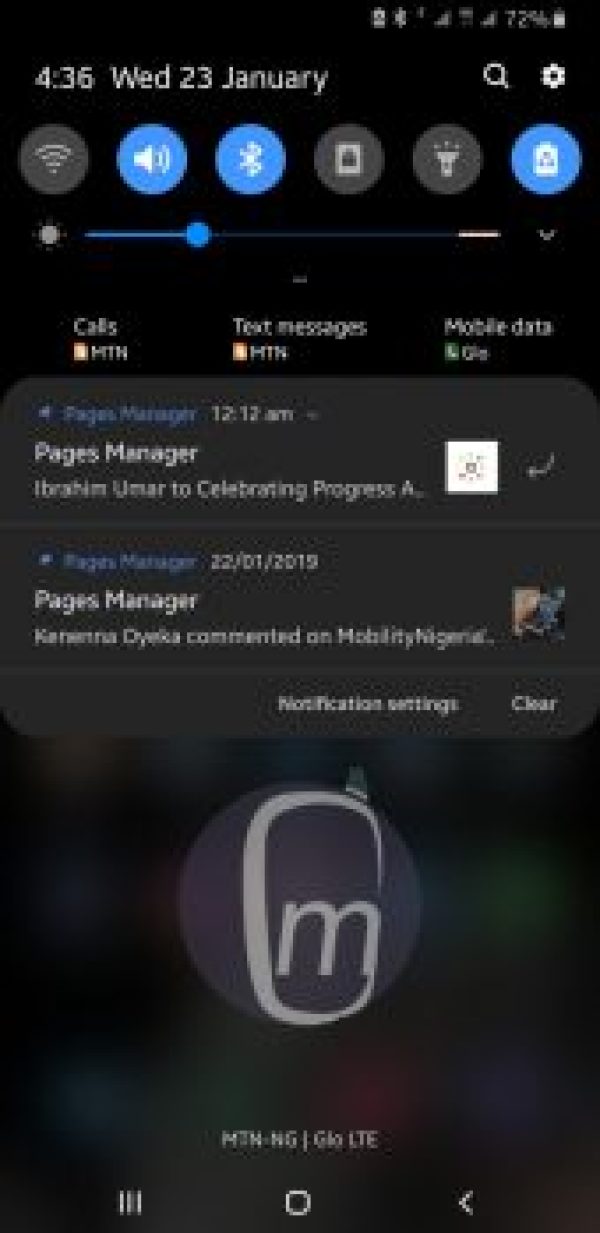
Night Mode Notifications Panel:
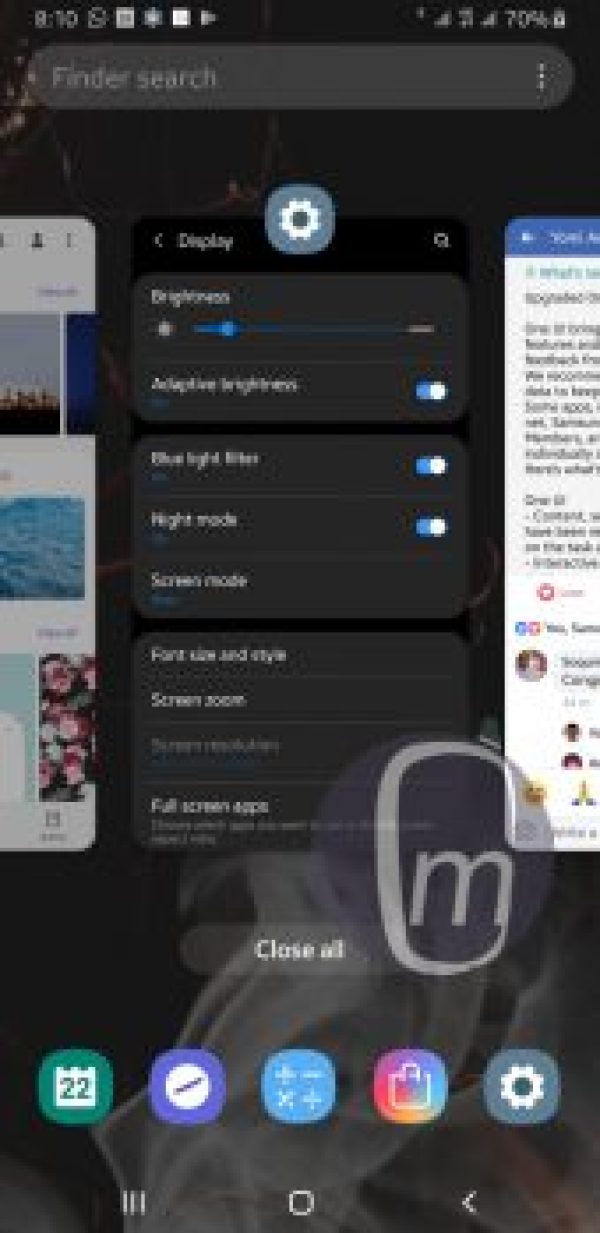
Night Mode: Recently Used Apps:
Night Mode: Messages:

Night Mode: Main Camera

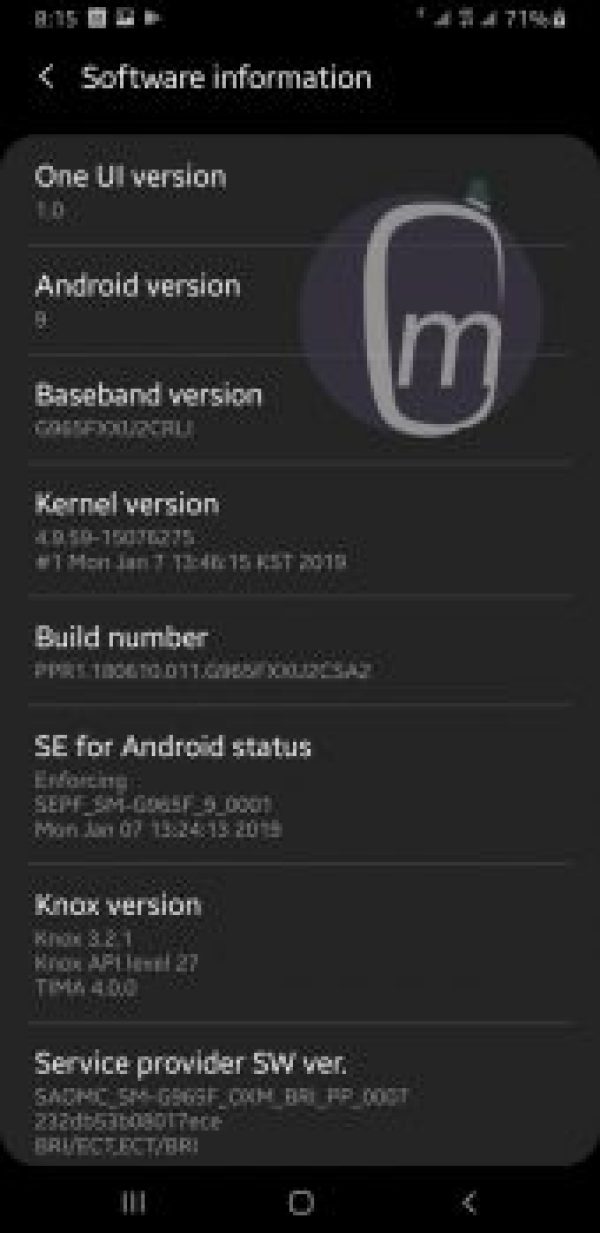
Night Mode – Software Info:
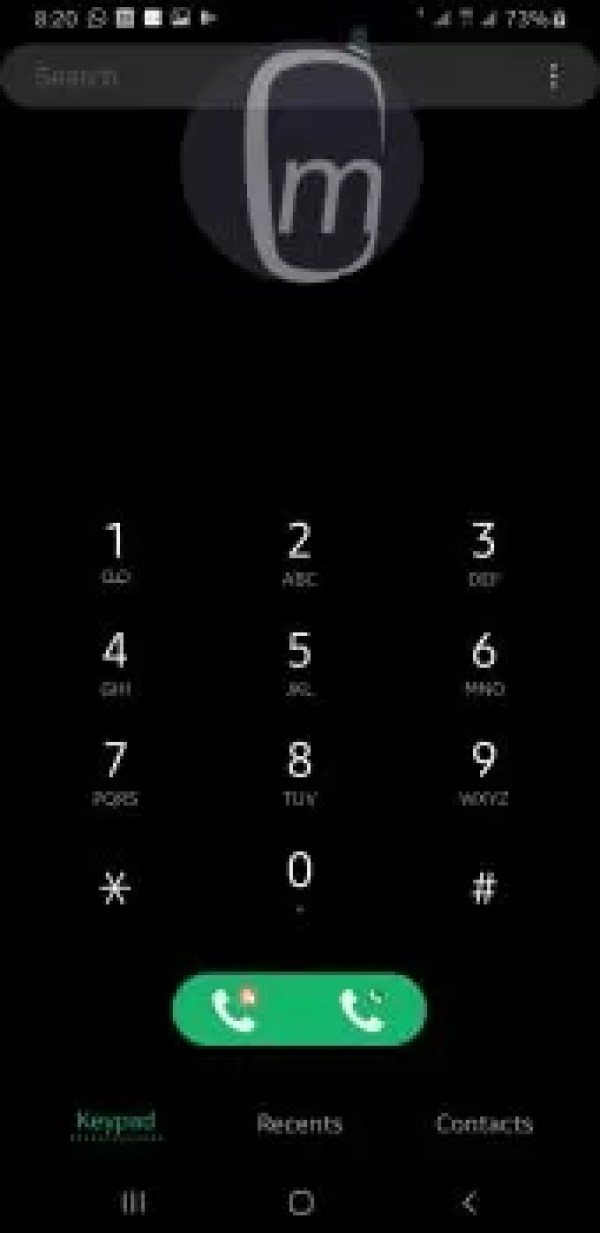
Night Mode – Phone Dialler:
How to enable Samsung One UI Night Mode
Enabling the new dark mode in your Samsung phone is easy. First, your phone must have received the Android 9 Pie update. If it has, just follow these steps:
- Open your phone’s Settings .
- Scroll down and tap on Display .
- Look for Night mode and tap on the toggle to turn it on.
That is it for now. The One UI Night Mode feature will get some configurable options in the future, like the option to have it enabled automatically at night and disabled during the day.
Update, February 21, 2019 : Samsung has released the update that lets you schedule Night Mode. Not sure why anyone will want to ever turn it off, but it is a good thing that the option is there.
Samsung One UI Night Mode Review Wrap Up
This dark theme looks fantastic across the device. If you do not like it, you can keep the traditional white system colour and not bother with black.
As for me, Paint It Black, please. I really, really hope that google implements a system-wide dark theme in Android OS with the release of Android Q later this year. I want the option to go black on any smartphone I use going forward. My full One UI review is on the way, so do not go away!
- Don’t miss our reviews .
- Follow our news on Google News .
- Join our WhatsApp Group , to be notified of the most important articles and deals,
- Follow us on Instagram , Facebook , Twitter , and YouTube .
Author:Mister Mobility
Digital Skills and Communication Coach | Mobile Phone Connoisseur since 2001 | Tech Blogging since 2004
Add MobilityArena as a preferred source on Google
We have compiled the best free iPhone apps for your convenience if you are looking for free apps to use on your new iPhone.
The great news is that many of them are free, and the not so great news is that you have to sort out the apps yourself. That will be too much work because the apps are so much that you’ll not know which one to download. Fortunately for you, that’s the reason we created this list, to help you sort them out by listing the best apps in each category we can think of.
If you do like any of the app in our list, freely download them into your Apple iPhone , and we are sure you won’t be disappointed.
TheBest Free iPhone AppsTo Download
Netflix
This is the app most people use for watching movies and TV series on their mobile device. The Netflix app gives you the best experience anytime and anywhere.
YouTube
Stay connected with your family and friends faster and easier with the Facebook mobile app. You get to share what’s on your mind, pictures, videos and some other things, and you also get to see what your family and friends are up to.
Are you looking for an easy way to capture your favorite moments in one app? The Instagram app is your best bet. You can get to know what your family and friends are up to by following them, you can also find out about Instagram accounts that share your interests by searching for their hashtags in the explore page.
This is an instant messaging app that gives you the ability to send text messages, voice calls, including video calls, audio, images and other media and documents, you can even share your current location with this application.
Twitter is an application where you can get the latest news, politics, entertainment, sports and your everyday interests. When something happens anywhere in the world, it had already happened on Twitter, there are even live streaming of events.
Tinder
This application helps you find lively people in your environment. You get to communicate with them, right from the application, and you are on the verge of going on your first date with someone you met on Tinder.
Match.com
Match.com is an app that allow you to search for its members who are single and stay connected with your new matches on the go. This app has thousands of members you can chat with and also meet.
Gumtree
Either you need to purchase a car or you want to get awesome bargains on furniture and more, you should check out Gumtree. You can purchase, sell and look for deals in your preferred location.
Spotify
This app is unarguably the best to listen to free music on mobile phones and even tablets. You can search by artist, album, or track and listen for free. Spotify lets you create and share your playlists, and there are also already created list for every genre, activity, or mood.
SoundCloud
SoundCloud is the biggest audio streaming platform in the world, and it has more than one hundred and fifty million tracks. It has a very lively community where different musicians drop their latest music. You will find the music from next music stars and also from the music stars of the moment.
Musical.ly
Musical.ly makes it seamlessly easy for you to create amazing short videos which you can share with the world.
Domino’s Pizza
You can search through all pizzas of your choice, desserts, drinks, and sides and make a purchase at the tap of a button and monitor your purchase with their in-app tracking system till it gets to your doorstep.
Sweatcoin
This is an app which counts your steps and tracks your activity, you even get paid digital currency (sweat coins) for your steps. In addition, you can use the currency to purchase sports kit, healthy nutrition, gadgets, fitness training and so many more.
30 Day Full Fitness Challenge
This is a workout plan created by a veteran fitness coach, and it has been proven scientifically to improve your health and fitness. If you are determined, and you follow the program, you will surely see great results.
8 Ball Pool
This is the best pool game in the world, ask any real gamer. You have the chance to join millions of pool players around the world, you can also join pool competitions, challenge your friends of even play against the world in 1v1 pool games. You can also win amazing rewards as you climb to the top.
Infinite Golf
This game is known for its ability to make you addicted to it. Its Golf course is infinity, how far can you go in this game? Make sure you check it out.
Google Photos
This is a photo gallery app powered by Google, created for how you take photos these days. Every photo and videos you take will be automatically backed up so you can find and share them faster.
Pic Collage
This app is your best bet when it comes to photo editing. With this app, you can collage photos into great photo collages with a magnificent design layout for Facebook and Instagram. It also has an amazing real-time filter camera.
Flipagram
Once can create great videos using amazing effects, filters, music and more and this is unarguably the best video app. The app lets you take videos and photos, edit them and share them with a few taps on your phone.
Uber
If you need to get somewhere and need reliable and fast rides in minutes, Uber I’d there for you. Either day or night, you don’t need to wait for a taxi or bus, and it’s seamlessly easy to pay with either credit card or cash.
Some Other Amazing Apps You Can Try Out
Besides the above-listed best free iPhone apps, there are scores of other free remarkable apps in the Apple App Store for you to explore. Here are some of them.
- BBC iPlayer
- ITV Hub
- TopBuzz
- MTV Play
- Snapchat
- Messenger
- Tumblr
- Zoosk
- eHarmony
- AliExpress
- Wish
- Apple Music
- McDonald’s
- KFC
- MyFitnessPal
- Fitbit
- Weight Loss Fitness
- BetterMe: Workouts
- Asphalt 8
- FIFA18
- Twisty Road
- Finger Driver
- Clash of Clans
- Pixlr
- Photoshop Express
- Boomerang for Instagram
- Canva
- Airbnb
- Google Maps
That is it on our round-up of the best free iPhone apps available in the Apple Store.
- Don’t miss our reviews .
- Follow our news on Google News .
- Join our WhatsApp Group , to be notified of the most important articles and deals,
- Follow us on Instagram , Facebook , Twitter , and YouTube .
