Add MobilityArena as a preferred source on Google
In December 2021, Samsung began rolling out stable One UI 4 based on Android 12 to its phones. There was an initial hitch with bugs in some of the updated devices, but the company quickly ironed them out.
I thought I’d take a closer look at the list and it is fascinating what Samsung has been able to pull off in such a short period of time. We saw Samsung execute speedy updates to Android 11 and wondered whether it was a flash in the pan. Well, apparently not.
Samsung phones that have received Android 12 update till date
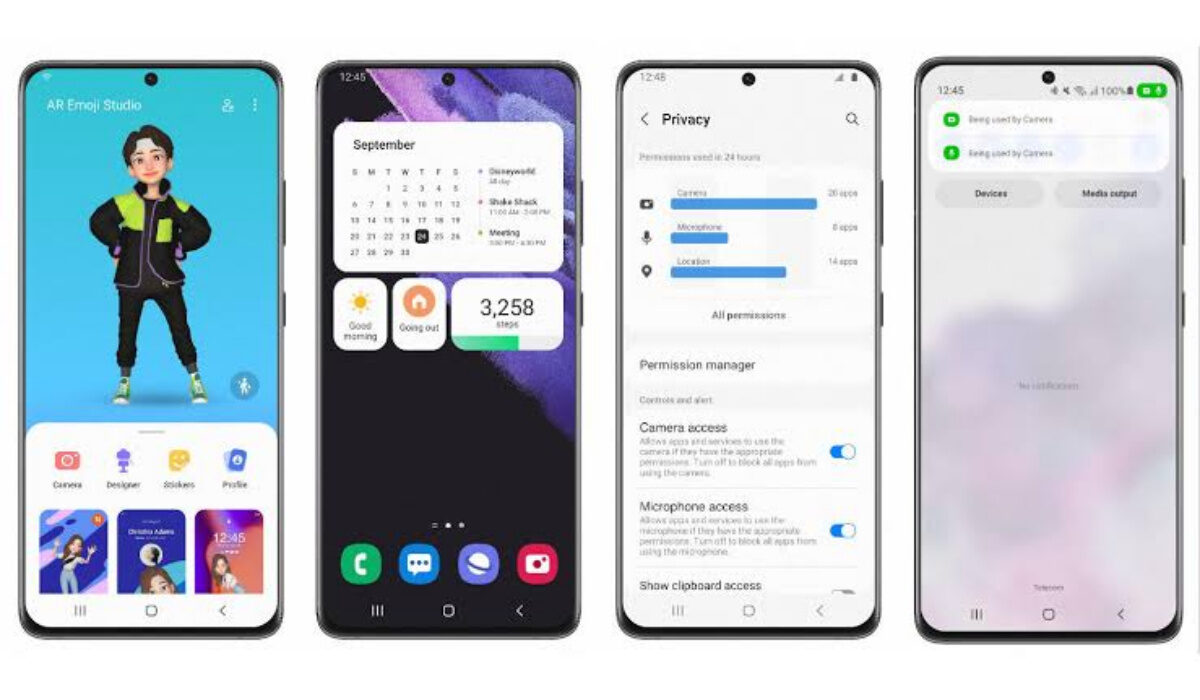
Below is a list of all existing Samsung phones that have received Android 12 update as at 11th of January 2022.
Samsung Galaxy Fold 5G
Samsung Galaxy A52s 5G
Samsung Galaxy A72
Samsung Galaxy A52
Samsung W22 5G
Samsung Galaxy S10 Lite
Samsung Galaxy Z Fold3
Samsung Galaxy Z Flip3
Samsung Galaxy S10 5G
Samsung Galaxy S10
Samsung Galaxy S10e
Samsung Galaxy S10+
Samsung Galaxy S21
Samsung Galaxy S21+
Samsung Galaxy S21 Ultra
Samsung Galaxy S21 FE
Samsung Galaxy Fold
Samsung Galaxy Note 10
Samsung galaxy Tab S7
Samsung Galaxy Tab S7+
Samsung Galaxy Z Flip
Samsung Galaxy S20
Samsung Galaxy S20+
Samsung Galaxy S20 Ultra
Samsung Galaxy S20 FE
Samsung Galaxy S20 5G
Samsung Galaxy S20+ 5G
Samsung Galaxy S20 Ultra 5G
Samsung Galaxy S20 FE 5G
Samsung Galaxy Note20
Samsung Galaxy Note20 Ultra
Samsung Galaxy Note20 5G
Samsung Galaxy Note20 Ultra 5G
In all, as at the time of originally publishing this article, 29 Samsung phones have started received Android 12. Updates are often staggered and some of them may not have happened in your country or region yet, but it will get to you if you own one of the above devices.
If you want speedy Android software updates and are not down for Google Pixel phones, Samsung appears to be committed to it, more than any other Android brand at this time.
- Don’t miss our reviews .
- Follow us on Instagram , Facebook , Twitter , and YouTube .
Author:Mister Mobility
Digital Skills and Communication Coach | Mobile Phone Connoisseur since 2001 | Tech Blogging since 2004
Add MobilityArena as a preferred source on Google
Battery capacity – of any kind of battery – degrades over time. As it is charged and discharged, it loses some of its capacity. This is true for phones, cars, inverters – all kinds of batteries. If you are a fan of Apple’s ecosystem, you can check your iPhone battery health or capacity to know when your battery is due for replacement.
Apple says that a normal iPhone battery is designed to retain up to 80% of its original capacity after 500 complete charge cycles when operating under normal conditions. iPhone 6 and later, iOS 11.3 and later have a battery health indicator built in to help you keep tabs on your iPhone’s battery capacity.
That way, you can know when the battery needs to be replaced. A brand new iPhone has a 100% battery health. That’s 100% battery capacity. That figure drops over months and years, as you put the phone to use.
PS: your brand new iPhone may show a battery capacity of slightly less than 100%. This is nothing to worry about, as keeping a battery stored for months without use also drains it of some capacity. So, a brand new iPhone that has spent months on the store shelf might display a 99% battery capacity. Don’t fret.
When to fret is when your iPhone battery capacity drops below 80%, because then, the battery is no longer in optimal form. It means, your iPhone may not retain a full charge for long any more. The performance of the phone is also sometimes affected.
Once the battery health of your iPhone is below optimal and performance degrades, it is time for you to replace your battery. Look below for the easy steps to check the battery health of your iPhone.
The steps to check iPhone Battery Health
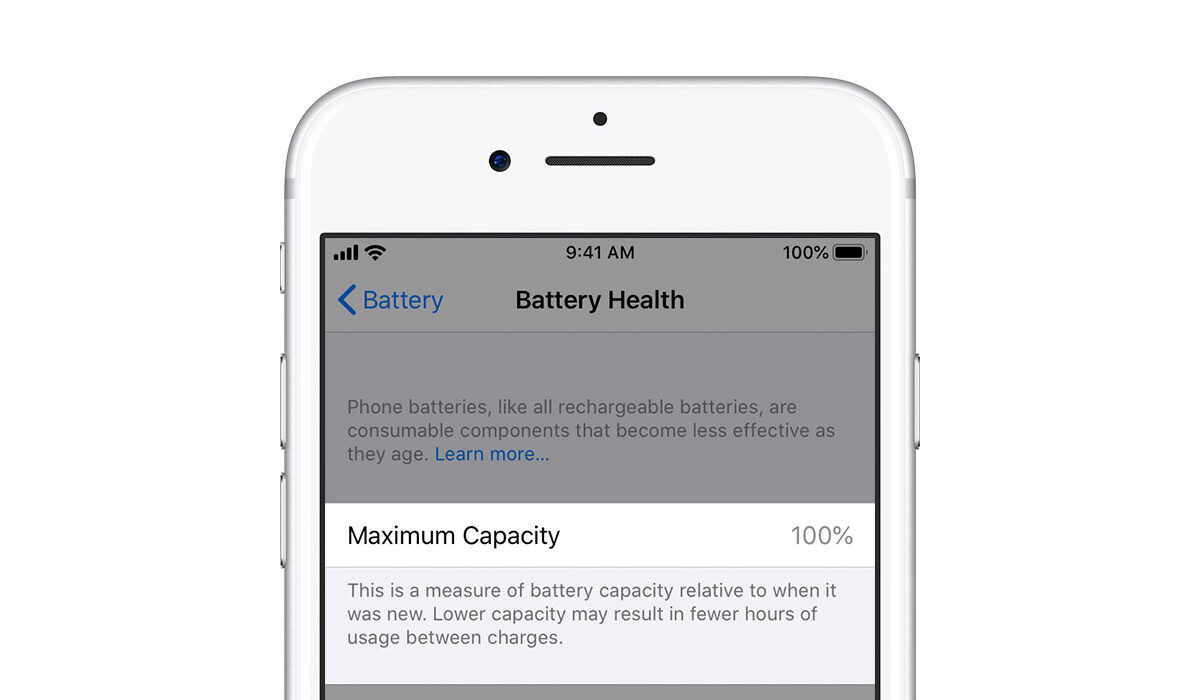
- Open the Settings app on your iPhone.
- Select Battery .
- Select Battery Health .
You will see the battery’s “maximum capacity” displayed in percentages and a message on the status of the battery, stating whether it is significantly degraded or not.
It is your call from that point. If the results are bad, go get your battery replaced at the nearest Apple store. Or perhaps upgrade to a newer model, if you are ready for the expenses.
A few tips for preserving your iPhone Battery Health
Do not use or store your iPhone in extreme temperatures. Very high and very low temperatures can damage your iPhone battery.
If you won’t be using your iPhone for long period of time, e.g. when travelling, do not charge it fully, or empty it, before storing it away. Leave about 50 to 60% charge on it, power it off, and store away.
Lastly, avoid some phone cases. Before you scream, hear me out. I know you love those fancy cases, but they make it difficult for your phone to breath. This applies to all kinds of phones. They heat up faster when used with a case, and heat is bad for your phone’s battery. See?
Heat is perhaps a smartphones number one enemy. Do whatever it takes to keep your device from heating up. For example, when inside a car, don’t place your phone on the dash in direct glare of sunlight. Have you ever touched your dashboard in hot weather? Scalding. Now imagine leaving your phone on it. Don’t do that to your precious iPhone.
Now you know what iPhone Battery Health is all about, how to find it, and how to preserve your battery better. Leave us a comment if you have had an experience relevant to this subject. We love to hear from you. Also, you might be interested in knowing how to check battery health on Android devices .
- Don’t miss our mobile phone reviews .
- Follow our news on Google News .
- Join our WhatsApp Group , to be notified of the most important articles and deals,
- Follow us on Instagram , Facebook , Twitter , and YouTube .
