Add MobilityArena as a preferred source on Google
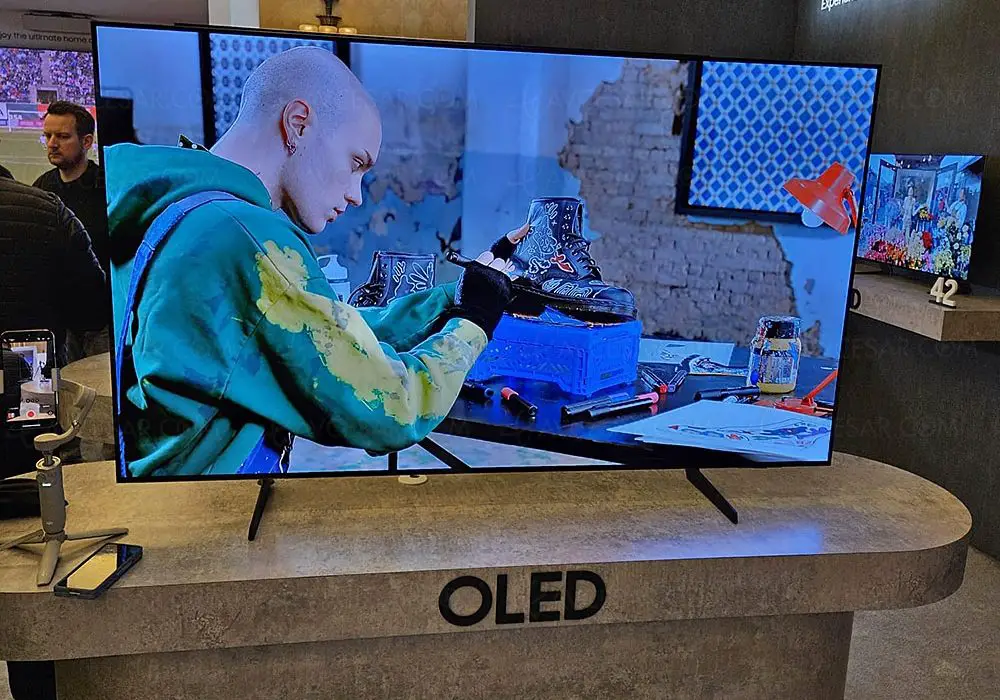
The Samsung S85D Series OLED TV has made waves in the home entertainment market, offering stunning picture quality, vibrant colors, and a host of smart features. With its sleek design and advanced technology, it aims to provide an immersive viewing experience for movie lovers and gamers alike. Additionally, the TV incorporates cutting-edge features such as variable refresh rates and low input lag for gaming enthusiasts. However, like any electronic device, it is not without its challenges. In this article, we will discuss common issues associated with the Samsung S85D series and provide practical solutions to enhance your viewing experience. By understanding these challenges and implementing the suggested fixes, you can maximize the potential of your Samsung S85D OLED TV and enjoy a truly captivating home cinema experience. Let’s dive into the specific problems faced by users and explore effective solutions!
- Common Issues with the Samsung S85D Lack of Dolby Vision Support Aggressive ABL (Automatic Brightness Limiter) Color Accuracy Issues Pre-Calibration Software Bugs Affecting Brightness Control
- Conclusion
Common Issues with the Samsung S85D
Lack of Dolby Vision Support

One of the most significant drawbacks of the Samsung S85D series is its lack of support for Dolby Vision, a popular HDR format that enhances picture quality by providing dynamic metadata. Users may notice that HDR content appears darker than expected, leading to a less vibrant viewing experience. To get this resolved, simply apply these following set of solutions: Solution:
- Adjust Picture Settings: While you can’t enable Dolby Vision, adjusting picture settings can help improve HDR performance. Experiment with different modes like “Dynamic” or “Movie” to find a balance that enhances brightness without oversaturation.
- Use External Devices with Dolby Vision Support: Consider using external streaming devices like Apple TV 4K or Amazon Fire TV Stick that support Dolby Vision. This allows you to access content in that format while using your S85D.
Aggressive ABL (Automatic Brightness Limiter)
The Samsung S85D series employs an aggressive ABL that can be distracting during scenes with large areas of brightness. Users may observe noticeable dimming when bright scenes are displayed, which can detract from the overall immersion. I recommend the following to mitigate the aggressive ABL:
- Optimize Viewing Environment: Reduce ambient light in your viewing area to minimize the impact of ABL. Using blackout curtains or shades can help create a more controlled lighting environment.
- Use Low Brightness Settings: If aggressive dimming is distracting during bright scenes, consider lowering the overall brightness setting on your TV to reduce the impact of ABL.
Color Accuracy Issues Pre-Calibration
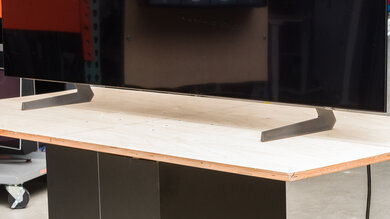
Out of the box, the color accuracy of the Samsung S85D series may not meet expectations, particularly in SDR (Standard Dynamic Range) content. Users might see an overrepresentation of greens in grays and blues, leading to less accurate color reproduction. You can improve the color accuracy by doing the following:
- Calibrate Your TV: For optimal color accuracy, consider professional calibration or use calibration tools available online. Adjust settings such as white balance and gamma to achieve better results.
- Utilize Calibration Settings from Experts: Refer to calibration settings provided by trusted sources like RTINGS.com to improve pre-calibration accuracy quickly.
Software Bugs Affecting Brightness Control

Some users of the Samsung S85D series have reported bugs related to brightness adjustments where changes do not take effect until the TV is rebooted. This can lead to frustration as users struggle to achieve their desired brightness levels during viewing. I recommend the following to get this resolved:
- Perform a Software Update: Regularly check for software updates by going to Settings > Support > Software Update. Updates often include bug fixes that can resolve issues with brightness control.
- Factory Reset if Necessary: If problems persist after an update, consider performing a factory reset by navigating to Settings > Support > Self Diagnosis > Reset Smart Hub, which can help clear out any lingering software glitches.
Conclusion
The Samsung S85D Series OLED TV offers impressive features and picture quality that can elevate your home entertainment experience. However, it does come with some common issues such as lack of Dolby Vision support, aggressive ABL, color accuracy challenges, and software bugs affecting brightness control. By implementing practical solutions—such as optimizing picture settings, reducing ambient light, calibrating your display, and keeping your software updated—you can significantly enhance your viewing experience with the Samsung S85D series. Embrace these strategies to fully enjoy all that this advanced OLED TV has to offer!
Author:Ifeoluwa Adeleke
Add MobilityArena as a preferred source on Google
Lenovo laptops are known for their reliability and performance. In 2024, several Lenovo laptops stand out for their performance, design, and value. Lenovo has established itself as a leader in the laptop market, offering a diverse range of devices that cater to various needs, from gaming and business to everyday use. With innovative designs and powerful specifications, Here’s a detailed look at some of the best Lenovo laptops available in the U.S. market this year, highlighting their unique features and benefits that make them suitable for different users. Whether you are a student, a professional, or a gamer, there is a Lenovo laptop tailored to meet your specific requirements. From the premium ThinkPad series to the versatile Yoga line, Lenovo continues to impress with its commitment to quality and innovation.
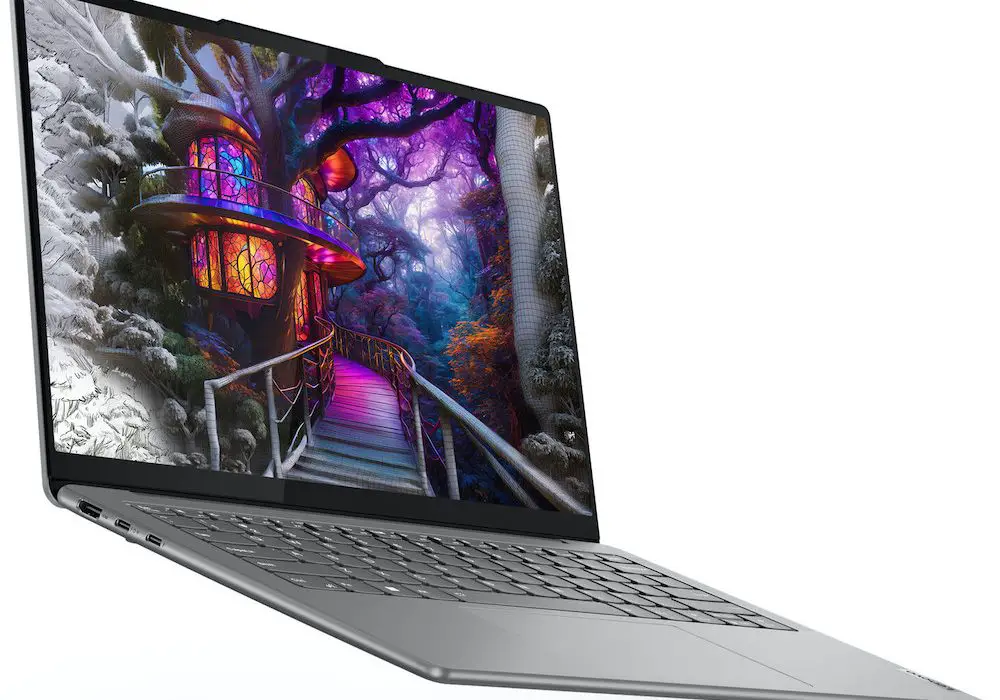
- List of 2024 Lenovo Laptops Lenovo ThinkPad X1 Carbon Gen 12 Lenovo Yoga 9i (Gen 9) Lenovo Legion Pro 7i Lenovo Slim Pro 7 (2024) Lenovo IdeaPad Flex 5i Lenovo ThinkPad P1 Gen 7 (2024)
- Conclusion
List of 2024 Lenovo Laptops
Lenovo ThinkPad X1 Carbon Gen 12
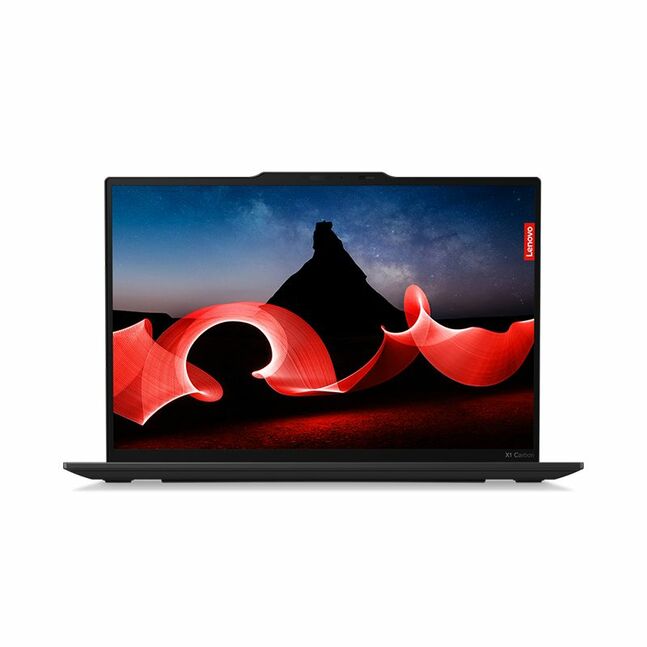
The ThinkPad X1 Carbon continues to be a favourite among professionals for its combination of portability and performance. Its OLED display offers vibrant colours, making it ideal for presentations and media consumption. Best Overall Business Laptop. It Key features are as follows:
- Lightweight and durable design
- Stunning 2.8K OLED display with HDR support
- Exceptional keyboard experience
- Up to Intel Core i7 processors
- Pros: Excellent build quality, long battery life, and a wide array of ports.
- Cons: Premium pricing; lacks an SD card slot.
Lenovo Yoga 9i (Gen 9)
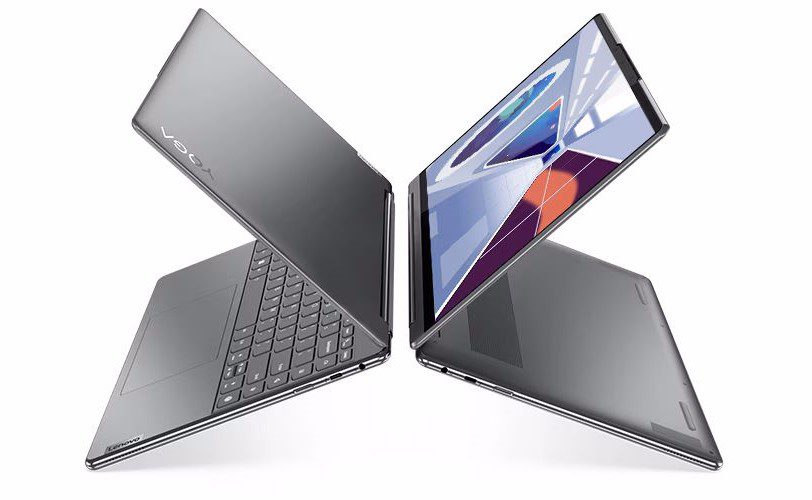
The Yoga 9i is perfect for those who want the flexibility of a tablet and the functionality of a laptop. Its stunning display and solid performance make it great for both work and entertainment. You can say it is the Best 2-in-1 Laptop. The Key Features:
- Flexible convertible design
- Bright OLED touchscreen with Dolby Vision
- Intel Core Ultra processors
- Pros: Versatile usage modes, high-quality audio with a rotating soundbar hinge.
- Cons: Limited upgrade options; no HDMI port.
Lenovo Legion Pro 7i
Designed for gamers, the Legion Pro 7i offers top-tier performance capable of handling the latest games at high settings without breaking a sweat. Looking for a gaming laptop, you can refer to this as the best gaming Laptop. Key Features:
- Intel Core i9 processor paired with NVIDIA GeForce RTX graphics
- High-refresh-rate QHD display
- Robust cooling system
- Pros: Powerful performance for gaming; excellent build quality.
- Cons: Heavier than other laptops; premium price point.
Lenovo Slim Pro 7 (2024)
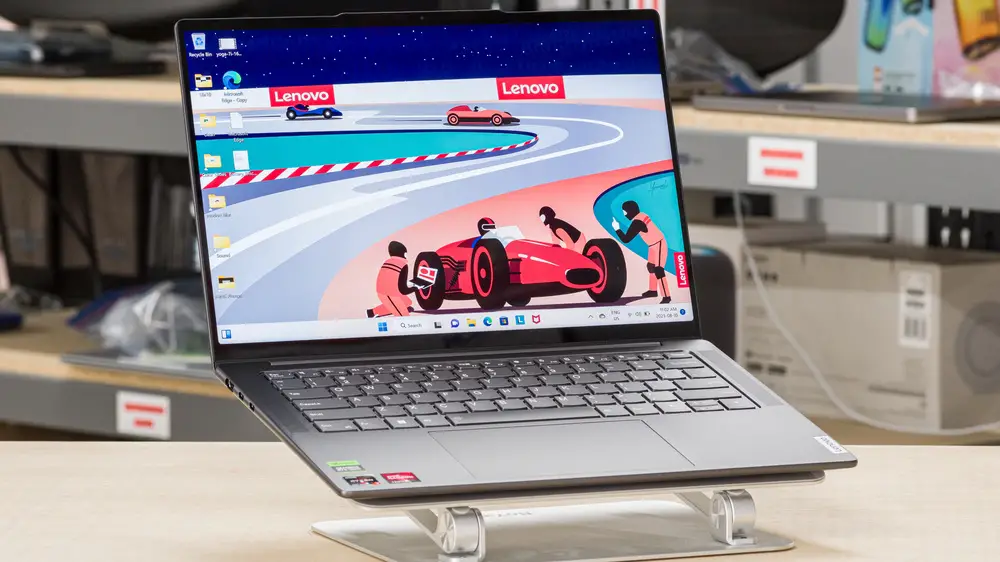
The Slim Pro 7 strikes an excellent balance between performance and portability, making it suitable for students and professionals alike. Best Mid-Range Laptop. Key Features:
- AMD Ryzen processors
- High-resolution display options
- Thin and lightweight design
- Pros: Great performance-to-price ratio; solid battery life.
- Cons: Limited graphics options compared to gaming-focused models.
Lenovo IdeaPad Flex 5i
Ideal for casual users and students, the IdeaPad Flex 5i provides decent performance at an accessible price point, making it a great choice for everyday tasks. Best budget friendly Laptop. The Key Features:
- Convertible design with touchscreen functionality
- AMD Ryzen or Intel Core options
- Pros: Affordable price; versatile usage modes.
- Cons: Average build quality; limited processing power for heavy tasks.
Lenovo ThinkPad P1 Gen 7 (2024)
The ThinkPad P1 is designed for professionals who require powerful hardware for demanding applications like video editing or CAD software. Its robust build and performance make it a top choice in the workstation category. Looking to set up your workstation as a tech bro, you can consider this as the best Workstation Laptop. Key Features:
- Configurable with Intel Meteor Lake CPUs and NVIDIA RTX GPUs
- Multiple high-resolution display options (including OLED)
- Pros: Exceptional performance; user-upgradeable components.
- Cons: Hefty price tag; heavier than standard laptops.
Conclusion
Lenovo laptop lineups in 2024 offers something for everyone, whether you’re looking for a powerful gaming machine, a versatile convertible laptop, or a reliable business device. The ThinkPad X1 Carbon remains a standout choice for professionals, while the Yoga series caters to those seeking flexibility. For gamers, the Legion Pro series delivers exceptional performance, making it one of the best options available. When choosing the best Lenovo laptop for your needs, consider factors such as performance requirements, portability, and budget to find the perfect fit. With these top picks in mind, you’re well on your way to selecting a laptop that meets your expectations and enhances your productivity or gaming experience!
