Add MobilityArena as a preferred source on Google
By definition a dual flash drive has two connectors so it can plug into both your smartphone and your PC as you need. Dual flash drives have been around for years now, but the technology behind them and their capabilities keep improving. We got our hands on the SanDisk Ultra Dual Drive C flash drive, a lightweight, compact dual drive. What is it like using one?
Having owned another dual flash drive for years, the first thing I noticed about the SanDisk Ultra Dual Drive is how much more compact it is when placed beside my older drive. It is about half the physical size, yet has four times the storage capacity.
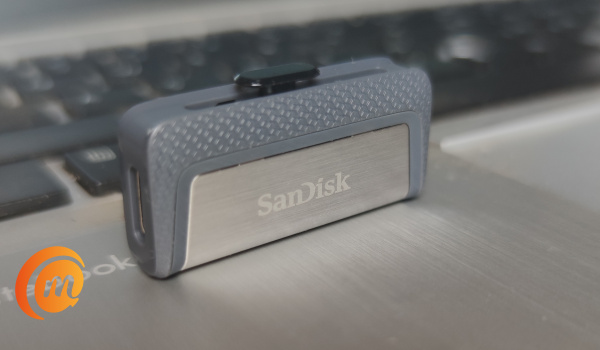
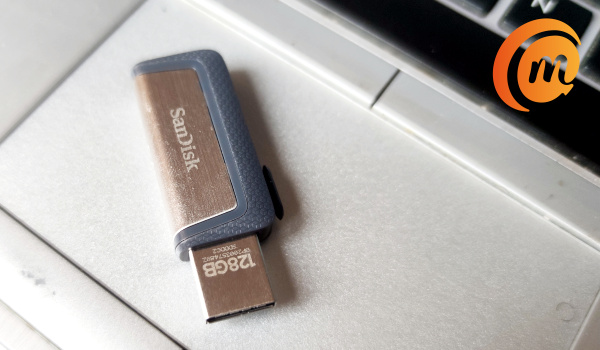
The retractable connectors are a cool part of the design of this model. At one end is a standard PC-compatible USB-A connector, while at the other end is a smartphone-compatible USB-C connector. Both are hidden away from sight when the flash drive is not in use.
To connect, push out which of the connectors you need, depending on whether you want to connect to a PC or a smartphone.
- SanDisk Ultra Dual Drive C Specs
- SanDisk Ultra Dual Drive C Review: In Use
- Using SanDisk Ultra Dual Drive C Flash Drive With Sandisk Memory One Mobile App
- SanDisk Ultra Dual Drive C Flash Drive Review: Conclusions
SanDisk Ultra Dual Drive C Specs
- Storage Capacity: 16GB / 32GB / 64GB /128GB / 256GB
- USB Type: USB 3.1 Gen 1, SATA
- Connectors: USB-C; USB-A
- PC /Laptop Compatibility: Windows Vista®, Windows® 7, Windows 8, Windows 10, Mac OS X v10.6 and higher
- Smartphones, tablets, and other USB devices compatibility: USB Type-C™ port and On-The-Go (OTG) support.
SanDisk Ultra Dual Drive C Review: In Use
Our review unit is of 128GB capacity. Plugging it into my Windows 10 laptop, everything went as it should with flash drives. We have been plugging USB drives into laptops for ages and you already know how to use it. The novelty is worn, and I bet you are not reading this review because the SanDisk Ultra Dual Drive can be plugged into a laptop.
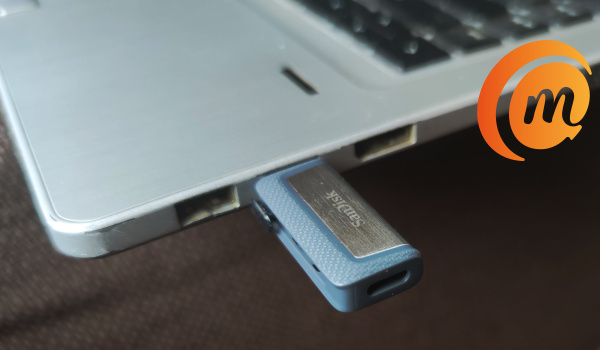
You are likely reading this review to see how the dual drive works with a smartphone, so let’s skip to that. The SanDisk Ultra flash drive works as it should with a laptop. That’s all there is to that.
Using SanDisk Ultra Dual Drive C Flash Drive With Sandisk Memory One Mobile App
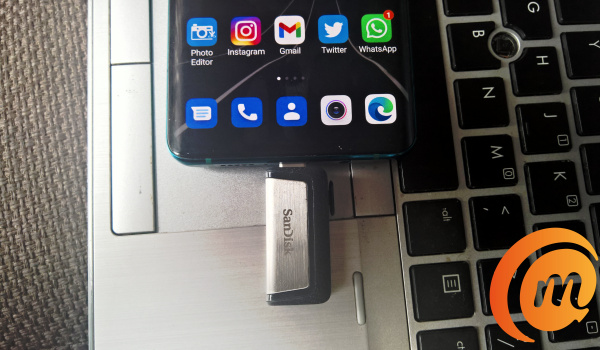
The Ultra dual flash drive is compatible with SanDisk’s Memory Zone app for Android™. It is a mobile application designed to help you m anage the files in your phone memory – photos, videos, documents, etc, on your card, flash drive, and in the cloud. You can easilly free up space on your phone using the app to backup files to a memory card, the SanDisk Ultra Dual Drive itself, or to a range of cloud services like SanDisk drive, Google Drive, One Drive, Box, or DropBox.
Of course, I downloaded it to my Android phone and gave it a spin. On plugging in the Ultra dual flash drive after inatallation of the app, I got a prompt from the app asking for permission for the app to be opened whenever the USB device is connected. You can also set the app to be used by default for the USB flash drive.
Seeing as I was testing it to see how it works, I declined for both. I wanted to see whether my smartphone would work with the drive without the app. Good news: it does. I was able to use my phone;s built-in File Manager to copy and move files from the phone memory to the USB device and vice versa.
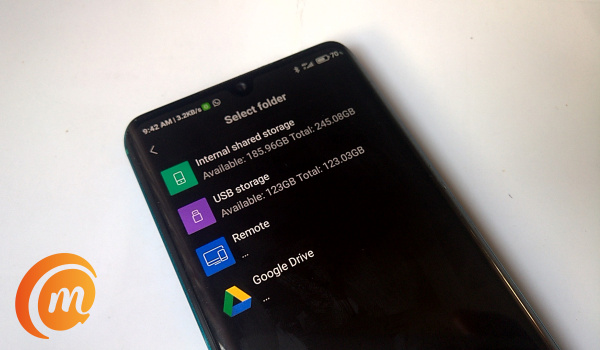
Using the SanDisk Ultra Dual Drive C without the Memory Zone app: my phone’s built-in file manager works fine
When I did use the app, I was able to take advantage of the extra features and benefits it brings – like the ability to configure manual and auto backups to the supported cloud storage services.
The app also provides features that let you delete junk files from your phone, clean up WhatsApp media (for those of you WhatsApp media junkies), and manage apps. Of course, some phones already have some of these functionalities built-in. If yours does not, the SanDisk Memory Zone app puts these tools in your hands.
Of course, the Memory Zone app has its own File Manager too, which you can use for moving files about from your Android phone to the USB drive or to cloud. It has a well refined user interface that is a joy to use.
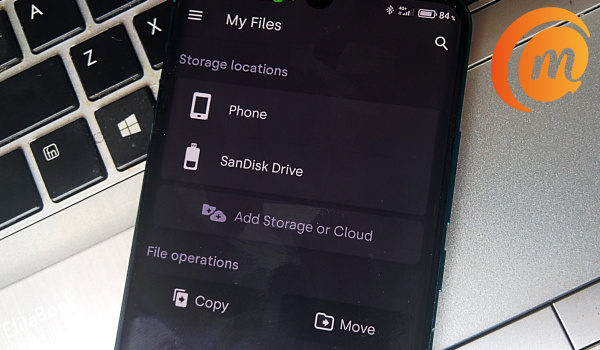
The SanDisk Memory one app is available for Android smartphones for free. One small point is that it does not have any ads on it. As small as that is, it makes for a more enjoyable user experience.
You can download Sandisk Memory One mobile app HERE .
SanDisk Ultra Dual Drive C Flash Drive Review: Conclusions
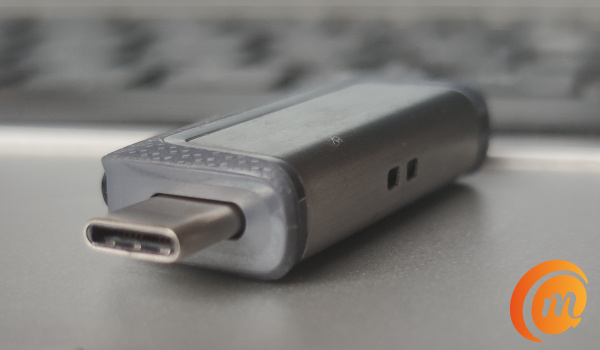
The SanDisk Ultra Dual Drive is a simple but useful USB accessory for anyone who owns an Android smartphone and/or a laptop. Even if you do not own a laptop or PC, you never can tell when having a portable drive that is pluggable into your smartphone will come in handy. Smartphones are today’s PCs afterall.
Note that your smartphone has to have USB-OTG (USB-On-The-Go) support for you to be able to use it with the SanDisk Ultra Dual Drive or any other USB device at all. As such, you need to check your phone’s documentation to see if it has that.
There are different storage capacities available in the market, including 16GB, 32GB, 64GB, 128GB, and 256GB. This 128GB unit we are reviewing is available in the market for ₦9,200 only. You will find it for $21.49 from Western Digital’s website. It is also available from local and international online stores.
Author:Mister Mobility
Digital Skills and Communication Coach | Mobile Phone Connoisseur since 2001 | Tech Blogging since 2004
Add MobilityArena as a preferred source on Google
What is the easiest way to upgrade to the latest iPhone model? Every year, many owners of older iPhone models are on the loookout for the easiest way to upgrade to the latest iPhone. With the release of the iPhone 12 mini , iPhone 12 , iPhone 12 Pro, and iPhone 12 Pro Max , the industry is in overdrive now once again and people want to upgrade.
Apple iPhone Upgrade Program
A trade-in is the best way to upgrade to the latest iPhone and there is no better one that Apple’s own iPhone Upgrade Program. The program works with your carrier, be it T-Mobile/Sprint, AT&T, or Verizon, and allows you to trade-in your older model for a new one.
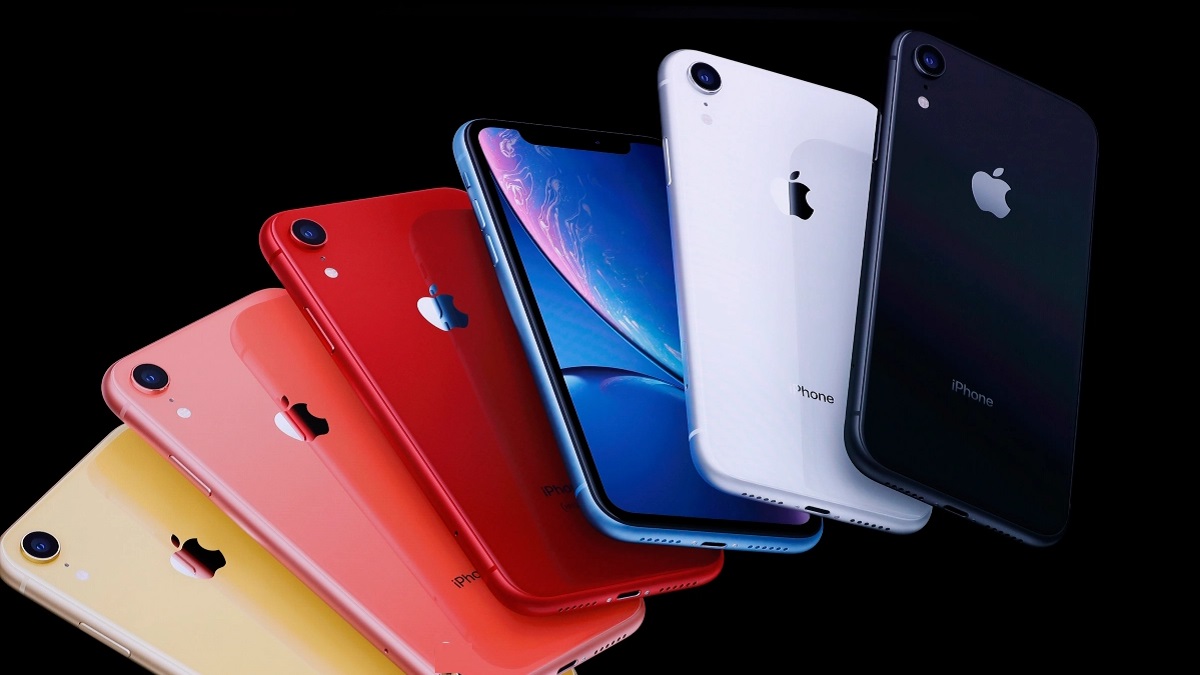
The summary of how it works is that you hand in your older iPhone model for a new one, and pay for it, interest-free, over two years. Note that you are eligible only if you have made up to 12 monthly payments on your older model. So, this means that the iPhone Upgrade Program is perfect for indivisduals who want to get the latest iPhone every year.
Requirements include personal details like, your Social Security number, an annual income for a credit check, and a valid U.S. credit or debit card. Prepaid cards are not accepted.
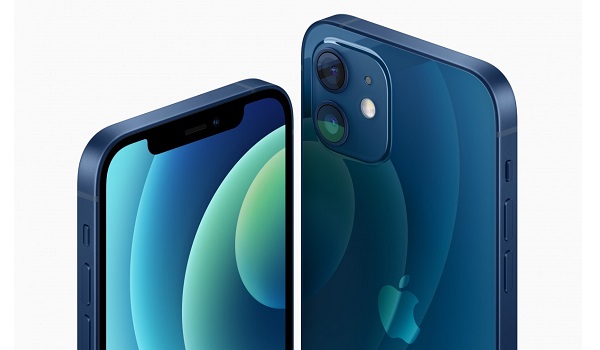
Apple’s upgrade program works independent of carriers. It requires no changes to your existing subscription with your carrier. That does not mean that you can’t explore upgrading through your carrier though.
Carrier Financing
Another convenient way to upgrade to the latest iPhone is via your carrier. Depending on the specific ncarrier and available contract, you might be able to take advante of their trade-in program and drop your older iPhone model for a new one.
Some of the available carrier programs include: AT&T Next Up, T-Mobile Jump, Sprint iPhone Forever (Sprint is now a part of T-Mobile), and Verizon Annual iPhone Upgrade Program. Ask for details from any of these carriers. Smaller carriers also offer trade-in and financing deals for you to explore.
Requirements for carrier programs differ from one carrier to the next, but you will need your Social Security Number and credit checks as well.
Apple Card Monthly Installments
Lastly, you can also easily upgrade to the latest iPhone model via the Apple Card Monthly Installments. This is not a trade-in, so you are paying the full cost of the new model, only in monthly instalments.
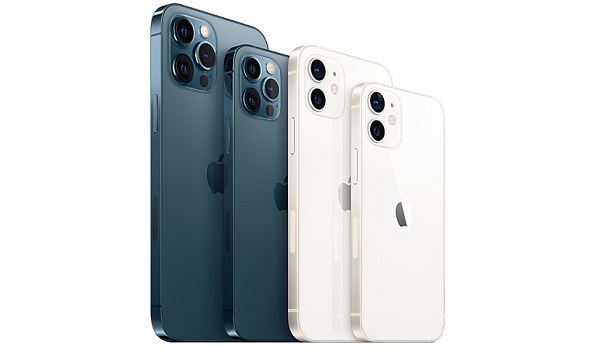
Which is the easiest way to upgrade to the latest iPhone model?
So which of these options should you pursue? It is reported that Apple’s iPhone Upgrade Program costs significantly more than carrier financing options and paying for the phone in full. For example, it has been reported that “the Apple iPhone Upgrade Program could cost you as much as $110 more than paying in full – and it’s even more expensive than some carrier plans” [1]
So, if you are looking to save on cash, Apple’s program might not be the best option for you.
If you are not quite keen on roping yourself into make monthly payments, roping yourself to a specific carrier, or being forced into an upgrade schedule, you should consider paying for your new iPhone outrighly and staying a free person. Note that you can also pay the full price via instalment payment too. You would be surprised how much less this costs.
If you are already tied to a carrier and it is not an issue, or you are short on cash at the moment, you should find out what financing deal your cell phone carrier has to offer and go with that. Different carriers have different upgrade plans and some are more affordable than others.
References
- Flipsy ( source ).
