Add MobilityArena as a preferred source on Google
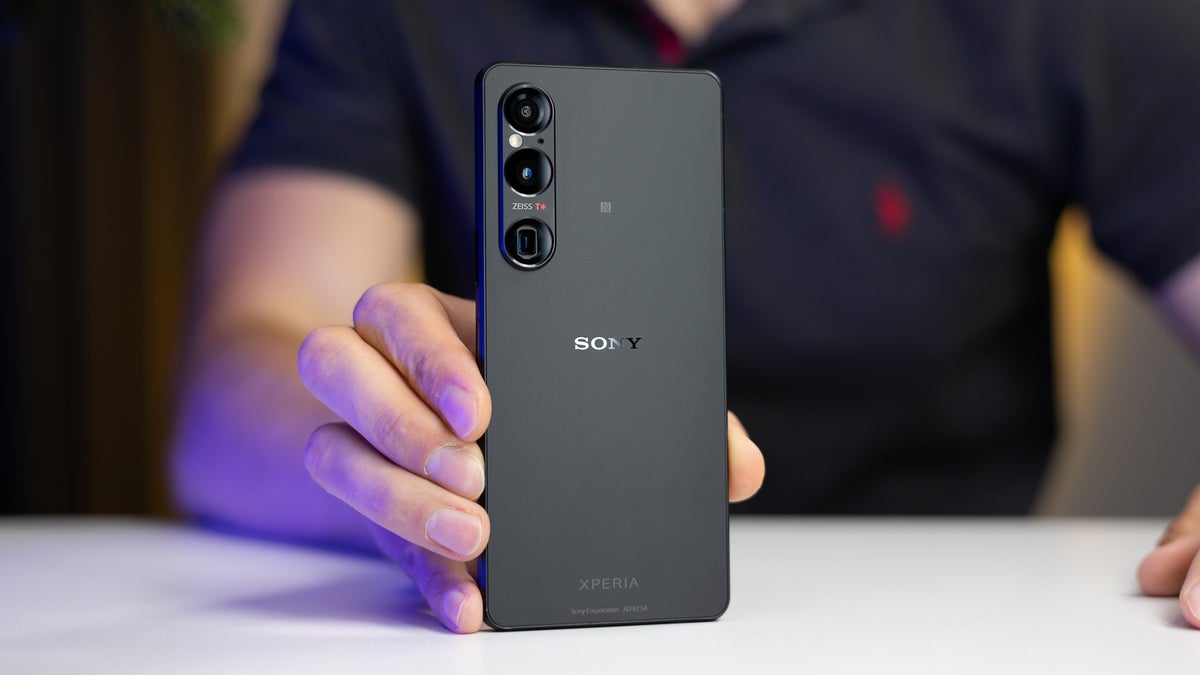
The Sony Xperia 1 VI has made waves in the smartphone market with its stunning display, powerful performance, and advanced camera features. However, like any flagship device, it comes with its own set of challenges that users may encounter. From occasional lagging performance to connectivity issues and camera functionality concerns, users have noted several areas for improvement. Additionally, some have expressed frustration over battery life and software navigation. Understanding these challenges is key to maximizing the potential of your device. By addressing these common complaints proactively, you can ensure that your time with the Xperia 1 VI is as enjoyable and seamless as possible. Explore with me some of these common issues reported by Sony Xperia 1 VI owners as I provide practical solutions to enhance your experience with this impressive smartphone.
- Lagging Performance
- Bluetooth Connectivity Issues
- Camera Performance Concerns
- Heating Issues
- USB Connection Problems
- Conclusion
Lagging Performance
One of the most frequently reported issues among users of the Sony Xperia 1 VI is lagging performance , particularly when scrolling or opening apps. Many have noted that the device can feel sluggish, especially when switching between different refresh rates. Below are the highlighted solutions:
- Lock Refresh Rate: To avoid lag when changing refresh rates, use the Game Enhancer app to lock your favorite apps at 120Hz. This way, you can enjoy smoother performance without interruptions.
- Clear Cache: Regularly clear the cache of your apps to free up system resources. Go to Settings > Apps > select the app > Storage > Clear Cache .
- Software Updates: Ensure your device is running the latest software version. Sony frequently releases updates that can improve performance and address bugs.
Bluetooth Connectivity Issues
Some users of the Sony Xperia 1 VI have experienced unstable Bluetooth connections, leading to frustrating delays when using wireless headphones or connecting to car audio systems. I recommend the following as solutions:
- Re-pair Devices: Remove the Bluetooth connection and re-pair your devices. This often resolves connectivity issues.
- Reset Network Settings: If problems persist, reset your network settings by going to Settings > System > Reset options > Reset Wi-Fi, mobile & Bluetooth . This can help refresh all network connections.
- Check for Interference: Ensure there are no other devices causing interference nearby. Sometimes, other Bluetooth devices can disrupt connections.
Camera Performance Concerns

While the Sony Xperia 1 VI boasts an impressive camera system, some users have reported issues with overexposed images in bright conditions and slow shutter response times. I recommend the following:
- Adjust Camera Settings: Experiment with manual settings in the camera app to reduce exposure levels. Switching to Pro mode allows for more control over ISO and shutter speed.
- Software Updates: Keep an eye out for camera software updates from Sony that may address performance issues and improve image quality.
- Use HDR Mode: Enable HDR mode when shooting in bright environments to help balance exposure and capture more detail in highlights and shadows.
Heating Issues
Users have noted that the Sony Xperia 1 VI can get quite warm during regular use, such as streaming videos or playing games. Here are some of the things you can do if you are experiencing this issue:
- Limit Background Processes: Close unnecessary apps running in the background to reduce strain on the processor. You can do this by accessing the recent apps menu and swiping away unused applications.
- Avoid Direct Sunlight: Try to keep your phone out of direct sunlight or hot environments while using it, as this can exacerbate heating issues.
- Use Battery Saver Mode: Activating battery saver mode can help limit resource-intensive processes that contribute to overheating.
USB Connection Problems

Some users have encountered difficulties connecting their Sony Xperia 1 VI to computers for data transfer or charging through USB-A ports. I recommend the following:
- Try Different Cables and Ports: Use a different USB cable or try connecting to a different USB port on your computer. Sometimes, compatibility issues arise from faulty cables or ports.
- Use USB-C Connections: If possible, use a USB-C connection directly instead of USB-A for more reliable data transfer and charging.
- Check Device Manager (Windows): If your computer doesn’t recognize the device, check Device Manager for any errors related to USB devices and resolve them accordingly.
Conclusion
The Sony Xperia 1 VI is a remarkable smartphone that offers an exceptional blend of features for photography enthusiasts and tech-savvy users alike. While some challenges exist, many of these issues can be effectively addressed through simple troubleshooting steps and proactive measures. By implementing these practical solutions, you can enhance your overall experience with the Xperia 1 VI and fully enjoy everything this cutting-edge device has to offer.
Remember, every challenge presents an opportunity for improvement—both for you as a user and for Sony as a brand dedicated to delivering excellence in mobile technology. Stay engaged with updates from Sony and connect with fellow Xperia users for additional tips and support. With a little effort, you can unlock the full potential of your Sony Xperia 1 VI!
Author:Ifeoluwa Adeleke
Add MobilityArena as a preferred source on Google
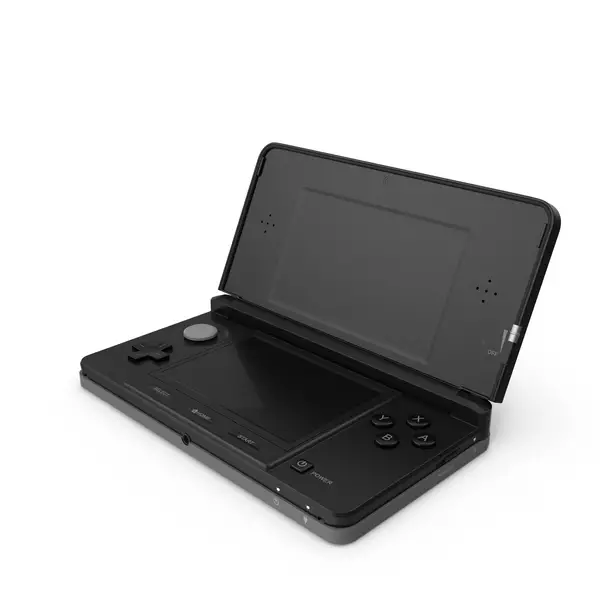
The Nintendo 3DS has been a beloved handheld gaming console since its release, captivating gamers with its unique 3D capabilities and extensive library of titles. However, like any device, it comes with its own set of challenges that users may encounter. From screen freezing and charging problems to button malfunctions and hinge damage, these challenges can disrupt your enjoyment of this iconic console. Understanding these issues is crucial for maintaining the longevity and functionality of your device. With a little proactive care and troubleshooting, you can overcome these hurdles and continue to enjoy your favorite games seamlessly. Whether you’re a casual player or a dedicated gamer, addressing these common complaints will help ensure that your Nintendo 3DS remains a reliable source of entertainment for years to come. Explore with me some of the common issues associated with the Nintendo 3DS as I offer practical solutions to enhance your gaming experience.
- Screen Freezing and Crashing
- Circle Pad Malfunctions
- Charging Problems
- Volume Control Issues
- Game Card Read Errors
- Conclusion
Screen Freezing and Crashing
One of the most frustrating issues reported by Nintendo 3DS users is the screen freezing or crashing during gameplay. This can disrupt your gaming session and lead to lost progress. I recommend these set of checks:
- Perform a Hard Reset: If your screen freezes, hold down the power button for about ten seconds to perform a hard reset. This will shut down the console, allowing you to restart it normally.
- Update System Software: Keeping your system software updated can resolve many bugs. Go to System Settings > Other Settings > System Update to check for updates.
- Check Game Updates: If the issue occurs with a specific game, check for updates in the eShop or use the Nintendo 3DS Download Repair Tool to fix any corrupted files without losing saved data.
Circle Pad Malfunctions
The Circle Pad is a crucial component for navigating games, but some users have reported that it becomes unresponsive or overly sensitive over time. These solutions will help:
- Recalibrate the Circle Pad: Navigate to Settings > Other > Circle Pad and follow the on-screen instructions to recalibrate it.
- Clean the Area: Dirt and debris can affect performance. Use a soft cloth to clean around the Circle Pad gently.
- Seek Professional Repair: If recalibrating doesn’t work, you may need to contact Nintendo for a repair service, especially if it’s a hardware issue.
Charging Problems
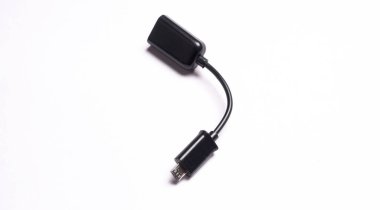
Some users have experienced issues with charging their Nintendo 3DS, such as the device not charging or losing connection during charging. I recommend the following:
- Inspect Charging Cable and Port: Check for any visible damage on the charging cable and ensure that the charging port is clean and free of debris.
- Try Different Outlets: Sometimes, changing the outlet or using a different charger can resolve charging issues.
- Consider a Charging Dock: If you frequently encounter charging problems, investing in a charging dock can provide a more stable connection.
Volume Control Issues
Users have reported problems with volume control, such as sudden volume changes or being stuck on mute. I recommend the following to resolve this issue:
- Adjust Volume Gradually: Try adjusting the volume slowly using the volume slider while playing games to see if it stabilizes.
- Use Headphones: If you experience popping sounds at lower volumes, using headphones can bypass this issue while still allowing you to enjoy your games.
- Contact Support for Repairs: If volume issues persist despite troubleshooting, consider reaching out to Nintendo for potential repairs.
Game Card Read Errors
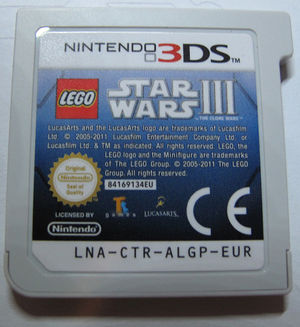
Encountering errors when inserting game cards is another common complaint among Nintendo 3DS users. This can be frustrating when you’re eager to play. Apply these simple set of solutions:
- Reinsert Game Card: Power off your system, remove the game card, and then reinsert it securely before turning it back on.
- Check for Updates: Ensure that both your system and game have the latest updates installed.
- Clean Game Card Contacts: Gently clean the contacts of your game card with a soft cloth to remove any dirt or smudges that may interfere with reading.
Conclusion
The Nintendo 3DS remains a fantastic handheld console that offers countless hours of entertainment. While some users may face challenges along the way, many of these issues can be effectively resolved with simple troubleshooting steps. By staying proactive about maintenance—such as performing regular updates and keeping your device clean—you can enhance your gaming experience and enjoy everything this innovative console has to offer. Remember, every challenge presents an opportunity for growth. By addressing these common complaints head-on, you can ensure that your time with the Nintendo 3DS is as enjoyable as possible. So grab your favorite game, apply these solutions where needed, and dive back into the immersive world of handheld gaming!
