Add MobilityArena as a preferred source on Google
The 2021 MKBHD blind smartphone camera test conducted by Marcus Brownlee and his team is an interesting one. It included 16 smartphones, including Samsung Galaxy S21 Ultra , ASUS ROG 5, OPPO Find X3 Pro , Xiaomi Mi 11 Ultra, OnePlus 9 Pro , Google Pixel 6 Pro , Google Pixel 5a , iPhone 13 Pro , Motorola Edge, Xiaomi POCO X3 GT, and Realme GT, among others.
Blind camera tests are interesting because they eliminate confirmation bias – you are a fan of the iPhone 13 Pro and naturally see the best qualities of its photos. And this one threw up fascinating results. For example, we see the Pixel 5a beat the Pixel 6 Pro in stage one. Say what?!
A blind test of this sort does not show us which smartphone camera is the most technically competent. But it at least shows us which smartphone cameras produce the kind of images that appeal to many people when consumed on mobile phones. We need other kind of tests to explore how good these camera phones are for other scenarios.
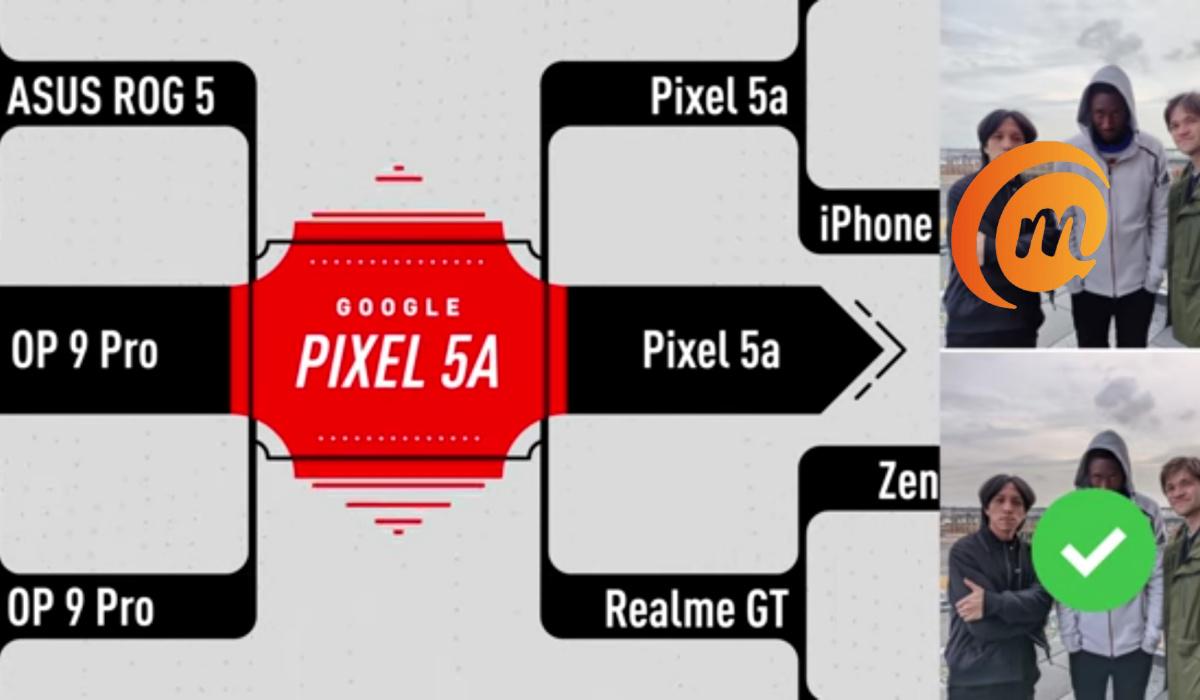
Anyway, Google’s Pixel 5a went on to beat every phone featured in the test to win the 2021 MKBHD blind camera phone test. You should see the video for yourself: it contains lots of interesting nuggets.
Winner of the 2021 MKBHD blind camera phone test
Check out the embedded video below to see the full test and results and why the Google Pixel 5a won this test.
What do you think of the blind camera test? Do you think that the Pixel 5a is really this good? If you have not seen them before now, you should check out our detailed Google Pixel 5a review , and our Pixel 6 Pro unboxing .
- Don’t miss our reviews .
- Join our WhatsApp Group , to be notified of the most important articles and deals,
- Follow us on Instagram , Facebook , Twitter , and YouTube .
Author:Mister Mobility
Digital Skills and Communication Coach | Mobile Phone Connoisseur since 2001 | Tech Blogging since 2004
Add MobilityArena as a preferred source on Google
If you own a Google Pixel 4a with 5G, 5, 5a 5G, 6, or 6 Pro, you can use them on 5G wireless carriers and mobile operators in many countries, including the United States, United Kingdom, Canada, and Germany, among others. But sometimes, having 5G active on your smartphone is not expedient, and you should turn off 5G on your Google Pixel phone.
For one, 5G networks are a huge drain on the battery of mobile phones. This is because they take a bigger toll in order to deliver the faster speeds and greater capacity. Secondly, because we are at early stages of 5G network deployment in many places, coverage is still spotty and takes an even greater toll on connected 5G cell phones.
Pixel smartphones are not particularly known for great battery life, and having spotty 5G connections means that their batteries will drain even faster without you even getting faster speeds. For this reason, it might be expedient to turn off 5G on your Google Pixel, if only for a while.
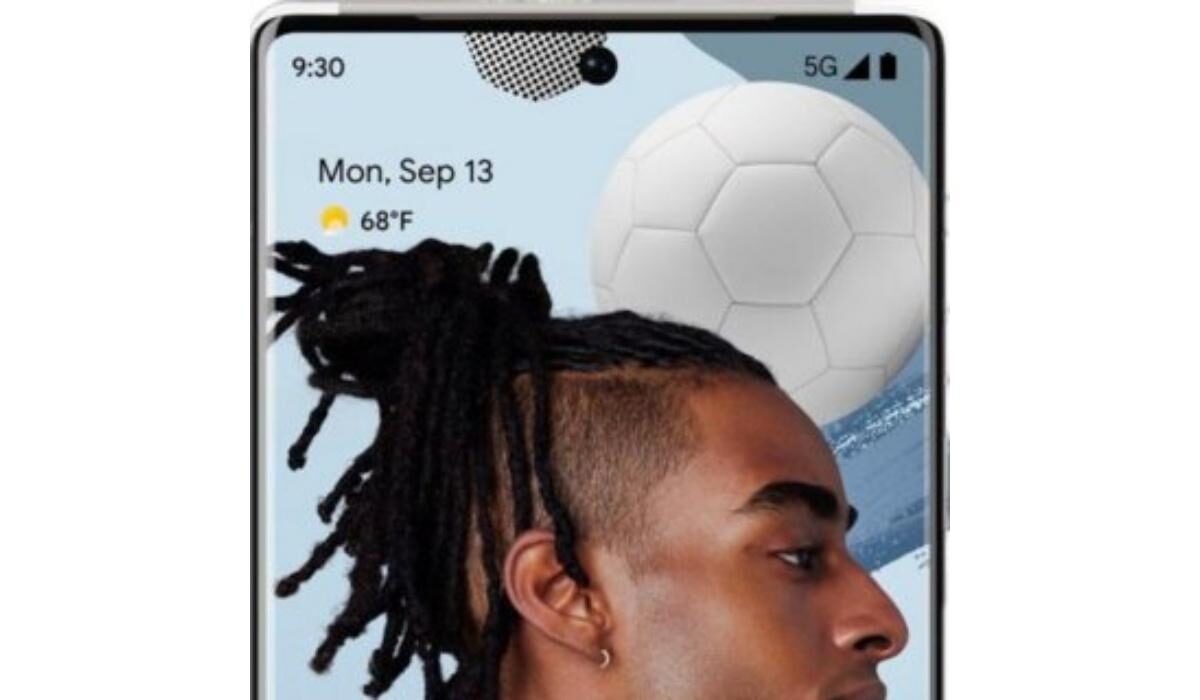
Can you disable 5G on Pixel 5 and Pixel 6?
Yes; you can, and it is easy to do. Just follow the instructions below.
How to turn off 5G on your Google Pixel phone
There are two ways to go about this. One is through the phone settings, and the other is via a USSD code.
Turn off 5G on your Google Pixel phone via settings
On your Pixel cell phone, follow these steps:
- Open the Settings app,
- Find and tap on Network & internet ,
- Tap on ‘ SIMs ‘
- Scroll down, find, and tap on ‘ Preferred network type ,’
- You will see a set of options, with “ 5G (recommended) ” selected; change that to ‘ LTE ‘.
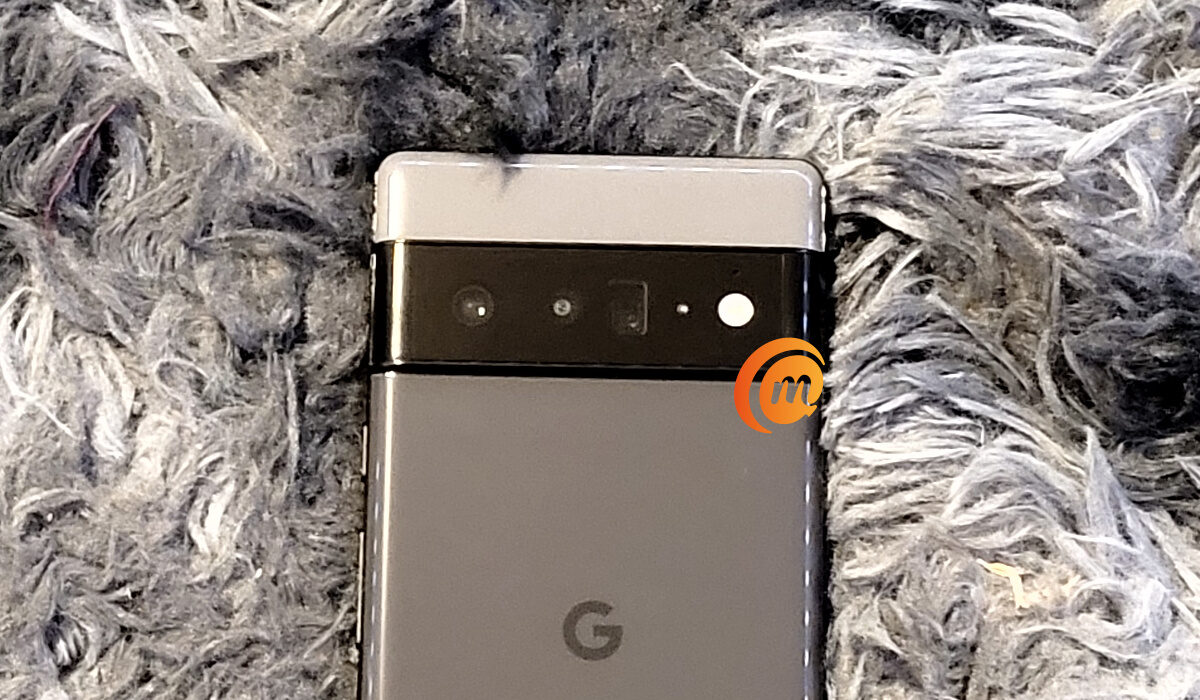
Doing this takes your Pixel cell phone off 5G network and on 4G LTE. From this point, the phone will not try to connect to a 5G network any more, but stay locked on LTE or switch to a lower network. This will conserve your battery.
Turn off 5G on your Google Pixel phone via USSD code
It is possible that the above method does not work, in which case you can use the USSD code option detailed below:
- On your Pixel phone, open the Phone app,
- Tap the dial pad icon, and enter ‘ ##4636## .’ You can also copy the code from this page and paste it in there directly.
- Dialling the code opens a menu called ‘ Testing ‘.
- Tap on ‘Phone information’ and then select WCDMA/LTE .
Doing this takes your Pixel cell phone off 5G network. From this point, the phone will not try to connect to a 5G network any more, but stay switching between WCDMA and LTE. This will conserve your battery.
The above processes might work for other brands of Android phones – like Samsung, Nokia, Motorola, OPPO, Xiaomi, Vivo, BLU, Alcatel, and others. As a principle, if you are in a spotty 5G coverage area and need to conserve battery life, disabling 5G on your phone is a good way to achieve that.
- Don’t miss our reviews .
- Join our WhatsApp Group , to be notified of the most important articles and deals,
- Follow us on Instagram , Facebook , Twitter , and YouTube .
