Add MobilityArena as a preferred source on Google
Did you know that your iPhone and iPad have a feature that helps you take a full page screenshot. You don’t have to take multiple screenshots while scrolling through sections of the page. The steps below will help you take a single screenshot of the full page that you are interested in capturing.
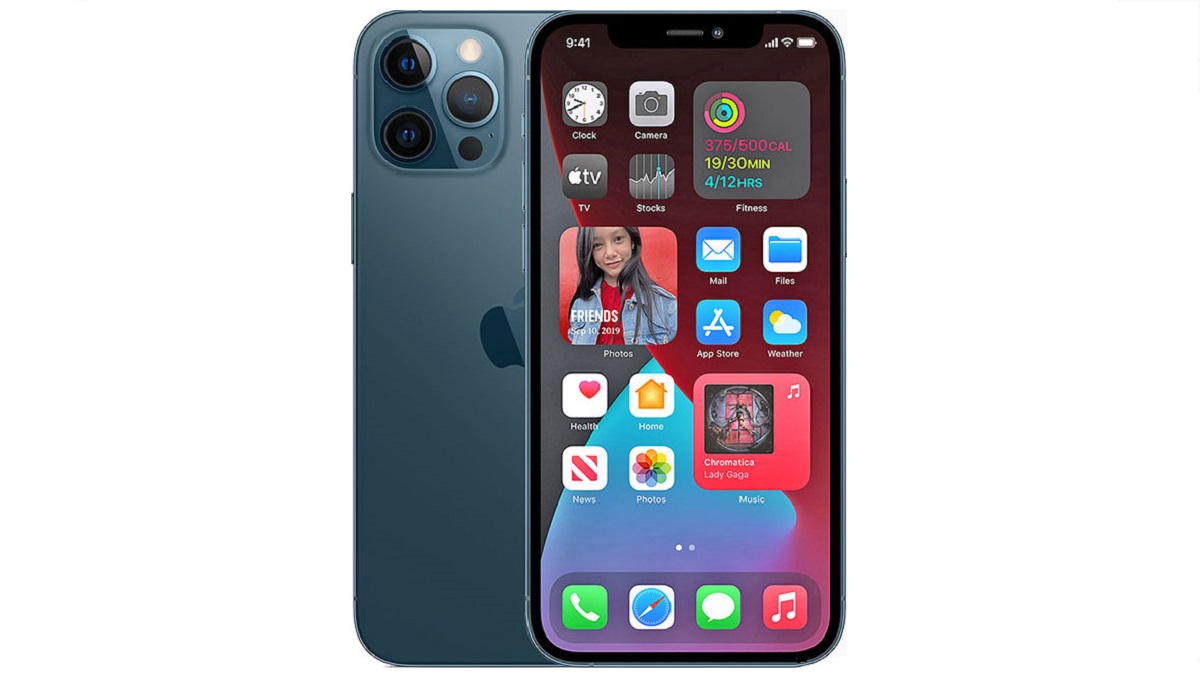
How to take a full page screenshot on iPhone
Here are the steps to follow to take a screenshot of a whole page on your iPhone or iPad.
- Navigate to the web page or content you want to capture a screenshot of.
- Next, press and hold the volume up and power buttons at the same time.
- Tap on the image preview at the bottom left corner of the screen.
- Choose the Full Page option in the top right corner.
- You can scroll down the entire page via a scroller on the right side of the screen.
- You are presented with the option to either delete the screenshot or save the entire page as a PDF.
- Tap on Save the entire page to save it to your device.
That’s it. You now know how to take a full page screenshot on iPhone and iPad devices. Enjoy.
- Don’t miss our reviews .
- Follow our news on Google News .
- Join our WhatsApp Group , to be notified of the most important articles and deals,
- Follow us on Instagram , Facebook , Twitter , and YouTube .
Author:Mister Mobility
Digital Skills and Communication Coach | Mobile Phone Connoisseur since 2001 | Tech Blogging since 2004
Add MobilityArena as a preferred source on Google
Samsung Galaxy S21 Plus 5G was released in January 2021 with One UI 3.1 based on Android 11. This premium flagship from last year has since received a major update to One UI 4 based on Android 12. Considering its top-end specs, this makes it a very up-to-date smartphone in 2022.
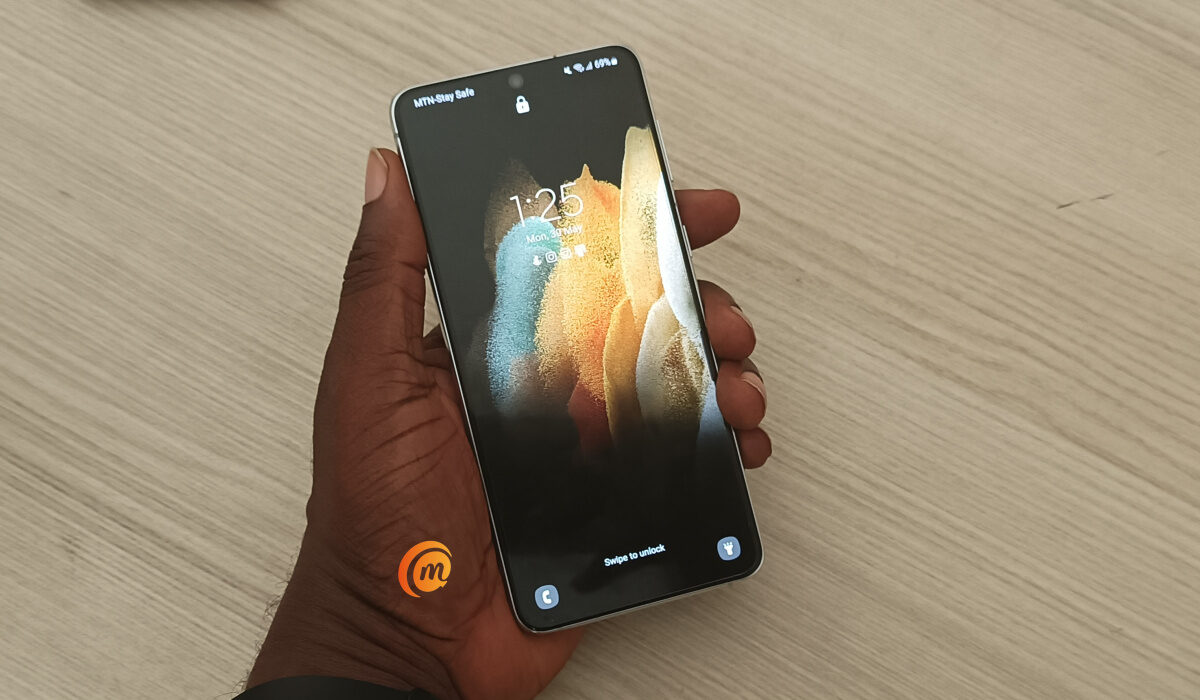
I picked up a unit yesterday and spent some time handling it to see how compelling a device it is today. As is known of Samsung flagships, when you pick this one up, there is no question about the fact that you are holding a high-end device. Every bit of its body screams premium. The display is smooth and bright and clear. And performance is buttery smooth.
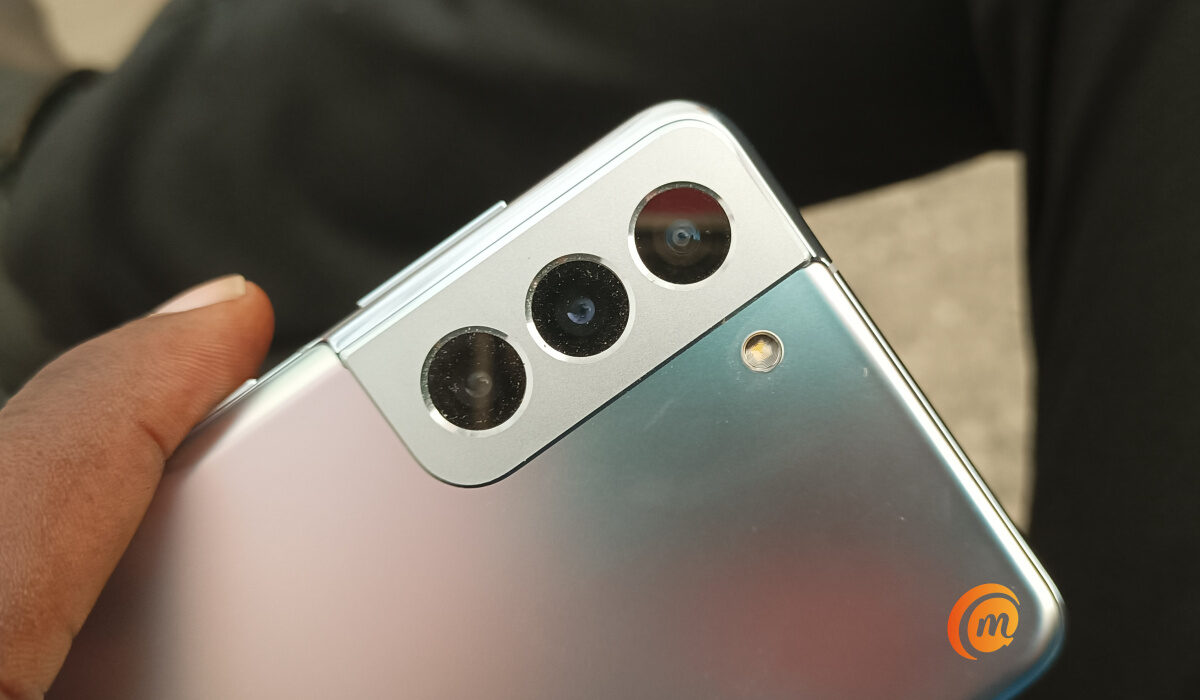
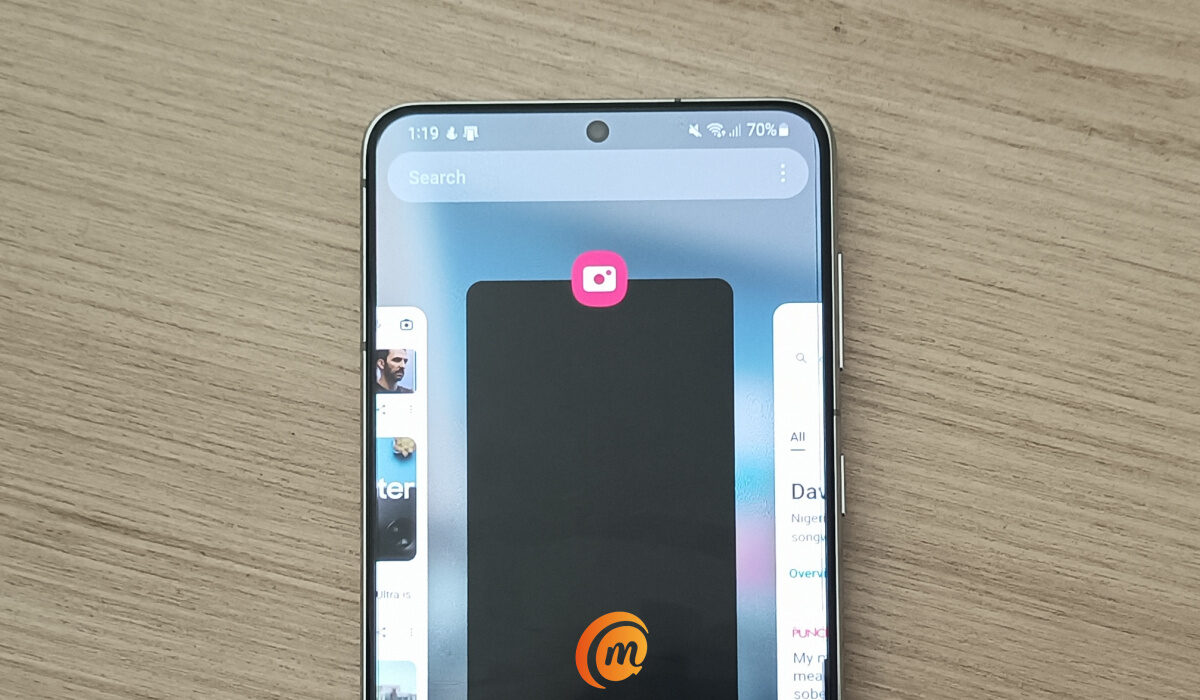
Visually, you will not be able to tell much of a difference between Android 11 and Android 12 on the S21+, because the idea behind the One UI custom user interface is to keep a uniform appearance. Bummer, as I find Android 12 visually appealing. As there is no 5G service available here, I was unable to test it with a 5G network.
In all, Samsung Galaxy S21 Plus 5G feels very much like a smartphone I would still use today in 2022. Let’s have a look at the specifications and answers to some key questions below.
- Samsung Galaxy S21+ Specs
- Samsung Galaxy S21+ 5G Hands-on Photos
- Frequently Asked Questions About Samsung Galaxy S21 Plus 5G What’s the difference between S21 and S21+? Is the Galaxy S21 the same size as the S21 Plus? What does S21 Plus have that S21 doesn’t? Which is better S21 Plus vs S21 Ultra? Is Samsung S21 Plus waterproof? Is Samsung Galaxy S21 Plus worth buying?
Samsung Galaxy S21+ Specs
- Display: 6.7″ Dynamic AMOLED 2X, 120Hz, HDR10+, 1300 nits (peak), 1080x2400px resolution, 20:9 aspect ratio; Always-on display, Gorilla Glass Victus.
- Body: Glass back (Gorilla Glass Victus), aluminium frame; IP68 dust/water-resistant (up to 1.5 m for 30 minutes).
- OS/Software: Android 11, One UI 3.1 (at launch). It has since received the update to One UI 4.1 based on Android 12.
- Chipset (International): Exynos 2100: Octa-core (1×2.9 GHz Cortex-X1 & 3×2.80 GHz Cortex-A78 & 4×2.2 GHz Cortex-A55); Mali-G78 MP14.
- Chipset (USA/China): Qualcomm SM8350 Snapdragon 888 (5 nm): Octa-core (1×2.84 GHz Kryo 680 & 3×2.42 GHz Kryo 680 & 4×1.80 GHz Kryo 680; Adreno 660.
- Memory: 8 GB RAM + 128 GB ROM / 8 GB RAM + 256 GB (UFS 3.1).
- Rear camera: 12 MP wide-angle with OIS + 12 MP Ultra wide angle with Super Steady video + 64 MP Telephoto lens with OIS, 1.1x optical zoom, and 3x hybrid zoom. 8K@24fps, 4K@30/60fps, 1080p@30/60/240fps, 720p@960fps, HDR10+, stereo sound recording, gyro-EIS, video recording.
- Front camera: 10 MP. 4K@30/60fps, 1080p@30fps video recording.
- Fingerprint reader : Ultrasonic in-display
- Battery capacity: 4800mAh;
- Charging : 25W fast charging. USB Power Delivery 3.0. 15W Fast Qi/PMA wireless charging. 4.5W Reverse wireless charging.
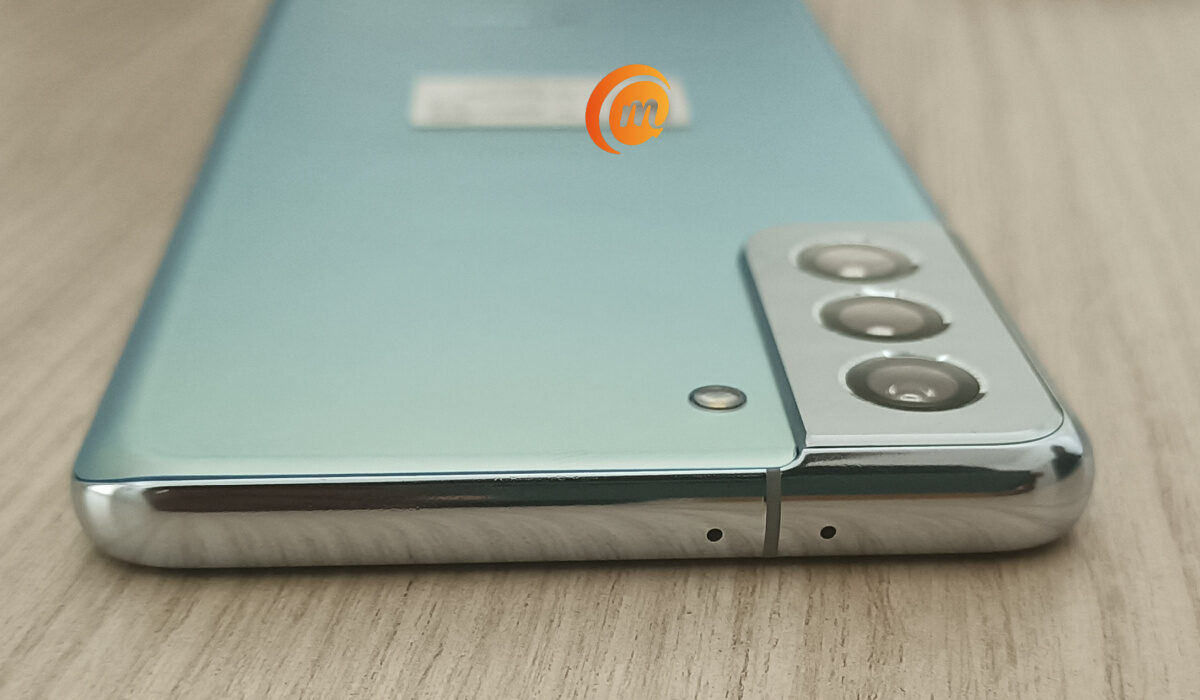
Samsung Galaxy S21+ 5G Hands-on Photos
Here are a few hands-on photos of the Samsung S21+ 5G for your delight.
What’s the difference between S21 and S21+?
Display size is the most prominent difference between these two smartphones. Another is in battery capacity: the S21 has a 4000mAh battery, while the S21+ has a 4800mAh battery capacity. Lastly, the S21+ has 5G ultra-wideband, which the S21 does not have. Pretty much everything else about the two phones are the same.
Is the Galaxy S21 the same size as the S21 Plus?
No; they are not the same size. The S21+ is bigger than the S21.
What does S21 Plus have that S21 doesn’t?
5G ultra-wideband. Apart from that, the two phones have similar features, with the S21 Plus having some of them in bigger sizes or numbers.
Which is better S21 Plus vs S21 Ultra?
This is a difficult question. Performance and features are similar, but the S21 is smaller. If you want your smartphone compact, the Galaxy S21 is what you want. The S21 Plus is bigger, offers better battery life, and ultra-wideband, if that is important to you.
Is Samsung S21 Plus waterproof?
If you are hoping that Samsung Galaxy S21 Plus is waterproof, you are in luck; it is. It has an IP68 rating, which means that it will survive being submerged in water up to 1.5 meters for up to 30 minutes.
Is Samsung Galaxy S21 Plus worth buying?
Samsung Galaxy S21 Plus is a premium flagship with impressive specs and performance. Even a year after launch, it is still a compelling smartphone to spend your money on, especially as the price has now dropped in many places.
Author:Mister Mobility
Digital Skills and Communication Coach | Mobile Phone Connoisseur since 2001 | Tech Blogging since 2004
