Add MobilityArena as a preferred source on Google
As a student, having a reliable phone is essential. Whether it is to stay connected with friends and family, keep track of your schedule, or work on assignments, a mobile device is important. However, when on a budget, it can be hard to tell what to consider when choosing a phone. If you find yourself in this position, make sure to keep reading as we go over useful tips on how to spot the best phone, even when on a budget.
- 6 Things Should You Should Note When Getting a Phone as a Student Battery Life Storage Space Speed Camera Quality Screen Size Price
- In Conclusion
6 Things Should You Should Note When Getting a Phone as a Student
With so many options in the market, it can be hard to know where to start. So, to help, here are six things to look out for when searching for the best phone for students:
- Battery Life
- Storage Space
- Speed
- Camera Quality
- Screen Size
- Price
Battery Life
When you’re a student, it means you are always on the go. Whether it is classes or personal events, you will likely have a lot of arrangements to handle, so it can help to have a phone that can keep up. A good battery life means you get to charge the phone less.
Today you can find many devices that offer full-day battery life. When trying to decide the best for you, consider how much you use your mobile device. If you only make calls, then a 4000 mAh battery should be more than sufficient. However, if you regularly connect to the internet or you don’t charge your device often, then go for a 5,000 mAh phone.
Storage Space
Another feature to look out for is the storage space. These days there are two types of phones when it comes to device space; there are those that come with additional SD card functionality and those that don’t.
If you are going to go for a phone without an SD card space, then you need to be careful about the base storage of the phone you’re buying because you won’t be able to upgrade it later. Students often use their phones to store video tutorials, e-books, along with other forms of media, which can take up a lot of space. When your mobile device has little storage left, this can affect the phone’s overall performance.
Speed
Having a slow mobile device can be a real hindrance for students. When your phone is slow, even navigating the menu can become a hassle. And with time being a luxury you can’t afford to waste, it’s crucial you consider the phone’s speed when making a purchasing decision. Three factors contribute to how fast your mobile device performs; processor, RAM, and storage.
The speed of the processor is measured in GHz, with higher values generally indicating better performance. The type and size of the RAM is also important. The LPDDR5 type will give the fastest RAM bandwidth of up to 6,400 Mbps, and with a size of about 8 GB, you should be good. Lastly, fast storage like Samsung’s UFS 4.0 chips combined with at least 256 GB of space will mean your device’s read and write speeds are very fast.
Camera Quality
A good camera means you are able to capture those special moments with ease and at excellent quality. When reviewing a phone, check out both its photo and video performance. Apple, Google, and Samsung smartphones have some of the best cameras, but there are also upcoming contenders like Xiaomi you might want to consider. It’s important to note when comparing phones that the one with more megapixels won’t necessarily produce the better image. These days it’s a combination of hardware and software, so feel free to test the phones out yourself before committing to buying one.
Students often can’t allocate enough time to do proper research into mobile devices before purchasing because they are very busy with their schoolwork. If you need some help with your studies as you shop for a proper device, you can hire a writer from Grab My Essay . With a bit of external assistance, you can keep your grades up and still get to invest your time and attention into picking a perfect smartphone.
Screen Size
The size of your phone’s screen will affect how you navigate with it and watch media. Pick a phone that you are comfortable holding. If it’s too big, then you might accidentally drop it, and if it’s too small, you won’t find it easy to swipe through the pages or type messages. Also, if your screen is small, you could strain your eyes when watching videos or reading text.
Price
Lastly, it is essential to consider the price. A student’s budget isn’t always the biggest, so you might have to make some concessions when choosing a phone. Generally, today you can get a mobile device that will meet all the requirements covered in this article for just for $500. However, if you have the money for something premium, there is no shortage of devices to choose from.
In Conclusion
Choosing the best phone when a budget can feel very confusing, especially with the number of features to consider. However, as long as you target a good battery and camera, along with suitable storage and speed, you should be able to find a phone at student-friendly prices. Happy phone hunting!
Author’s Bio
Tori Eslinger is a writer and tech enthusiast. She enjoys covering the latest trends in the mobile phone industry and sharing articles that explain them in the simplest of ways. Tori considers herself an adventurer and is constantly seeking the next thrill, whether it’s hiking or mountain climbing.
Author:Content Partner
Add MobilityArena as a preferred source on Google
The Samsung Galaxy Watch has been one of the most popular smartwatches since its launch, and it’s easy to see why. With its advanced features, sleek design, and long battery life, it’s the perfect wearable device for people who want to stay connected and productive on the go. Another thing that’s really great about the Galaxy Watch is its ability to run a wide range of apps.
In this article, I’ll show you some of the best apps for Samsung Galaxy Watch in 2023. From productivity tools to entertainment apps, this guide has got you covered. So, if you’re looking to get the most out of your Galaxy Watch, read on to discover some of the best apps currently available for that purpose.
What Are the Best Apps for Samsung Galaxy Watch in 2023?
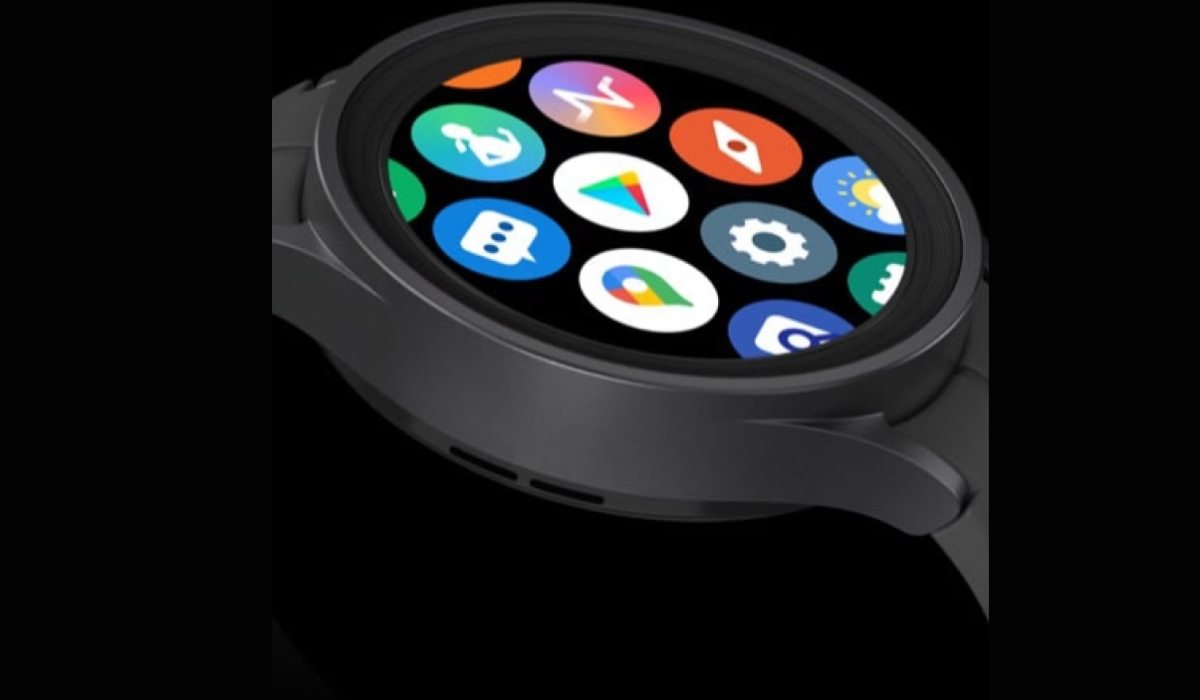
Depending on the watch you own, a large number of Galaxy Watch apps are available to download from the Google Play Store and the Samsung Galaxy Store . Here are some of the best Samsung Galaxy Watch apps in 2023, regardless of whether your goal is to increase your fitness level, stay organized, stay connected with friends and family, or manage your vast collection of smart home devices.
Samsung SmartThings
The Samsung SmartThings app lets you control your smart home devices from one place. You can turn off the lights, set the thermostat, and even lock the doors with just a few taps on your watch. To get started, install the SmartThings app on your Samsung Galaxy Watch. You can also set up automated routines to make your life easier.
For example, you can create a “Good Night” routine that turns off all the lights, locks the doors, and adjusts the thermostat when it’s time for bed. With SmartThings, you essentially have the power to control your home from your wrist.
Samsung Pay
With the Samsung Pay app on your Galaxy Watch, you won’t have to worry about forgetting your card the next time you go shopping. Similar to using your smartphone or a traditional credit or debit card, you can make purchases with your Samsung smartwatch anywhere you see the contactless symbol.
Samsung Health
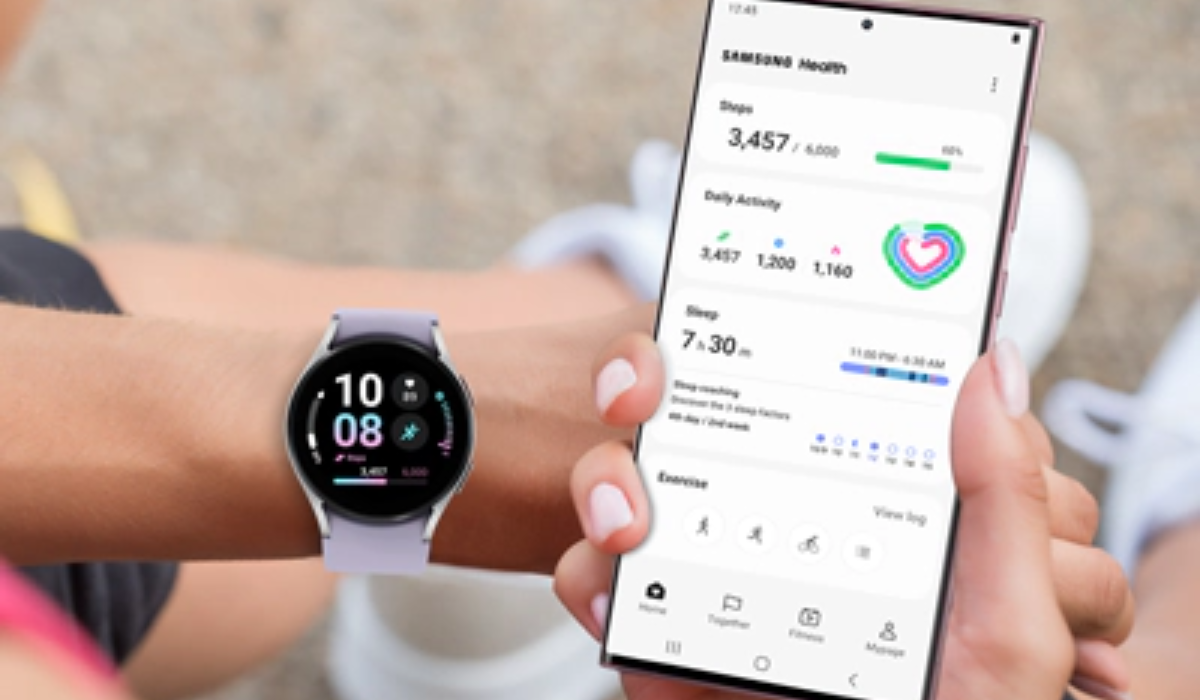
Samsung Health is a fitness app that has everything you need to track your fitness and improve your health. It’s designed specifically for Galaxy Watches and has features like tracking your steps, setting goals, and seeing your progress. You can even connect with your friends and family to make it more fun. Samsung Health is part of the Galaxy Ecosystem, which means you can use it on other devices like your phone and Samsung Smart TV too.
Spotify
Spotify is a music streaming service that can help you stay motivated while exercising or relaxing, or even working. On Samsung Galaxy watches, you can use the Spotify app to play, pause, and skip music and podcasts. You can also save your favorite playlists to your watch for easy access. With Spotify on your watch, you can stream and control your entire music library, including playlists you’ve created, without having to use your phone.
Camera Controller
The Camera Controller app lets you use your Galaxy Watch to take photos and videos remotely on your Galaxy smartphone. This is great for taking pictures of groups or yourself from afar. You can also preview what you’re taking a picture of, set a timer, and see what your picture looks like after you take it.
Google Maps
Samsung’s Galaxy Watch 5 and Watch 5 Pro introduced Google’s new version of the Google Maps app. Although maps were previously inaccessible on older models due to Samsung employing Tizen as the operating system, they were already available on Wear OS 2. Luckily with Wear OS 3, users can now access Google Maps. Also, if you have the LTE version, you can leave your phone at home and still use the GPS to get where you need to go.
Find My Mobile
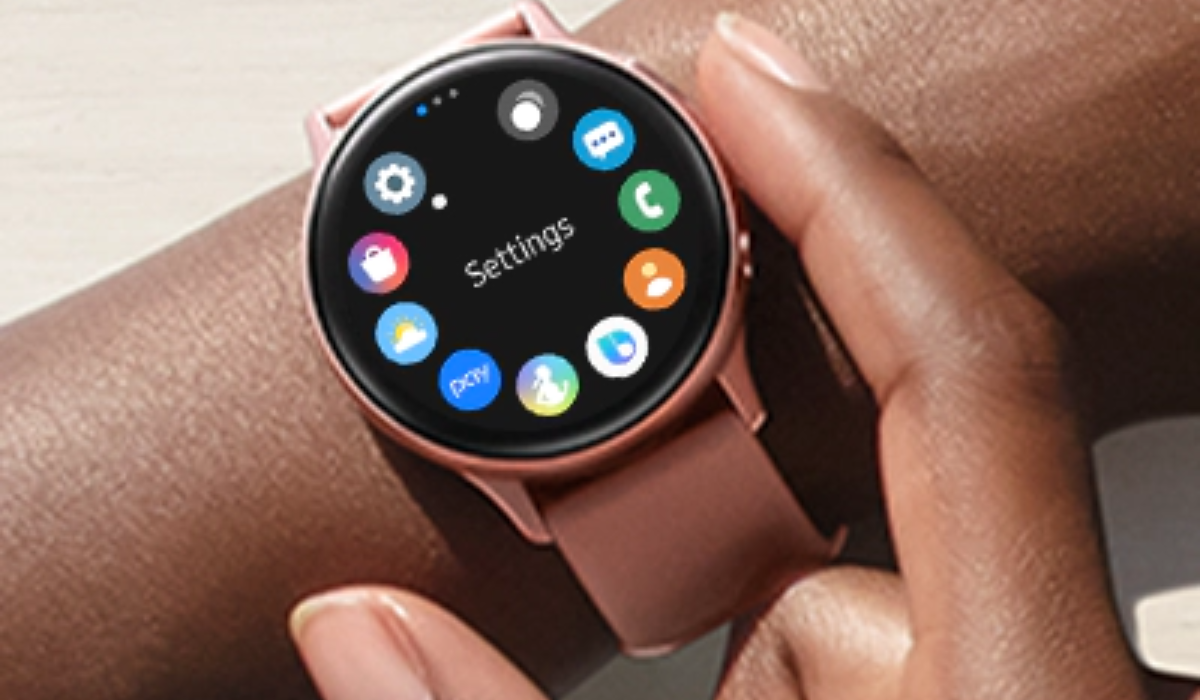
The Find My Mobile software from Samsung makes it simple to locate a missing phone. Simply launch the app, hit the button, and your phone will begin to make a sound, allowing you to determine its location with pinpoint accuracy.
This feature can be helpful when you’re out and about, as it helps you locate your phone in various locations. With the Find My Mobile app on your Galaxy Watch, you’ll never have to worry about losing your phone again, as long as you are within Bluetooth range and have some sense of where it is.
Wrist Flashlight
The Wrist Flashlight app does exactly what its name implies—it transforms your Samsung Galaxy watch into a torch or accent light. It’s great if you need a little light to see in the dark or if you want to let drivers know you’re there while out for a run at night.
Wrist Flashlight, however, has more features than Galaxy watches – it can also flash red, orange, or blue in addition to the more conventional white. You can also change the brightness using the watch’s bezel or display to avoid blinding yourself or other people around you.
All in all, the Samsung Galaxy Watch is a versatile device that can help you streamline your life and stay on top of your goals. With the best apps available for the Samsung Galaxy Watch in 2023, you can tailor your device to fit your unique needs and interests. I hope the app suggestions discussed above help you take full advantage of your Samsung Galaxy Watch and enjoy all of the benefits it has to offer. If you need more app suggestions for other devices, this category might help.
