Add MobilityArena as a preferred source on Google
There are not a lot of smartphones that qualify as a Samsung Galaxy S23 alternative. Using a Samsung Galaxy S23 has been a generally pleasant experience. I love that it has top-of-the-line performance in a compact body. In addition, it has an excellent camera system, very good battery life, and more. The whole package is a top notch and leaves you with little to desire .
Looking at all the characteristics of the phone, it got me wondering what options were out there for Samsung Galaxy S23 alternatives. If I had to drop the S23 and pick a replacement that fits its profile as much as possible, which phones would make the cut?
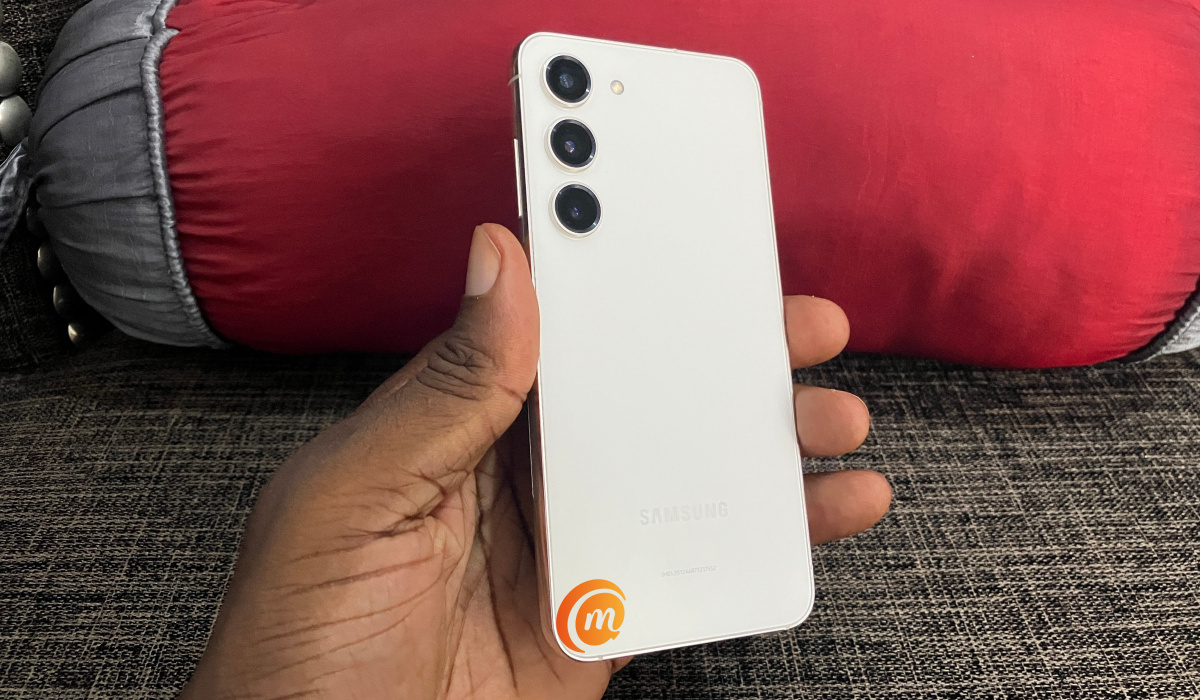
Which are the best Samsung Galaxy S23 alternatives you can buy today?
- Samsung Galaxy S23 Alternatives: Selection criteria
- Google Pixel 7a
- Asus Zenfone 10
- Asus Zenfone 9
- Apple iPhone 15 Pro
- Apple iPhone 14 Pro
- Google Pixel 6a
- Samsung Galaxy S22 5G
- February 2024 Update: Samsung Galaxy S24
Samsung Galaxy S23 Alternatives: Selection criteria
I could list everything that I like about the S23 as criteria for the alternatives, but I know from experience that it is futile to expect one phone to match exactly what another has. The sensible and practical approach is to list the most important features as criteria and give or take other features.
- Must have a flagship processor
- Must have premium cameras
- The screen size must be a maximum of 6.2 inches
Using the above criteria, I came up with the following top Samsung Galaxy S23 alternatives.
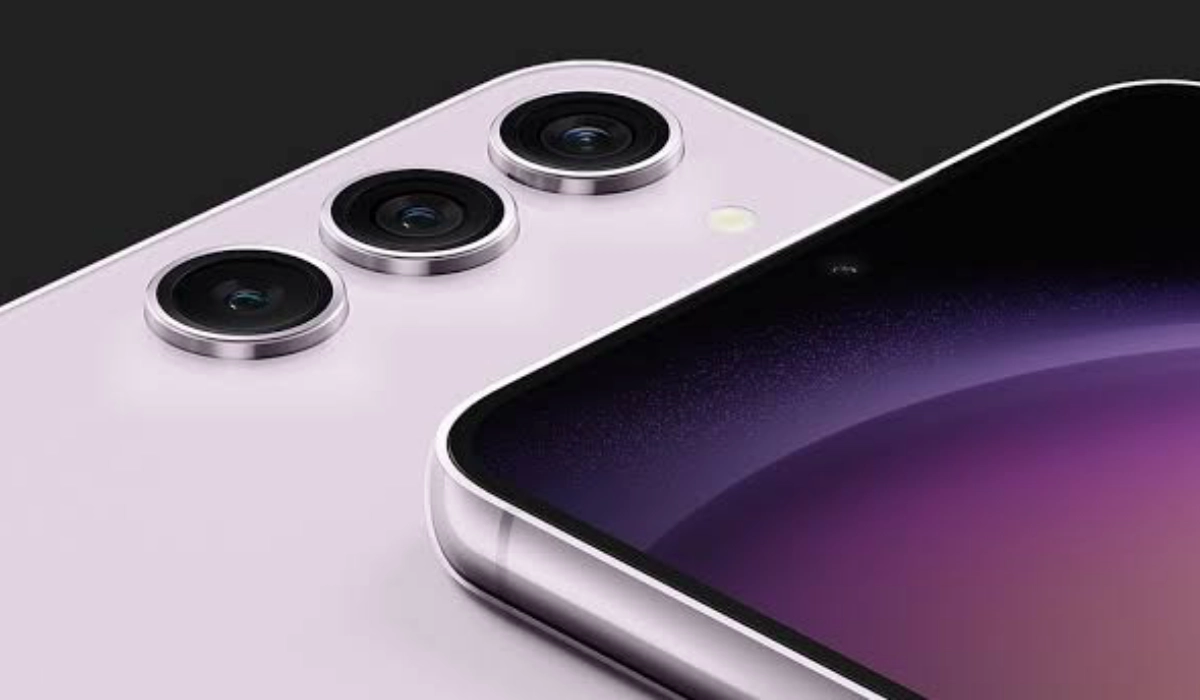
Google Pixel 7a
The Pixel 7a is a compact smartphone with budget flagship capabilities. It has a 6.1″ OalED display. While it isn’t exactly at par with the Galaxy S23 in a few ways, it comes close enough to be a compelling alternative. You won’t find wireless charging on it, but you will get excellent cameras and Google’s speedy software updates. It is more affordable too, with prices starting from $360.
Asus Zenfone 10
The Zenfone 10 is a proper 2023 premium flagship sporting features that are at par with the S23. Its super-compact 5.9″ display is a delight to use and the camera is no slouch. However, it is pricey, with the base variant costing $655.
Asus Zenfone 9
The Zenfone 10’s predecessor is still quite compelling in 2023. It’s Snapdragon 8+ Gen 1 processor is till a powerhouse even today. It has a 5.9″ display and price starts at $515.
Apple iPhone 15 Pro
If you prefer Apple’s side of the pond, the iPhone 15 Pro is the most powerful compact iPhone in the market today. You get a 6.1″ display with the most powerful processor in town under the hood, excellent cameras, along with the latest features in any iPhone. What is not to like? The price is way above what you would spend on the Galaxy S23 though, as it starts from $999.
Apple iPhone 14 Pro
If you do not want to spend that much, the iPhone 14 Pro gets you mostly similar features and performance as the 15 Pro, but at a slightly lower price.
Google Pixel 6a
The Pixel 6a will give you flagship performance in a compact body and good photography, too, for a nice pocket-friendly price. It is from 2022, but it still rocks today.
Samsung Galaxy S22 5G
Lastly, we make a stopover at Samsung’s own line-up to have a look at the S23’s predecessor, the Samsung Galaxy S22 5G . It is a pocket-friendly option too, costing from $300.
February 2024 Update: Samsung Galaxy S24
With the release of the Samsung S24, the question of it being a possible Samsung Galaxy S23 alternative comes up. Looking at the specs, the Galaxy S24 is a newer and slightly improved version of the Samsung Galaxy S23. They have similar designs, displays, cameras, and performance, but the Galaxy S24 has some advantages, such as:
- A larger battery capacity (4000 mAh vs 3800 mAh)
- A higher peak brightness (2600 nits vs 1750 nits)
- A more durable frame (Armor aluminum 2 vs Armor aluminum)
- A faster wireless charging speed (15W vs 10W)
So, the Samsung Galaxy S24 qualifies as a good alternative to the Samsung Galaxy S23, especially if you value battery life, screen quality, and durability.
That’s it. These are the best Samsung Galaxy S23 alternatives that I could come up with. Did I leave out any device you consider a compelling option to the S23? Do leave me a mention of it in the comment box below.
Author:Mister Mobility
Digital Skills and Communication Coach | Mobile Phone Connoisseur since 2001 | Tech Blogging since 2004
Add MobilityArena as a preferred source on Google
Perhaps like many other phone users, you have seen one or more messages about how the *#21# code is used to find out if someone is monitoring your cell phone. The claim is that when you type either of these two codes on your Samsung phone, other Android phone, or even an iPhone, if it displays that a list of features are enabled, that is proof that your phone has been tapped.
In some of these messages, users are told to discard their phones after this test returns positive. But is this claim true? I have been a mobile technology person since 2001 and I can tell you for certain that the claim is a hoax. Entering *#21# on your cell phone – any type – does not tell you whether your phone has been tapped or not.
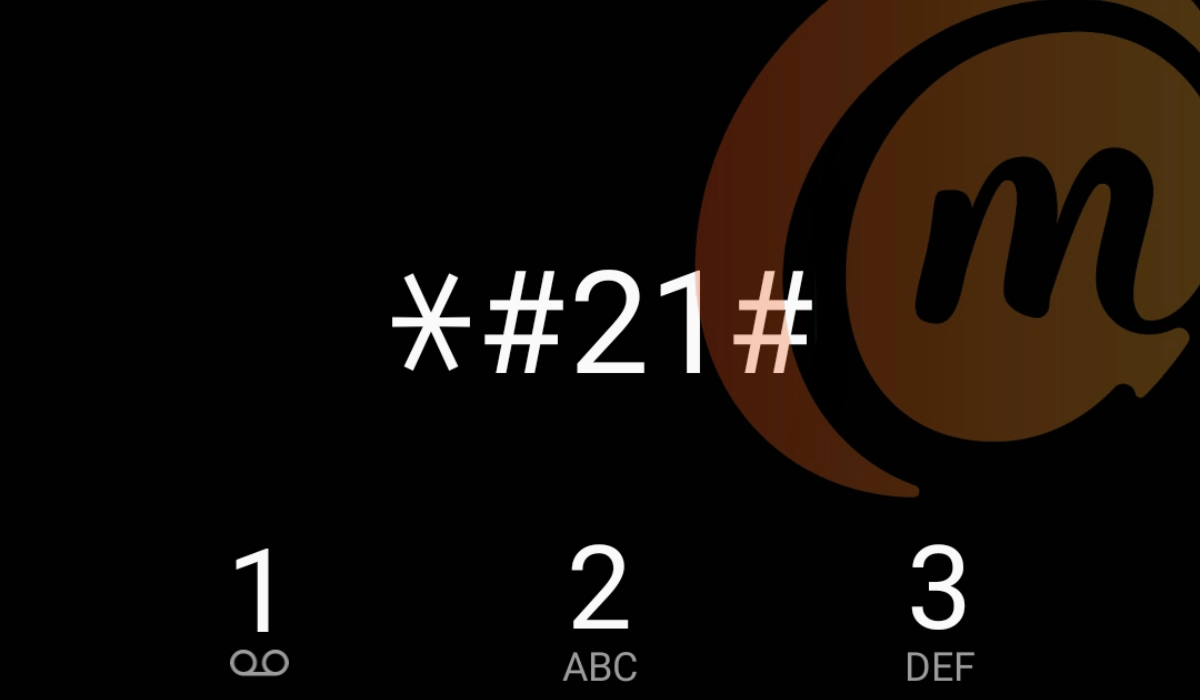
*What is #21# used for?
What the *#21# code does on your phone
The question on your mind now must be, “What does the *#21# code do?” That specific code tells you if you have call forwarding enabled on your line. That is it. Call forwarding is a standard cell phone technology that diverts your calls to another number when your phone number is unreachable or unavailable.
For example, one popular use of call forwarding is to divert work calls to another number while you are on vacation, so another member of the team can attend to customers and service providers who need to reach the business. Call forwarding is a useful business feature.
As already mentioned, entering *#21# only shows which call forwarding types are active on your line. It does not reveal whether or not your cellular or mobile number has been tapped.
When I entered *#21# on my iPhone
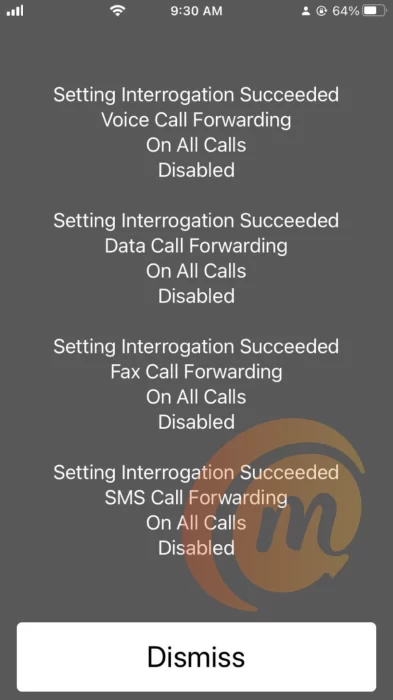
As a way of demonstrating this, I entered the *#21# code on my iPhone and the got the following results listed on the screen:
- Setting Interrogation Succeeded: Voice Call Forwarding On All Calls Disabled
- Setting Interrogation Succeeded: Data Call Forwarding On All Calls Disabled
- Setting Interrogation Succeeded: Fax Call Forwarding On All Calls Disabled
- Setting Interrogation Succeeded: SMS Call Forwarding On All Calls Disabled
The above results tell me that my voice calls, data calls, fax calls, and SMS text messages are not being forwarded. All my calls come directly to my line. Here is the screenshot:
What is the meaning of the ##21# code?
When you dial ##21# on your phone, what it does is erase all your call forwarding. If you have been looking for a way to disable or wipe out any existing call forwarding on your line, this is the code to dial.
How to disable call forwarding on your phone
If you dial *#21# and find that call forwarding is enabled in some way, there is no need to fret or worry. Most likely, you turned it on inadvertently. All you have to do is turn it off now, should you not need it. You can disable call forwarding by dialling ##21# or ##002# on your phone. Please do not dispose of your phone because a hoax says to.
- How To Use The *43# Code To Manage Call Waiting
- Understanding the ##4636## Code for Phone Diagnostics
Author:Mister Mobility
Digital Skills and Communication Coach | Mobile Phone Connoisseur since 2001 | Tech Blogging since 2004
