Add MobilityArena as a preferred source on Google
US Cellular has a number of phone options to purchase from, so if you are looking for the best phones to purchase, you have come to the right place. Here is our list of the best US Cellular phones, in no particular order.
Samsung’s recently-announced Galaxy Z Flip4 and Fold4 are already available for pre-order on the US Cellular website. They won’t ship for a few weeks. If you have the budget for these and are not in a hurry, you can jump on the offer. If, on the other hand, you need to pick a phone right away, read on to see the available best US Cellular phones you can buy right now.
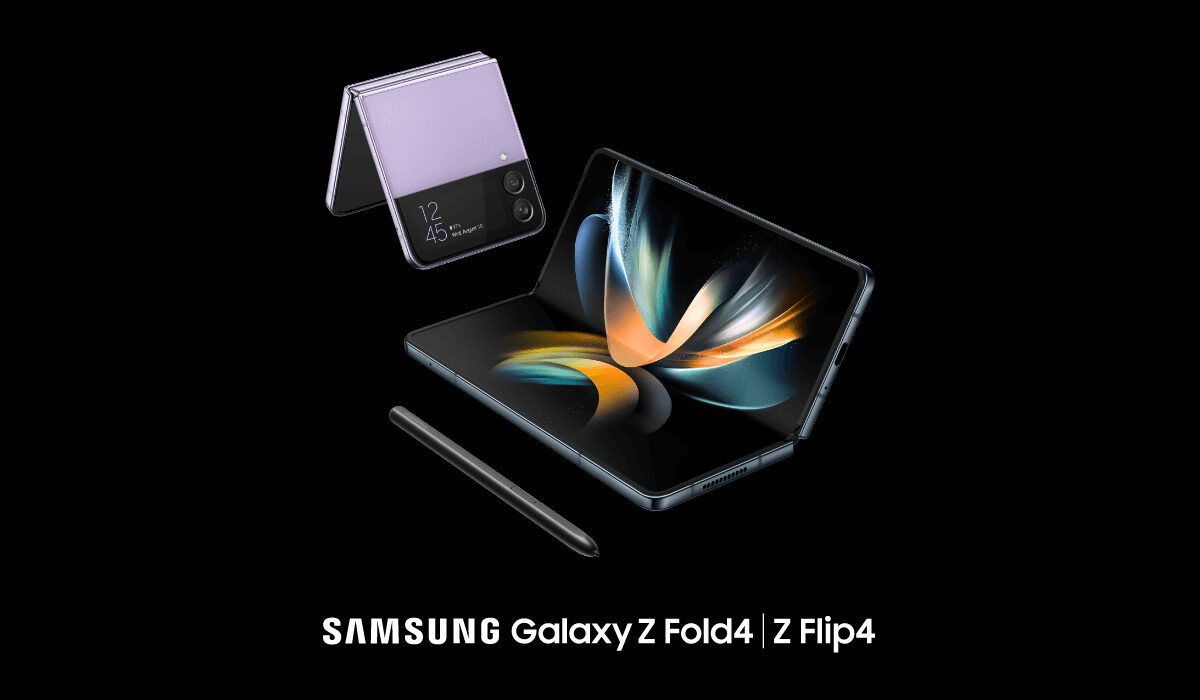
The 2022 foldable from Samsung join the list of the best US Cellular phones
The Best US Cellular phones to buy right now
- Samsung S22 Ultra
The Samsung S22 series consists of the Samsung S22, Samsung S22 Plus and the Samsung S22 Ultra. There isn’t much difference between the S22 and the S22 Plus except for the display and battery power. When comparing the S22 and S22 Plus to the S22 Ultra, there are a lot of differences.
For starters, the S22 Ultra has a 6.8-inch display,QHD+ and the S22 Plus has a 6.6-inch display, Full HD+ while the S22 has a 6.1-inch display, Full HD+. The S22 Ultra has a 5000mAh power battery while the S22 and S22 Plus have 3700mAh and 4500mAh power battery respectively. There are also more storage space options for the S22 Ultra and the S22 Ultra has more impressive camera specs. In all, the S22 Ultra is one of the best US Cellular phones you can buy today, no contest.
- Motorola Moto G Play 2021
If you are looking for a more affordable option, this mid-range phone would be the best for you. With a Snapdragon 460 chipset, 32GB of storage, 6.5-inch display and a 5000mAh power battery, you are sure to get your money’s worth.
- iPhone 13 series
It is no secret that Apple’s iPhones are quite popular and the 13 series is not excluded from that popularity. You can decide which model to purchase based on your preferences, for example, if you like smaller phones you can decide to purchase the 13 mini or just the 13. If you want a higher battery life and camera quality, the 13 Pro Max is the way to go.
If you do not want an Android phone, any of the iPhone 13 series is among the best US Cellular phones available right now.
- Samsung Note 10
The Samsung Note 10 is a little bit of an older model. It was released in August of 2019 and even though it is not one of the latest models, it is still a strong contender. The Note 10 has a 6.3-inch display and a 3500mAh power battery. It has 8GB of RAM and the system is upgradeable to android 12.
- Samsung Galaxy Z Flip 3
The Samsung Galaxy ZFlip 3 is one of Samsung’s foldable phones. It has a 6.7-inch Infinity Flex Display and a refresh rate of 120HZ. The camera specs are good and it has a Snapdragon 888 chipset. Although it comes with a 3300mAh power battery, resulting in less than stellar battery life, it is still one of the best flagship phones and one of the best US Cellular phones available.
- Motorola Moto G Power 2021
The Moto G Power is also a budget phone like the Motorola G Play 2021. It has a 5000mAh power battery and a 6.6-inch display. It comes with 4GB of RAM and has a Snapdragon 662 chipset. Though it is not anything extraordinary, you will get your money’s worth.
- Google Pixel 4a
The Google Pixel 4a is a mid-range variant of the Pixel 4 and Pixel 4 XL and it was released in the year 2020. It has 6GB of RAM and the camera specs are impressive. If you are someone who likes smaller phones then the 5.81-inch display will appeal to you. Beware, a small phone comes with a small battery power and the 4a’s battery power is 3140mAh. Although, the battery power does not stop the 4a from being a good contender.
US Cellular has a ‘bring your own device’ program that is compatible with a lot of phones so you are not restricted to only the phones listed. To find out if your phone is compatible with the program, visit the US Cellular site and follow the instructions.
- Don’t miss our mobile phone reviews .
- Follow our news on Google News .
- Join our WhatsApp Group , to be notified of the most important articles and deals,
- Follow us on Instagram , Facebook , Twitter , and YouTube .
Author:Dun
Dun enjoys reading and writing, and is always on her smartphone. She currently uses a Google Pixel 3.
Add MobilityArena as a preferred source on Google
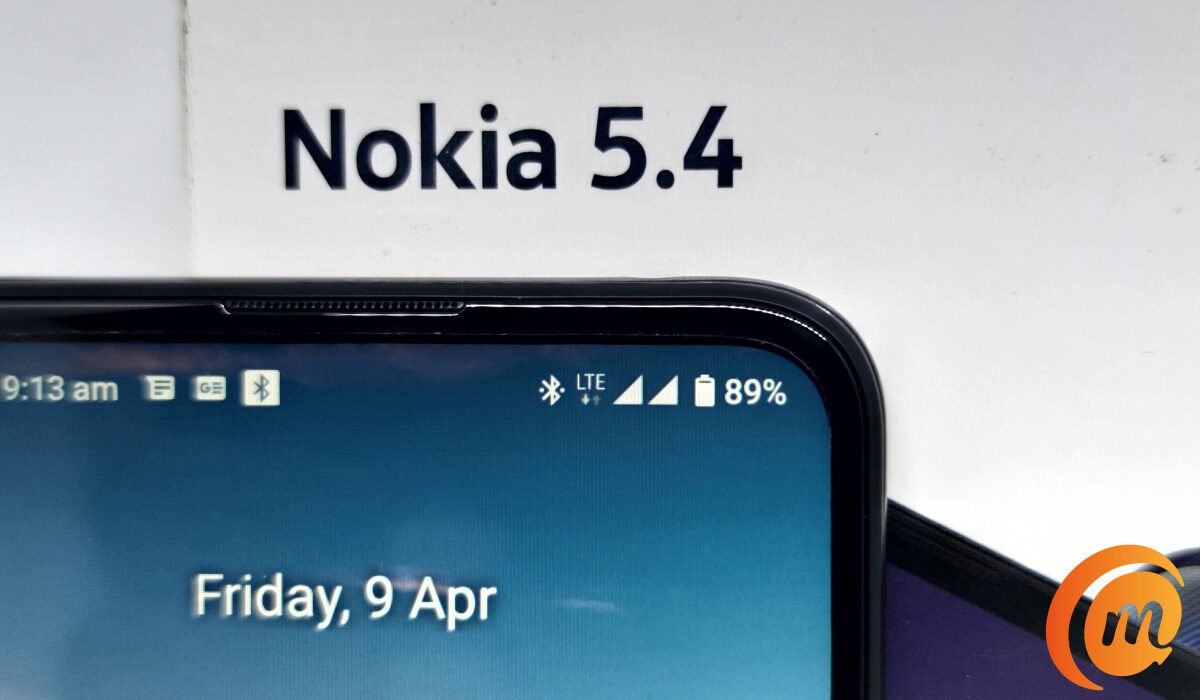
You are likely here because your Android phone has popped up an error notice saying, “mobile network not available”, and you are looking for a solution. When this notice pops up on your cell phone, you will also notice that at that time, your phone loses network signal. As such, you cannot make or receive calls and text messages. If you use mobile data, in the absence of a network signal on your phone, that goes off too.
What causes this “mobile network not available” error situation? In simple terms, something has triggered a disconnection between your cell phone and the mobile network. It could be caused by a software bug in your phone, a temporary unavailability of your mobile network from the cell site or base station providing you service, or also due to a hardware fault.
Different Ways To Fix The “Mobile Network Not Available” Error
Below are a few quick things you can do to resolve the error and situation, and get your Android phone reconnected to the network.
Check For Network Coverage
You might be experiencing the “Mobile network not available” issue because you are currently out of your carrier’s network coverage. This is something that happens if you are commuting, especially outside of the city. It happens too on long bridges and tunnels where these is a gap in coverage between base stations that are spaced apart. What to do? Exercise some patience and you will be back with network coverage again, and the error will disappear as soon as your phone re-connects.
Use Flight Mode Or Airplane Mode
This is a very easy action. Swipe down from the top of your phone to pull down the notification menu, find Flight/Airplane Mode there and tap on it to enable it. What that does is disconnect your phone’s network radio. After a few seconds, tap it again to turn it off: this turns your phone’s network radio back on. If this fixes the issue, you will see the network bars show up on your phone again and you will be able to do calls, SMS, and mobile data once again. The “Mobile network not available” error will be gone, too.
An alternative way to access Flight Mode is to open your phone’s Settings > Network and internet > Airplane mode .
Restart Your Device
Check Your SIM Card
Sometimes, the “Mobile network not available” issue is caused by a dislodgement of the SIM card in the SIM tray. This happens more especially if you had to cut your SIM card to fit into the tray. Open the SIM tray and pull out your SIM card, wait some moments, and then put it back in. Ensure that it sits in the tray properly and firmly before closing the tray. If it doesn’t, it might be time for you to go change that card for a new one.
Also, it is a good idea to check if your SIM card is damaged. One way to do this is to put it into another phone and see if it works there. If it doesn’t work in another phone, the problem might be a damaged or faulty SIM. Note that this is not foolproof: the problem could also be from your mobile network provider.
Check Your Mobile Network Provider
The “Mobile network not available” problem you are dealing with might be a problem from your mobile network carrier or operator. A quick step you can take is to ask people around you who are on the same carrier to check if they are having network signal on their phones. If they are, the issue might be local to you and not a network issue.
You can also put a call to customer care, or chat them up via WhatsApp or their social media channel to lodge a complaint. If there is a network issue, they will usually be in the know and tell you. In this case, all you have to do is sit back and wait for them to sort it out.
Contact A Service Centre Or Repair Shop
If you have tried everything else and ruled out network issues from your carrier/operator and SIM card issues, and your Android phone is still popping up the “Mobile network not available” error, it is time to consider taking the phone to an authorized service centre or repair shop. If your phone is under warranty, definitely take it to an authorized service centre, so it can be fixed at no cost to you.
- Don’t miss our mobile phone reviews .
- Follow our news on Google News .
- Join our WhatsApp Group , to be notified of the most important articles and deals,
- Follow us on Instagram , Facebook , Twitter , and YouTube .
Author:MobileChic
That motivated, gadget-loving geeky chic who tries to stay on top of things. Unapologetic iFan.
