Add MobilityArena as a preferred source on Google
This article was inspired by a story that I read earlier today on Nairaland[1]. And, no; this is not about any beef with YouTubers and other players in the gadget tech media. As a matter of fact, we also create unboxing videos and publish hands-on reviews both here and on our sister website. It is, however, imperative to point out certain factors that are inherent in unboxing videos and hands-on reviews.
The story is about a boy who had chosen a particular budget phone model because he had seen unboxing videos and hands-on reviews that spoke favourably of gaming on the phone. Weeks later, the boy was constantly complaining that the device was lagging terribly when he tried to run Call of Duty Mobile (that’s a game) on it. Any surprise? What was the problem? Let me explain it.
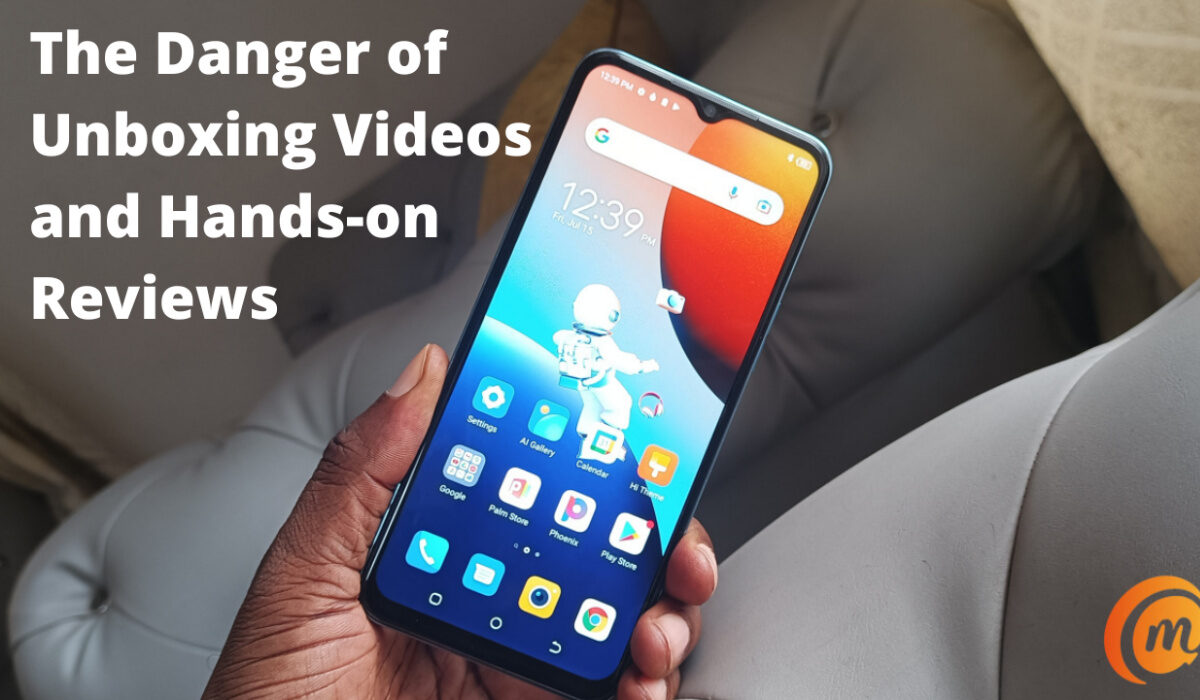
Why Unboxing Videos and Hands-on Reviews are inadequate for buying decisions
When a smartphone is new and not loaded with all the apps that the user needs on a day-to-day basis, any evaluations done in that state are unrealistic and not accurate. This is because the resources are barely stretched the way they would be after 60 apps have been installed, scores of photos snapped, and all that. Device performance drops as resources are used and stretched. This is a universal principle.
If I do not install all the 134 apps that I normally have on my phone on a device I am reviewing, setup my two email accounts, social networking apps, instant messaging apps, and all of the other services I use, and use the phone that way for an extended period, I am truly not getting a true picture of how well the phone performs.
This is why the standard period for our mobile phone reviews here at MobilityArena is 3 weeks. We put the devices to regular use for that period. In my 20 years experience of using and reviewing phones, it is the least period of time in which you can get reasonably accurate experience of a phone in order to make sound recommendations.
Sometimes, we have had a brand send in a phone for review and they ask that the review be ready in a few days. We proceed to explain to them that we would have to label such a review as a “hands-on, first impressions” review. It wouldn’t serve our readers, if we published a 3-day experience with a product as a proper review. Mobile phone specs do not tell the whole story, and neither do YouTube Unboxing Videos and Hands-on reviews. As a matter of fact, unboxing videos are better suited to product marketing, which is why most brands love and prefer them. They show off the shiny new gadget that has not been broken in. What does that mean?
To break in a pair of new shoes refers to that period after you start wearing a new shoe and it rubs against your tender feet, causing blisters and abrasions, until shoe and foot find a way to conform to each other in harmony. Unboxing a shoe is not breaking in a shoe.
It is the same way that unboxing a smartphone does not tell the full story of how it is in everyday use. Unless the unboxing video as includes a detailed review of the gadget after extended use.
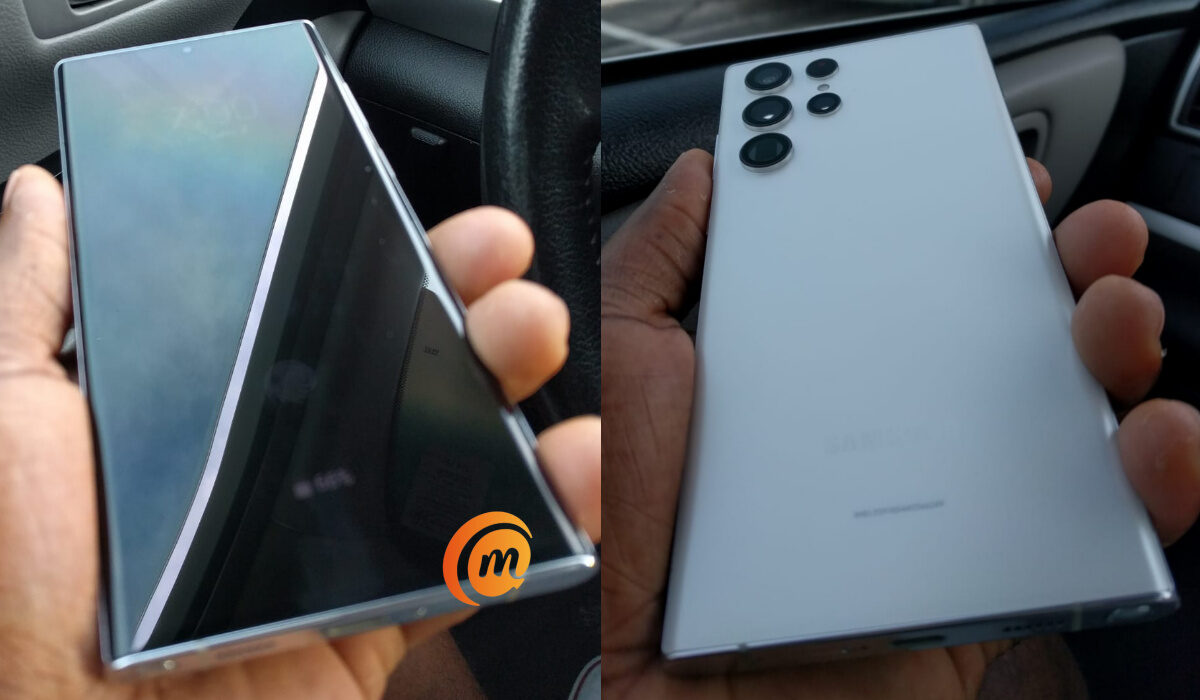
Hands-on review of Samsung Galaxy S22 Ultra 5G
Don’t Stop Watching Unboxing Videos and reading Hands-on Reviews
Does this mean that you should stop watching those unboxings and reading hands-on reviews? Not at all. Enjoy them all you want. They are great for showcasing a new phone and it’s accessories, and also often provide useful information about the specs of device. But if you are shopping for a new smartphone, they are often inadequate for telling you what to expect from using the device in every day situations. A more detailed review that is produced after weeks of daily use is what will provide the information that you need. And a long-term review, produced after months of usage, is even better for that.
Reference : 1. Nairaland article source .
- Don’t miss our mobile phone reviews .
- Follow our news on Google News .
- Join our WhatsApp Group , to be notified of the most important articles and deals,
- Follow us on Instagram , Facebook , Twitter , and YouTube .
Author:Mister Mobility
Digital Skills and Communication Coach | Mobile Phone Connoisseur since 2001 | Tech Blogging since 2004
Add MobilityArena as a preferred source on Google
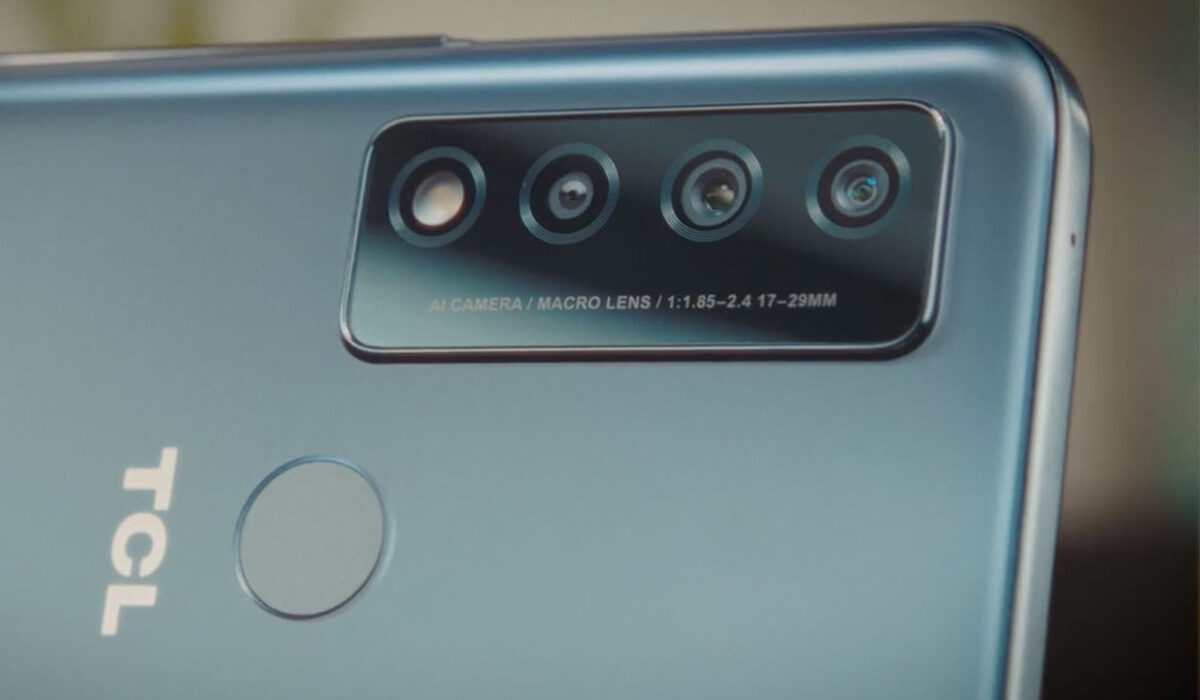
The TCL 30 v 5G is one of the newest additions to the TCL 30 series. It is a mid-range smartphone with impressive battery life and 5G, but has been criticized performance-wise. We’re going to be looking at some of the problems users might encounter while operating this device.
Unresponsive Touch Screen
Having a screen that does not work well can be frustrating as a user, to say the least. It is very common for this to happen when your device has been exposed to physical damage. But issues like this can surface because of bugs and glitches that some software updates might cause. These can mess with your overall display experience. Here are some ways to improve and possibly fix your unresponsive touch screen.
Safe Mode
Using Safe mode will return your device to its original condition when you reboot it. It disables all third-party applications on your device for a short period. To do this tap and hold the power button, and the Menu will pop up. Tap and hold the power off icon for 3 to 4 seconds. You will see a Reboot to Safe mode notification. Tap Ok and your device will reboot. If your screen works properly after the reboot then the problem originated from a third-party app(s). Identify the app(s) and delete them.
Restarting your device
This is a very common method across different brands of fixing your phone’s unresponsive screen. Restarting your device allows it to run smoothly, clears any activity running in the background, and frees up some memory. So, go ahead and restart your TCL 30 v 5G. If your screen isn’t responding to touch at all, you can hard restart by pressing and holding the power button and the volume up or volume down.
If these options above don’t work, a factory reset might solve it. Note that it will wipe out all the data on your phone. It will be like operating your TCL 30 v 5G for the first time.
Charging Issues
If you are having issues like slow charging and overheating on your TCL 50 v 5G, there are multiple reasons as to why that may be. Here are some of them.
Broken cable: if the cable you are using to charge your TCL 30 v 5G is split at any point, it could affect the charging speed and make it agonizingly slow. You need to get a replacement. When you do, check if it charges any faster than it did before.
Unsupported cable: Another reason why your device might charge slowly is that the cable is not supported by your TCL 30 v 5G. It is better and safer to use the cables or chargers that come with the particular smartphone brand. So even when you want to replace the charger, you have to get an actual TCL charger.
Charger Block/Adapter: If you have rested and made sure there is nothing wrong with your TCL 30 v 5G, then the problem is probably coming from the charging adapter. To figure out if it is indeed the charging adapter, try using different adapters. If one or some of the other charging adapters work fine and charge your device faster, then the charger block you were using for your device is faulty. Purchase a new charger block as soon as you can and do your best to buy the original TCL charging block.
Charging port: If the charging port of your TCL 30 v 5G is damaged in any way, it can affect how fast your phone charges and even stop it from charging completely. It can also overheat your phone. If you find there to be nothing wrong with your charging block and cable, and you suspect the charging port might be damaged, take your phone to be accessed by a professional. If it is indeed a problem with the charging port, you can get it fixed and check if your phone charges any faster.
It could also be debris and dirt piled up in the charging port. This is something you can take care of, but to be safe and not damage the charging port itself, you can take it to a professional to get it cleaned for you.
These are some of the popular problems that you might encounter while using your TCL 30 v 5G. If you have any other problems, comment down below and we will get back to you with feedback.
- Don’t miss our mobile phone reviews .
- Follow our news on Google News .
- Join our WhatsApp Group , to be notified of the most important articles and deals,
- Follow us on Instagram , Facebook , Twitter , and YouTube .
Author:Flamez
Flamez loves basketball, art, gadgets and cars.
