Add MobilityArena as a preferred source on Google
The new Samsung charging animation on the lock screen tells you the kind of charger you plug in. In this video , demonstrate this using three different grades of chargers. You will enjoy this.
Don’t forget to check out the extensive list of Samsung phone getting updated to One UI 8 .
Author:Mister Mobility
Digital Skills and Communication Coach | Mobile Phone Connoisseur since 2001 | Tech Blogging since 2004
Add MobilityArena as a preferred source on Google
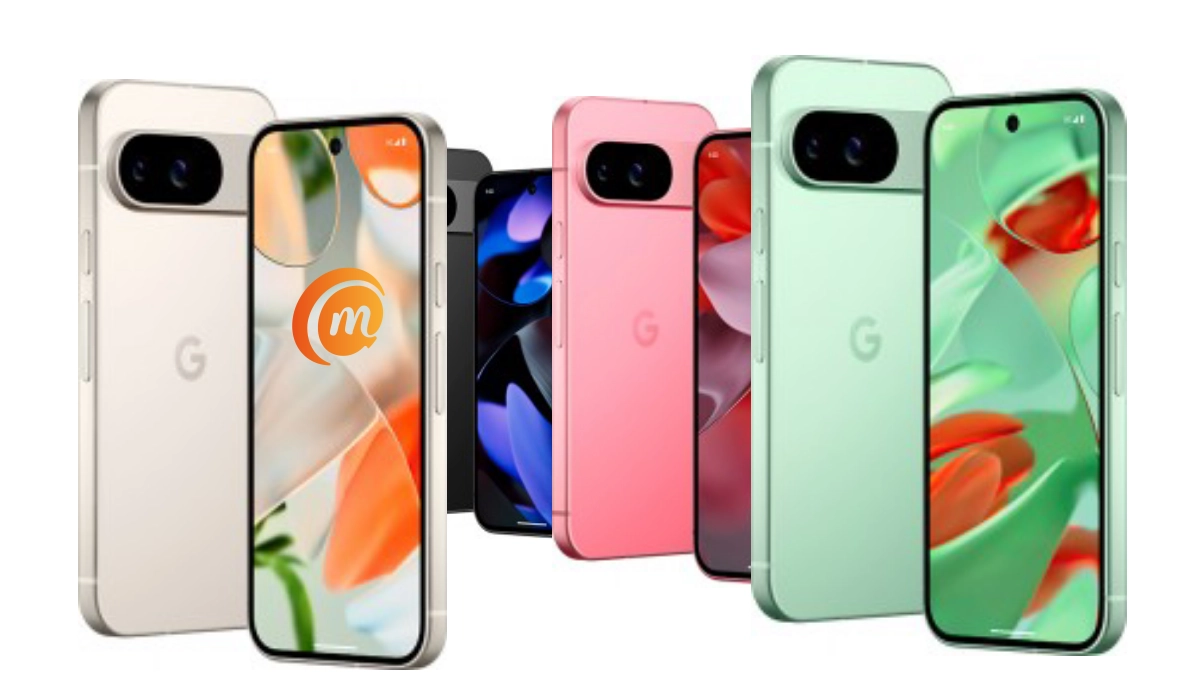
Ever wished you could film your vlog, livestream, or unboxing video from more than one angle without juggling multiple devices? With the Pixel 9 series’ exclusive Multi-Camera Simultaneous Capture feature, you finally can. This smart tool lets you record from two (or more) cameras at the same time, no extra apps, no confusing setups — just seamless creativity. Whether you’re sharing reactions while unboxing, streaming with dynamic angles, or capturing your best content yet, Multi-Camera Simultaneous Capture makes your videos look polished and professional. It’s a simple way to level up your storytelling and give your audience a richer, more engaging experience. With Multi-Camera Simultaneous Capture, your content doesn’t just get recorded — it comes alive.
- What Is Multi-Camera Simultaneous Capture (Connected Cameras)?
- How to Enable Connected Cameras on Your Pixel 9
- What You Can Do with It
- Things to Keep in Mind
- Pro Tips
- Conclusion
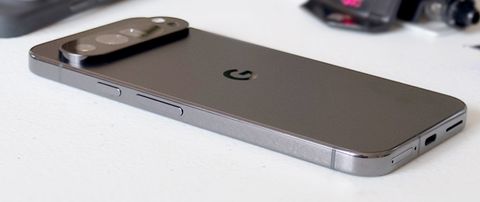
What Is Multi-Camera Simultaneous Capture (Connected Cameras)?
Google’s Connected Cameras lets you link your Pixel 9 (or Pixel 9 Pro, Pro XL, Pro Fold) with other Pixel devices (Pixel 6 or newer) or GoPro Hero 10+ cameras wirelessly. This means you can stream and record from multiple angles and switch between cameras seamlessly during your video sessions — all within popular apps like YouTube, Instagram, TikTok, Snapchat, and Facebook. No more lugging around complex setups or juggling multiple devices manually!
How to Enable Connected Cameras on Your Pixel 9
- Get Your Devices Ready: Make sure your primary Pixel 9 and the remote camera device (another Pixel or supported GoPro) are signed in with the SAME Google Account and connected to Wi-Fi or Bluetooth.
- Enable Connected Cameras: On your Pixel 9, go to Settings → Connected devices and toggle on Connected Cameras.
- Open Your Favorite Live Streaming or Recording App: Launch apps like YouTube or Instagram.
- Switch Cameras: Upon starting your livestream or recording, you’ll notice a camera picker interface allowing you to toggle smoothly between your phone’s camera and the remote camera.
What You Can Do with It
- Switch Angles Without Pausing: Flip between your front and rear phone cameras or the remote GoPro or Pixel camera on-the-fly.
- Add Unique Perspectives: Use a GoPro for action shots while your Pixel handles close-ups.
- Stream with Professional Flair: Spice up your live stream with dynamic angles to keep viewers hooked.
Things to Keep in Mind
- Both devices must use the same Google Account, so no borrowing your buddy’s Pixel for remote cams.
- Audio switches to whichever active camera is currently streaming, so if the mic is better on one device, keep that in mind.
- Switching cameras has a brief countdown before it activates to avoid jolting your video. It’s like your phone taking a breath before showing off a new camera angle.
- Connectivity can be a bit finicky for long streams — best to test before going full pro.
Pro Tips
- Use a tripod or stable mount for the remote cameras to get crisp, steady shots.
- Plan your angle switches to maximize viewer impact near key moments.
- Combine this with Pixel’s smart video features, like Dual Exposure Video for lighting control, to make your captures even more stunning.
Conclusion
Multi-Camera Simultaneous Capture on the Pixel 9 series isn’t just another feature — it’s a powerful tool that makes creating content easier and more exciting. From vlogging to live streaming to simply saving memories in a more dynamic way, Multi-Camera Simultaneous Capture gives you freedom to tell your story from every angle. With just a quick setup, you’re ready to let your content shine, and that’s the real magic of Multi-Camera Simultaneous Capture.
