Add MobilityArena as a preferred source on Google
Every other day, someone sends me a link about the Tesla Pi phone that has been supposedly announced by billionaire techie, Elon Musk. And every single time, I find a way to not say anything about it, because I do not want to be that guy. Some minutes ago, I saw another “news” item about this mythical phone, and I decided that I’d write about it.
I really do not want to be the one to tell people that Elon Musk did not, and has not, announced any such phone. That he has not so much as mentioned it. That everyone else is tagging him and tweeting at him about it, yet he has not so much as responded to any of it.
I hate to be that guy who points out to you that no credible news outlet, and no credible tech blog, has published the “news” of the announcement of the phone. That even the tech blogs that are big on leaks and rumours have not had any leak to publish about the Tesla Model Pi. Sigh. That the logical conclusion from all of the above is that even if the Tesla Pi phone exists at any stage of development, it is still a ghost.
All the specs and images flying around are the products of the imagination of people who are giddy on euphoria, or who have some agenda that the rest of us mortals have yet to figure out. Is it not absurd that so many people seem unable to distinguish between concept designs and an actual phone in development by a manufacturer? I find it really odd.
There is no way of confirming the authenticity of this yet, but there are report of Tesla Pi phone renders that have popped up on the Web. If true, the implication is that electric and autonomous carmaker, Tesla is stepping into the smartphone business. If Tesla is indeed making an entrance into the world of cell phones, we will be expecting to see something groundbreaking, as the brand is known for its industry disruptions.
Tesla successfully disrupted the automobile market with its introduction of commercial electric and self-driving cars. It’s sister company, SpaceX, disrupted space travel. A Tesla phone would have to bring something truly novel or futuristic to the game.
Will we see groundbreaking charging and battery technology from its experience with electric cars? Will a Tesla phone bring superior artificial intelligence to smartphones? We will have to wait and see. For now, all we have are renders, concept designs, and rumours.
Tesla Pi Phone Renders
Here are some renders of the elusive Tesla Phone:
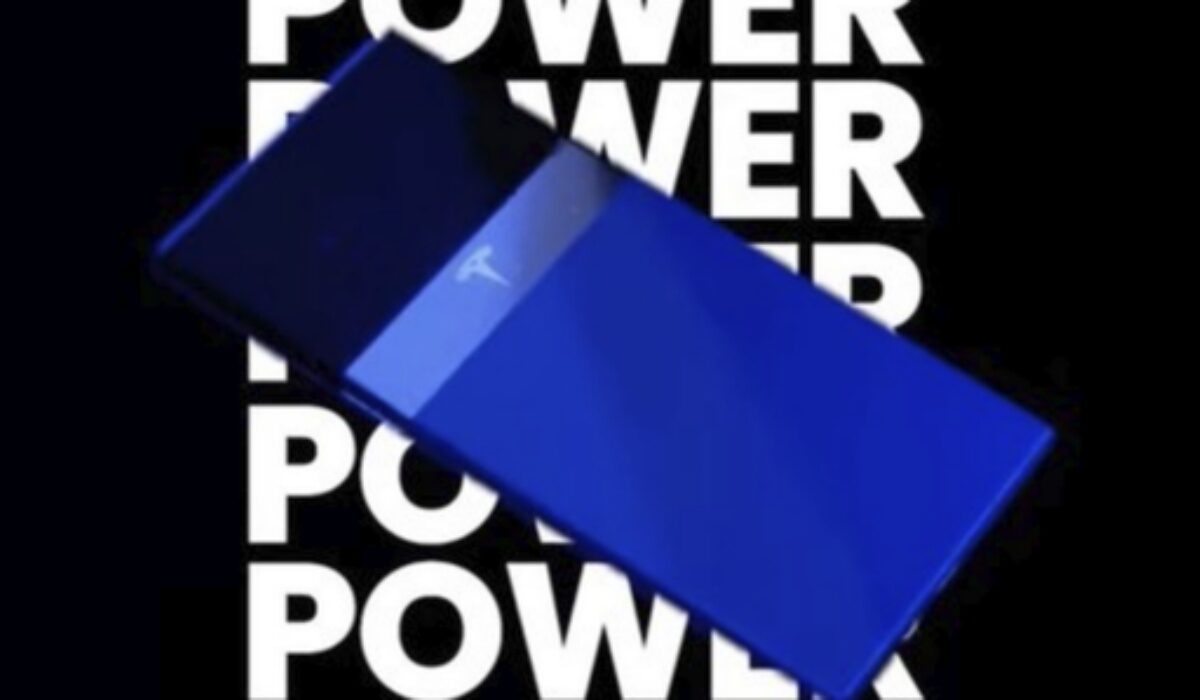
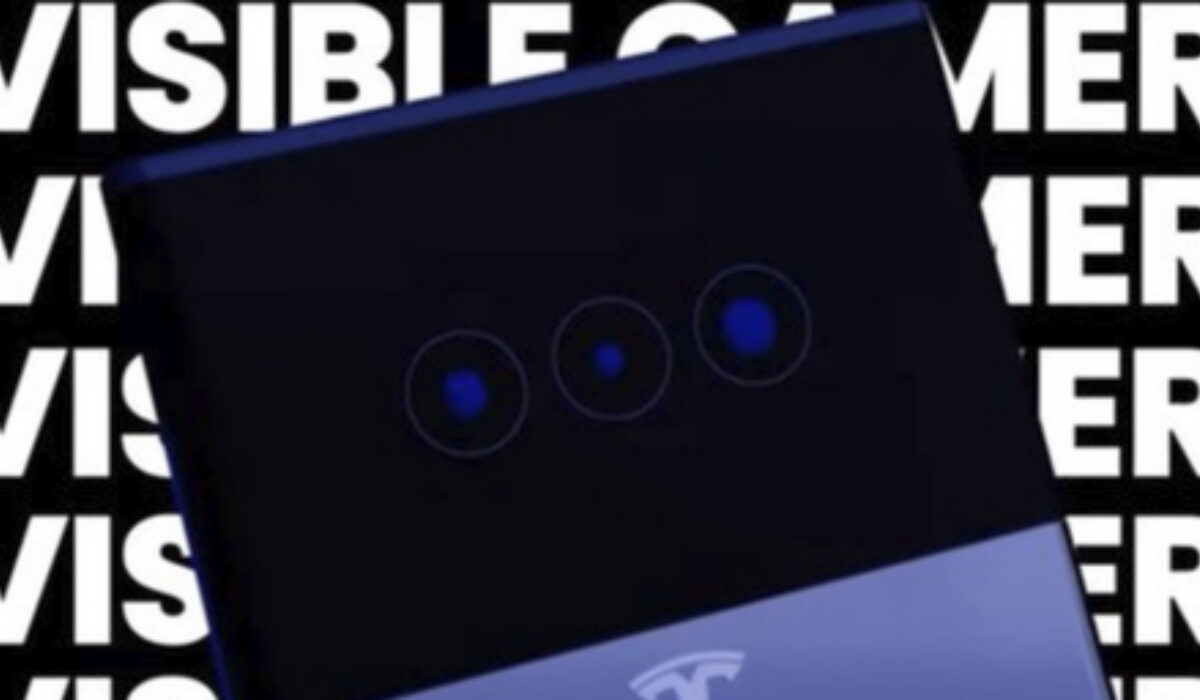
source(in Chinese)
Again, take these with a pinch of salt till there is some form of corroboration or confirmation from other sources.
Another Tesla Pi Phone Concept Design
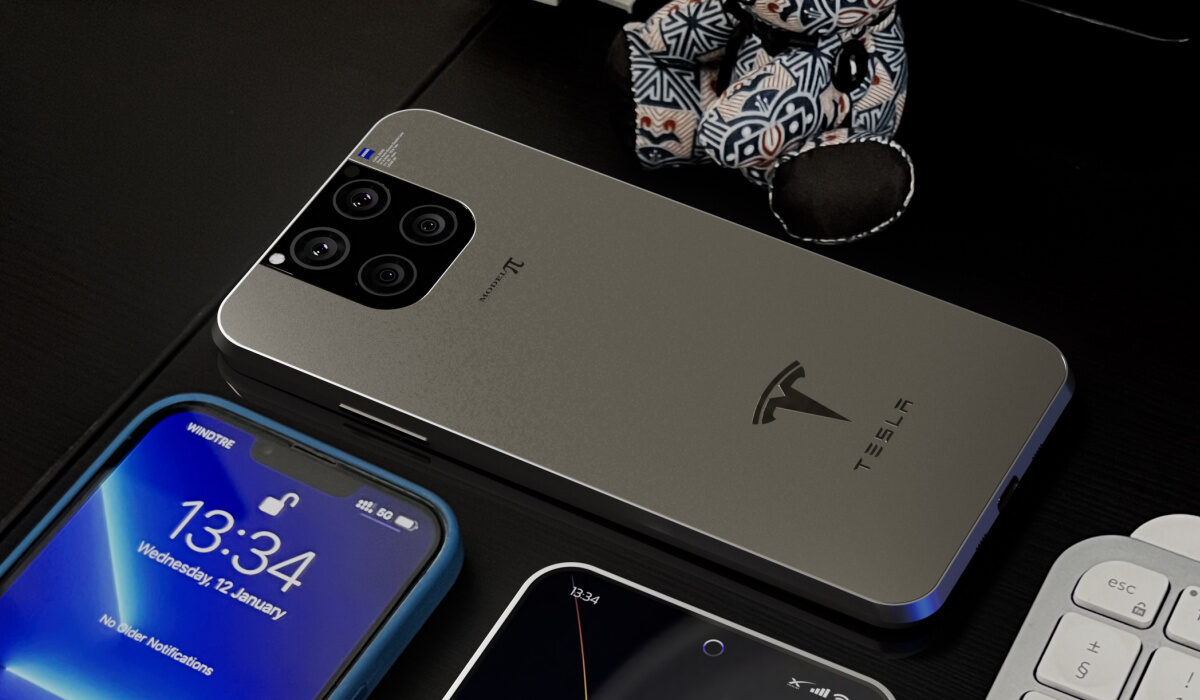
A concept design for the mythical Tesla Model Pi, done by Antonio De Rosa.
The above concept design of the Model Pi was done by Antonio De Rosa. A concept design is an imaginative work. Someone asked Antonio, “Hi Antonio, I am a software developer and like to build applications for Tesla phone. What operating system it would be using? Thank you.”
Antonio’s reply recommends that we ask the million-dollar question: “I’m sorry but we need to ask Elon Musk if the Tesla Phone will ever be a real phone 🙂”. Here is the Tweet:
I’m sorry but we need to ask @elonmusk if the Model Pi will be ever a real phone 🙂 — Antonio De Rosa (@aderosa75) October 27, 2021
I doubt that if anyone directly asks Elon, he would give an answer. He has maintained a stoic silence despite mobs of people tweeting at him about the phone. Knowing Elon, he is enjoying the drama over the ghost Tesla Model Pi.
Yes; I hate to be that guy. But today, I am that guy. Perhaps one day, this mythical Tesla Pi phone will move from myth and become reality. If and when that day comes, Elon’s fans will hit the streets and sing and dance wantonly, in joy. Until then, don’t drink the Kool-Aid about the Tesla Model Pi Android smartphone.
As I wrap up this article, I shall spell things out in simple terms, for the benefit of those who are slow. Has Elon Musk announced a Tesla Phone? No; he has not. The news is fake. A hoax. Is the Tesla Phone ever going to be announced? I don’t know. I can’t tell. At the time of this article, nobody else seems to know. At least, no credible news and leak sources.
All the specifications sheets you have seen and features you have heard about the Tesla Phone are all figments of people’s imaginations. If the phone is eventually announced, it will look nothing like the images that have been in circulation and the does would not match much of what has been circulating. I hate to be that guy, but today, be my guest. Tea is served.
Author:Mister Mobility
Digital Skills and Communication Coach | Mobile Phone Connoisseur since 2001 | Tech Blogging since 2004
Add MobilityArena as a preferred source on Google
The iPhone 13 Pro sports four of the best cameras now available in a smartphone, making it one of the key areas that have got the most improvement recently. There are three cameras at the back and one on the front on the 13 Pro as well as the 13 Pro Max. There’s also a 12MP wide, a 12MP ultrawide, and a 12MP telephoto with 3x optical zoom. You also have a 12MP wide camera at the front.
Before we get too technical, these sound like a lot of cameras, but the important question is, how can they help you get pictures with better quality? How can you get the best photos with your iPhone 13 Pro? In truth, this model does include a ton of camera features that can help you produce amazing pictures. But this may not be entirely possible if you just grab your phone straight out of the box and start snapping away. This is why we’ve put this easy guide together for you, highlighting a few helpful iPhone 13 Pro camera tips to help you get the most out of your device.
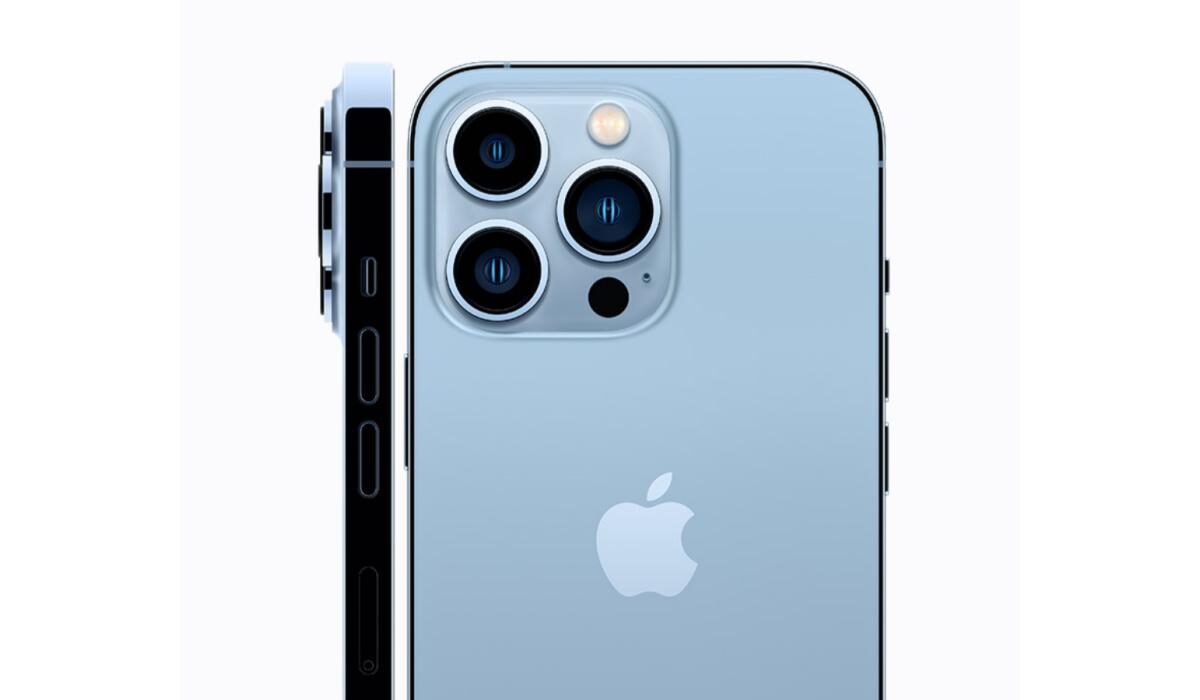
How to take the best photos with your iPhone 13 Pro
Turn Off the Automatic Night Mode Feature
The iPhone 13 Pro’s Night Mode is remarkable and a significant upgrade over earlier models, but for the best pictures, it’s best if night mode isn’t activated whenever you’re in a low-light setting. With the night-mode setting, if you try to take a picture of a moving subject, it could also result in blurry images. It also tends to make night shots appear like they weren’t captured in the night, and frankly, no one wants this.
If you find yourself needing to do so every time you take a picture in the dark, turning off Night Mode while you’re in the camera app will quickly become unpleasant. Instead, we’d advise disabling the automatic Night Mode feature altogether. You can then activate it quickly by touching the Night Mode symbol (a moon) when you need it. Toggle the option for Night Mode by clicking on Settings app > Camera > Preserve Settings.
Go in closer to your subjects
The iPhone 13 Pro’s cameras also have macro focusing, which allows for incredibly detailed close-up pictures. The ultrawide lens now supports macro focusing, in both photo and video modes, including slow-motion and time-lapse. Play around with shots of flowers, insects, fabrics, and anything else that would typically be too small to shoot with a phone to make the most of this. Then, decide between x.5 and x1 magnification by positioning the subject as close to the centre of your frame as feasible.
Macro Control is typically turned off by default and automatically activates when you are 14 cm away from a subject. Go to Settings > Camera > Macro Control to disable automatic macro focusing, so you have greater control. The ability to turn it on and off will subsequently be represented by a macro symbol, a flower, in the bottom left corner.
Enable/Disable the Lens Correction Feature
The lens correction tool is essential for taking photos that appear more realistic. The ability to edit images captured with the front camera or Ultra-Wide camera and prevent barrel distortion at the edges makes it a crucial iPhone camera feature. Thankfully, iOS provides a simple method to manage this crucial camera feature. Turn the Lens Correction toggle on or off by going to Settings on your iPhone and selecting Camera.
Shoot videos in Cinematic Mode
Videographers will love the iPhone 13’s Cinematic mode, which lets you adjust the focus while filming. By selecting the Cinematic option at the bottom of the viewfinder (above the shutter button) in video mode, you can shoot in cinematic style. When you swipe up on the viewfinder, you may change the depth by hitting the letter “f” and the exposure by tapping the circle with the symbols “+” and “-” if you’re holding your iPhone horizontally.
Begin your recording, then touch a subject in the viewfinder to alter the focus while you record. Double-tapping will help you automatically track a subject, and touching and holding will lock the focus at a particular distance. For YouTubers and content producers, this is a terrific camera tip for iPhone 13 Pro devices because it makes it simple to use artistic effects like strolling into focus or switching between subjects.
Most times, getting amazing pictures with your iPhone 13 Pro depends on how many great tips you have at your disposal. This is why you should keep these we’ve provided you in mind, and you’ll be surprised at how much better the quality of your pictures will be. We’re sure you’ll find this article really helpful, so don’t forget to share it with your friends, family, and loved ones.
- Don’t miss our reviews .
- Follow our news on Google News .
- Join our WhatsApp Group , to be notified of the most important articles and deals,
- Follow us on Instagram , Facebook , Twitter , and YouTube .
