Add MobilityArena as a preferred source on Google
Google Drive is a useful application for storing important data, photos, and videos. However, you may occasionally encounter problems when attempting to play videos from Google Drive. Typically, you’d encounter an error message that says something like, “This video cannot be played” or “Whoops! There was an issue with playing this video.”
Fortunately, there are numerous possible solutions you can try to resolve this issue and get your video to play. This article will walk you through the various causes, as well as how to fix the “This video cannot be played” error in Google Drive.
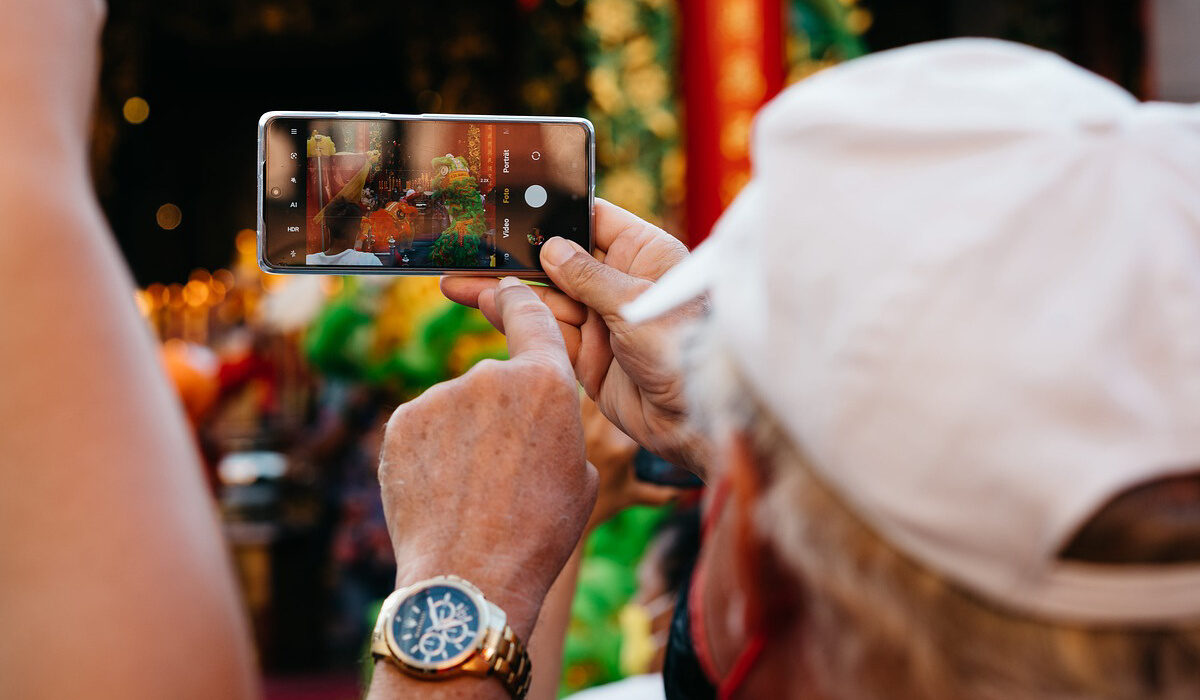
Why Are You Getting the “This Video Cannot Be Played” Error?
Before we get into possible ways to fix the “This video cannot be played” error, let’s take a look at what might be causing it. Here are the most likely causes:
● Internet connection problems
● Incompatible video resolution or unsupported video file format
● The “hardware acceleration” feature
● Video file is corrupted
● Cookies and browser cache
● An obsolete browser
● Large RAM (Random Access Memory)
● Plug-ins from third parties
● Google’s service terms and restrictions
● The video is pirated
How Can I Fix the “This Video File Cannot Be Played” Error in Google Drive?
Google Drive is without a doubt one of the most user-friendly cloud storage platforms. However, it’s inconvenient when this tool displays error messages like “the video cannot be played on Google Drive.” Here’s what you should do to fix the error.
Examine Your Internet Connection
First, ensure that your internet connection is stable if you want to fix “This video file cannot be played” error. Google Drive requires a stable and high-speed internet connection to play videos stored in your cloud storage. As a result, playing videos with slow internet or a fluctuating network is likely to cause problems.
Test your Wi-Fi speed if you suspect you have internet speed issues. If your internet speed is adequate, consider resetting your router and reconnecting.
Launch the Video in a New Tab
Instead of double-clicking to play a video, try opening it in a new window. This could aid in fixing the “this video file cannot be played” error and any others you might encounter in Google Drive.
Here’s how to open your video in a new window:
● Open Google Drive, right-click the problematic video, and then choose Preview .
● In the top-right corner of the screen, click the menu icon (three vertically aligned dots).
● Choose the Open in a new window option.
Check to see if your video has been corrupted
Your video may be corrupted, resulting in the “Video cannot be played in Google Drive” error. When you download the video, the video players on your computer may also be unable to play it.
If it’s a corrupted video that’s causing the problem, no need to fret. There are several video repair tools available (such as Stellar Video Repair) that can help fix a “this video file cannot be played” error in Google Drive. The best part is that most of these tools can repair videos in a variety of formats, including WMV, AVI, MKV, FLV, MPEG, MP4, and others.
Turn off Hardware Acceleration
Hardware acceleration allows a browser, such as Google Chrome, to access and use your GPU for rendering video results. If it is too large, the video will not render and will not play. The only way to fix the “this video cannot be played” error in this case is to disable this feature.
● Navigate to the Chrome Settings page.
● At the bottom of the Settings page, select ‘ Advanced ,’ and then select ‘ System .’
● You will now see a ‘ Use hardware acceleration when available ‘ option. Toggle the button beside it, then restart the browser. Then play the video to see if it works.
Free Up RAM and Clear Your Browser’s Cache
Clearing the RAM may also help you fix the “This Video cannot be played” error in Google Drive. Since you’ll likely not want to install new RAM, this solution will concentrate on clearing it.
There are two options for clearing it a browser’s cache. Begin by closing the background application. If it doesn’t work, try deleting the browser’s cache files.
Here’s how you do it in Chrome:
● Open Chrome and click the three-dot button in the upper right corner.
● Open the ‘ History ‘ option by navigating to it. By pressing CTRL+H , you can also open history windows. Now, select ‘ Clear browsing data ,’ check the ‘ Cache and cookie ‘ box, and then select ‘ Clear Data .’
Alternatively, go to Chrome Settings > Clear Browsing Data to access the clear data option.
Check for Browser Updates
If you’re still unable to fix the “video cannot be played on Google Drive” problem, you might be using an old browser version that can’t play certain videos. This means you have to update your browser.
So, here’s how you can update popular web browsers like Chrome.
● In the top-right corner of the screen, select the menu icon (three vertically aligned dots).
● Go to Help > About Google Chrome .
● To apply any available updates, select the Relaunch option.
In conclusion , as you can see, the solutions we’ve discussed above can help you fix the “This Video Cannot Be Played” Error in Google Drive.
Author:Joan Agie
Add MobilityArena as a preferred source on Google
OnePlus 11 arrives in the US and international markets with a top-end chipset and specs, and at a pocket-friendlier price than most other flagships. There is no Pro version this year, but you do get four variants that go from 8GB RAM + 128GB storage all the way to 16GB RAM + 512GB storage.
Note that in the US, its fast charging is limited to 80W, while the international version gets 100W. Welcome to our complete guide to the OnePlus 11. Read on to discover why the OnePlus 11 is one of the most exciting new smartphone releases of the year 2023.
OnePlus 11: brief information
- OS: Android 13
- Release Date: 2023
- Network Type: 2G/3G/4G/5G
- Display: 6.7-inch, 1440 x 3216 pixels resolution
- Processor: Snapdragon 8 Gen. 2 SoC
- Selfie Camera: 16 MP
- Rear camera: 50 MP triple camera
- RAM: 16 GB
- ROM: 512 GB
- Battery: 5000 mAh
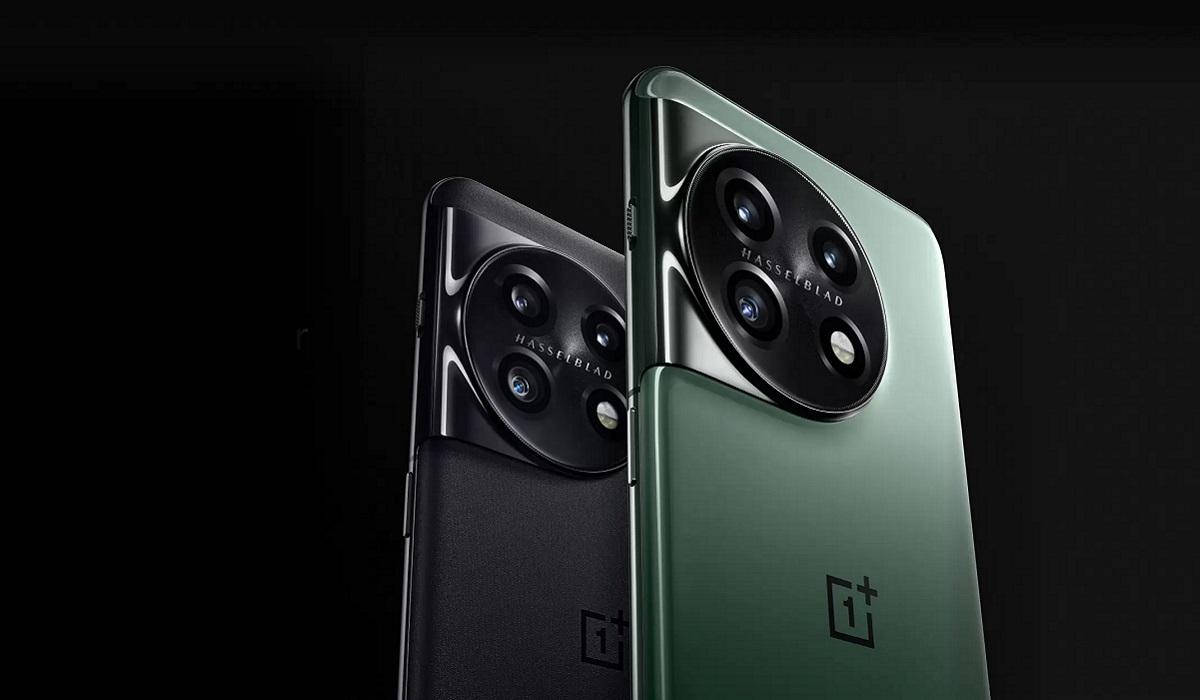
OnePlus 11
- Detailed Specs
- Prices by Country Does OnePlus 11 have Google Play Store? Will OnePlus 11 work in the USA?
- OnePlus 11 Successor
Detailed Specs
Mobile Wireless Network and Software
- 2G mobile network bands : GSM, GPRS, EDGE 850 / 900 / 1800 / 1900 MHz.
- 3G mobile network bands : UMTS, WCDMA, HSDPA 850 / 900 / 2100 MHz
- 4G mobile network bands : LTE.
- 5G mobile network bands : NSA/SA
- SIM Type : Nano-SIM, Dual SIM
- Software / OS : Android 13 + OxygenOS 13
Design, Form Factor, Appearance
- Dimensions : 163.1 x 74.1 x 8.5 mm
- Weight : 205g
- Display : 6.7 inches, 1440 x 3216 pixels, 120 Hz refresh rate, 20:9 aspect ratio, Dolby Vision, HDR10/10+, LTPO3 Fluid AMOLED screen, Corning Gorilla Glass Victus.
- Colours : Titan Black. Eternal Green
- Physical Build : Glass front (Gorilla Glass Victus), aluminium frame, Gorilla Glass back. IP64 rating.
Internal Hardware Specs
- CPU/ Processor : 64-bit, 3.2 GHz Octa-core
- Chipset : Qualcomm Snapdragon 8 Gen 2 SoC
- GPU/ Graphics Processing Unit : Adreno 740
- RAM : 8 GB. 12 GB. 16 GB
- Extended/Virtual RAM :
- Internal Storage : 128 GB. 256 GB. 512 GB
- External Storage : No.
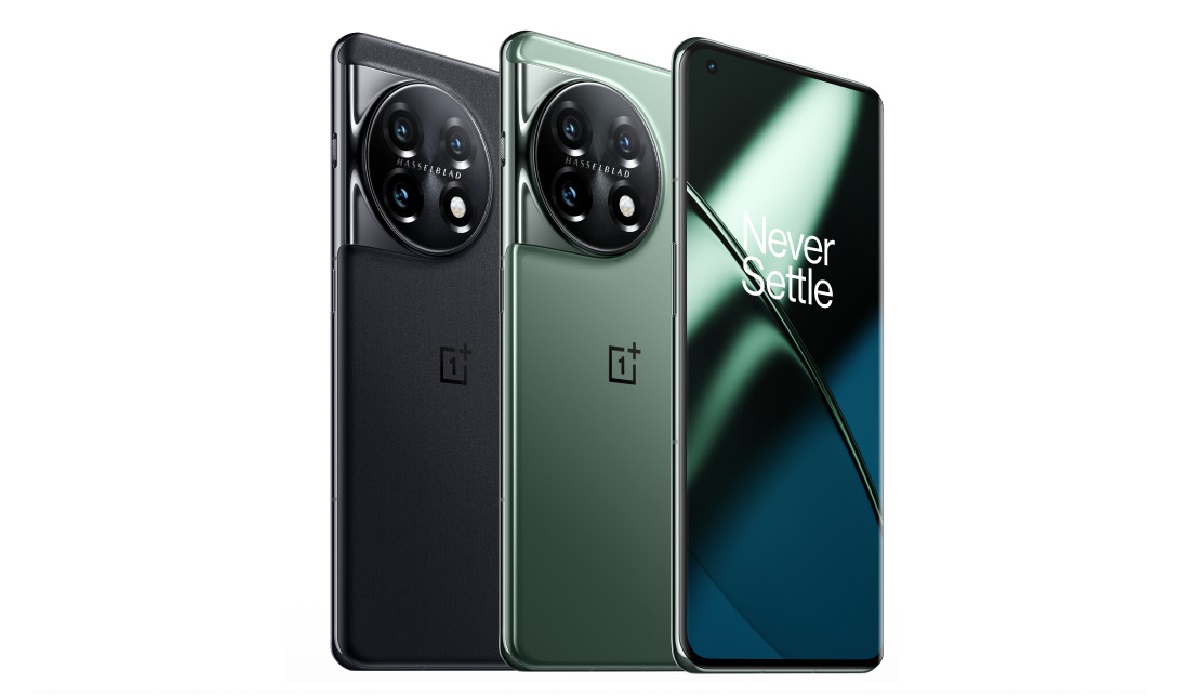
OnePlus 11
Photography, Video Recording
- Main Camera : 50 MP main sensor + 32 MP telephoto with 2x optical zoom + 48 MP uHasselblad Color Calibration, lens, autofocus, dual LED flash, 4k video. 1080p@30fps video recording.
- Front Camera : 16 MP, fixed focus, Face Recognition, 1080p@30fps video capture
Audio, Video Playback
- Music Support : PCM, AAC / AAC + / eAAC + / MP3 / AMR – NB / WB / APE
- Audio : No 3.5 mm audio jack. Dolby Atmos support.
- Loudspeaker : Stereo speakers
- Video Support : H.264/MP4/MPEG4 player
- FM Radio : No.
Phone Sensors
- Digital Compass : Yes.
- Accelerometer : Yes.
- Proximity Sensor : Yes.
- Ambient Light Sensor : Yes.
- Barometer : No.
- Pedometer : No.
- Heart Rate Monitor : No.
- Gyroscope (G-Sensor) : Yes.
- Fingerprint Scanner : Yes; under-display, optical.
- Face Unlock : Yes.
- Iris Scanner : No.
- Motion Sensing / Gesture Control : No.
- Voice Control : No.
- Intelligent Digital Assistant : Yes; Google Assistant.
- Infra-red Blaster : No.
Connectivity Options
- Bluetooth Version : 5.3
- Bluetooth Profiles : A2DP, LE
- WiFi : Wi-Fi 802.11 a/b/g/n/ac/6/7, hotspot
- GPS : Yes, A-GPS, GLONASS, BDS, Galileo
- USB : microUSB v2.0. Type-C. USB-OTG.
- NFC : Yes.
Miscellaneous Specs and Features
- Battery Type and Capacity : Non-Removable Lithium-Polymer 5000 mAh
- Battery Charging : 80W fast charging (USA). 100W SuperVOOOC S fast charging (international)
- Wireless Charging : No.
- Reverse Charging : No.
- Model Version/Number : PBH110
Launch/Release Dates and Information
- Announced : January 2023
- Release Date : January 2023
Prices by Country
- USA : $699 (8/128GB)
- United Kingdom (UK) : £729 (8/128GB).
- Germany : €899 (8/128GB)
- EU : €829 – 910 (8/128GB); pricing varies, depending on where you are in the EU.
- Switzerland : CHF
- Australia : AU$880 (8/128GB). AU$1,226.5 (12/256GB)
The above prices may change with time from country to country, as market forces and economic policies influence product price movements.
Does OnePlus 11 have Google Play Store?
It supports Google Services and software applications, including Play Store and Maps, Gmail, YouTube, and others.
Will OnePlus 11 work in the USA?
This is a GSM phone and is supported on US GSM carriers like AT&T and T-Mobile and other networks riding on their networks. It does not support CDMA networks. Do make enquiries from your carrier to know what bands/frequencies are supported on their service.
MobilityArena Buyer’s Guide Verdict
OnePlus 11 is a top recommendation of ours if you are looking at the best bang for your money at the most pocket-friendly price among 2023 premium flagships. Simply put, it offers more for less when compared to flagships from Apple, Samsung, and Google.
Our Buyer’s Guide Verdict is a recommendation based on the specifications of the device and a general guide to help you understand how much value a device offers for its price. It is not an endorsement of the device. Ask questions and use your judgement when buying any device; MobilityArena takes no responsibility for your buying decisions .
OnePlus 11 Phone Review Rating
4.75 / 5.0
OnePlus 11 Successor
The OnePlus 11’s successor, OnePlus 12 , was announced on December 6, 2023.
