Add MobilityArena as a preferred source on Google
Streaming music platforms such as Spotify, SoundCloud, YouTube Music, and Apple Music have won the game: most smartphone users have chosen these types of platforms to consume their favorite music, skipping traditional music players and the need to download and transfer song files to the mobile’s internal memory.
Although not everyone enjoys using these streaming platforms, some people prefer to listen to music locally. As a result, a good music player is required. Most music players for Android are free, though paid apps are available.
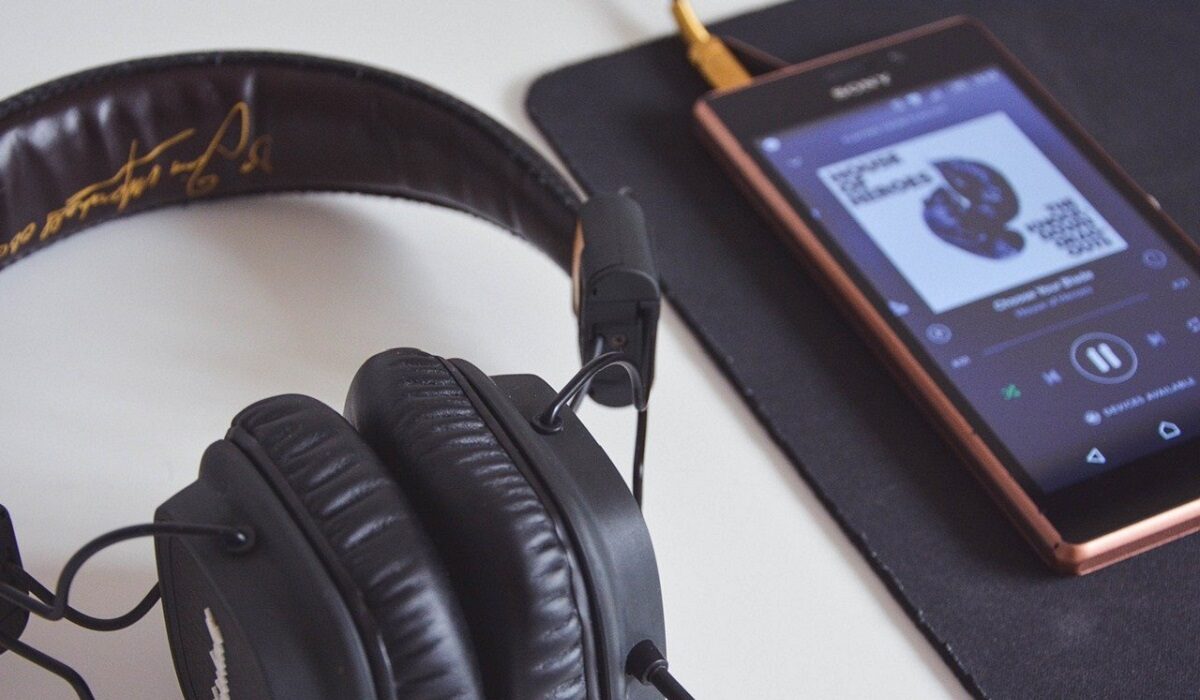
What Makes A Music Player Good?
A good music player is determined by several features. These features include:
I. To begin, the most important aspect to consider when downloading a music player is its support for audio formats. The more formats it can support, the better, as this ensures that you can listen to any audio on your phone.
II. Second, you must consider the application’s design, as it must have a customizable interface in which you control everything from the colors to the format of the player.
III. The music player you download must include an integrated equalizer with which you can change the audio playback settings and select presets to make your experience enjoyable.
When looking for the best music players for your Android, keep the features mentioned above in mind to ensure that you select the best option available for your device. Now, have a look at our selection.
The Best Music Players For Android Users
In this article, we have chosen the best music players for Android users in 2022 and will explain the features of a good music player to help you choose the music player that will serve you from now on.
You will be able to find audio players with various functionalities in this list: driving mode, song data editor, lyrics viewer, support for one format or another, and support for Google Chromecast.
- Poweramp
Poweramp is probably one of the best examples of applications that, since their inception, have managed to be at the top of their category, and for years, one of the most valued by users. And it’s all thanks to a dedicated team of developers who work tirelessly to create the best music player for Android.
Poweramp is a paid app, but it’s definitely worth the money. Among its main features, it is possible to find the functions that any user could need from an application in this category, including mp3 support, mp4, m4a, ogg, flac, wav, ape, tta, mpc, opus files, and many others. It also includes a built-in graphic equalizer, with ten bands. presets and compatible with all supported sound formats. In addition, it includes support for Google Chromecast and is compatible with Android Auto.
Shortly after their third anniversary, version 3 was launched with a renewed interface that supports gesture navigation, and a new audio engine – equipped with new DSP, 64-bit internal processing, and effects of reverberation.
- Retro Music Player
The application stands out from the crowd, owing to its unique design. It is based on the Google Material Theme lines and includes dozens of different customization options that allow you to tailor its interface to your preferences, both in terms of interface colors and player format.
It supports a variety of file types (though not as many as PowerAmp), the ability to display song lyrics, a driving mode, an advanced playlist editor with tags and the ability to import lists, and many other features.
This excellent music player for Android can be downloaded for free, though it does require payments to unlock some add-ons.
- BlackPlayer EX
Few applications can compete with Poweramp in terms of the number of functions aimed at improving the listening experience. BlackPlayer EX is one of them, and it deserves to be included in this list of the best music players for Android.
It is a paid application, similar to Poweramp, but in this case, we have a free version that can be used for more than 15 days, though not all functions are unlocked.
Its most important features are supported for a large number of popular audio formats, including mp3, FLAC, and wav; a built-in equalizer, hapless music playback, song lyrics display, playlist editor with tags, support for Google Chromecast, and a plethora of other options, all of which are available after a brief installation.
- JetAudio HD
JetAudio is another well-known music player for Android. It has long been regarded as one of the best-valued options by users, owing to its support for a wide range of audio formats- such as wav, mp3, ogg, flac, m4a, and mpc- as well as a powerful built-in equalizer with 32 presets.
The app has the advantage of allowing you to download and use which has almost the same functions as the paid version, including ads.
- AIMP Music
AIMP Music has a colorful design and an easy-to-use interface. AIMP is the most popular ultralight music player on Android, with over 10 million installs on Google Play.
This Russian-made application supports the vast majority of audio formats, including high-fidelity ones. It also has a 29-band graphic equalizer, support for OpenSSL, AudioTrack, and AAudio systems, smart folder-based playlists, HTTP audio streaming, and support for internet radio.
- Don’t miss our mobile phone reviews .
- Follow our news on Google News .
- Join our WhatsApp Group , to be notified of the most important articles and deals,
- Follow us on Instagram , Facebook , Twitter , and YouTube .
Author:Moses Udah
Creative, teacher, web content writer, copywriter, and student.
Add MobilityArena as a preferred source on Google
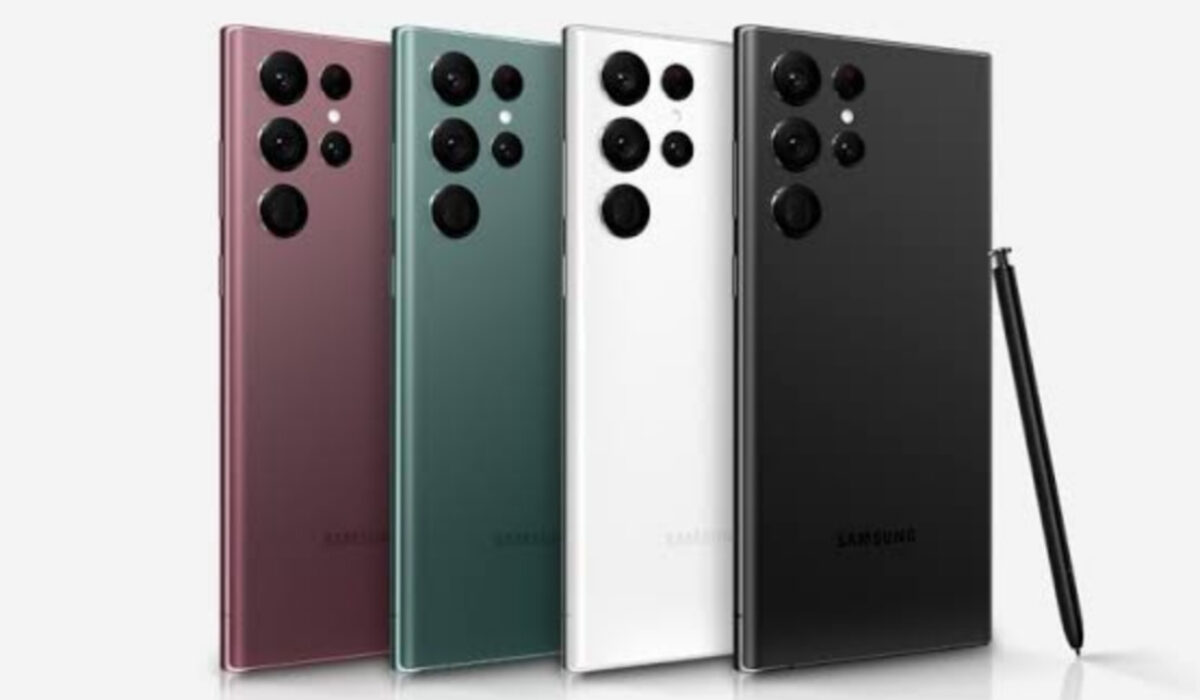
The Samsung S22 Ultra was released in late February 2022 as one of the most powerful smartphones on the planet, for good reason too. It is a fan favourite for some while we have other users on the other side of the spectrum who have nothing but complaints about the pricey device. It doesn’t matter how many cutting-edge features a smartphone might have, it will always have problems of its own. The Samsung Galaxy S22 Ultra is just one of the newer members of the party. Let’s take a look at some of the problems that users have been facing while operating this device.
- Samsung Galaxy S22 Ultra problem: Battery Drain
- Samsung Galaxy S22 Ultra problem: Overheating
- Samsung Galaxy S22 Ultra problem: Notifications
- Samsung Galaxy S22 Ultra problem: Lagging/running slow
Samsung Galaxy S22 Ultra problem:Battery Drain
Some users have observed that the battery of the Samsung S22 Ultra drains fast for the pricey flagship smartphone it is with a 5,000mAh battery. This can be caused by multiple reasons. Some believe the phone is much too powerful for itself. Usually, problems like these are addressed in updates or can happen due to new software updates.
When you install a new software update on your device (any device), it takes time for the device to adjust to some of the new features, adjustments, or improvements. So, your device’s battery will drain faster than it did before the new update, adjust with time and get better. But if the issue persists after a couple of days and weeks, here are a few solutions you can try before taking the device to get checked and fixed.
• Clear unused apps running in the background of your Samsung S22 Ultra, these contribute a lot to how fast your battery drains.
• Having apps like Cleaner and Antivirus drain your device heavily and cause it to heat. If you have any of these installed, delete them immediately.
• Screen brightness is another factor that could be adding to how fast your battery drains. Reduce the brightness as much as you can. Leaving it on high brightness volumes will not only drain your battery but heat your phone.
Samsung Galaxy S22 Ultra problem:Overheating
There have been lots of user complaints about the Samsung S22 Ultra overheating quickly. How fast it is said to overheat is honestly alarming. These have come from customers who say it was during casual use and those who say it was while gaming or doing something heavy. Again, you will have to wait for future Samsung software updates for a significant change to the overheating problem. Here are things you can do for now to reduce it.
• Close apps that you have running in the background that you are not using. These open apps added to whatever activity you might be engaged in will work the processor heavily and cause it to heat.
• Now, we see, again, just how important it is to put off connectivity options that are in use. They don’t just contribute to one problem but multiple. Leaving your Wi-Fi, GPS, hotspot, e.t.c. will not just drain your battery but overheat your Samsung Galaxy S22 Ultra. And with a phone that heats as quickly as this, you do not need all of these to add to the overheating.
• One of the most common reasons that users gave for the Samsung S22 Ultra overheating was gaming. They noticed how hot the phone got after a while of playing games. If you want to reduce how much the phone heats, then you might need to take breaks in between gaming hours or cut down the number of hours you spend gaming.
• To help your Samsung Galaxy S22 Ultra dissipate heat, get a phone cover that gives it room to do so and not a bulky, thick one.
Samsung Galaxy S22 Ultra problem:Notifications
Users of Samsung S22 Ultra have complained about certain app notifications not popping up until they open the app. The most common affected apps are Messages and WhatsApp. Here are a few things you can do to possibly solve this.
The Galaxy S22’s battery optimization settings are likely causing a notification delay. Go to Settings–>Apps and tap on the three vertical dots at the top right corner. Tap on “Special access” and select “Optimise battery usage”. Scan the apps you are not receiving notifications from. If you don’t see the entire app list, look for the Apps not optimized section at the top of the page and tap on All.
Go to Settings–>Apps–>WhatsApp–>Storage and tap on both Clear cache and Clear data. If you don’t see any improvement or change, you might want to uninstall and redownload the app again.
Samsung Galaxy S22 Ultra problem:Lagging/running slow
It is difficult to imagine a premium flagship lagging, but there are a great many things that can cause lagging on your Samsung S22 Ultra. There are not a lot of problems that can be as frustrating as lagging. Here are some ways to get rid of it on your device.
• Using a cleaner or/and an antivirus app on your device will make it lag terribly. These apps also cause overheating. Delete these apps and your device might return to its former state if it was these apps causing the problem
• Insufficient storage might be the big bad in terms of causing lag on your Samsung Galaxy S22 Ultra. If you have used up most of your phone’s storage then your phone will start to lag. Clear up some space and delete what you don’t need to make room for the phone to run smoothly.
- Don’t miss our mobile phone reviews .
- Follow our news on Google News .
- Follow us on Instagram , Facebook , Twitter , and YouTube .
Author:Flamez
Flamez loves basketball, art, gadgets and cars.
