Add MobilityArena as a preferred source on Google
But if you prefer to have an idea of what Samsung models are available and how much they cost before going shopping, then read along.
- List of 2024 Samsung Galaxy phones Best foldable Samsung device of 2024 Best Samsung flip phone of 2024 Best compact 2024 Samsung smartphone Best affordable big screen Best flagship Samsung smartphone of 2024 Best affordable all-rounder Best budget 2024 Samsung smartphone
- What of Samsung Galaxy A15 5G?
List of 2024 Samsung Galaxy phones
Best foldable Samsung device of 2024
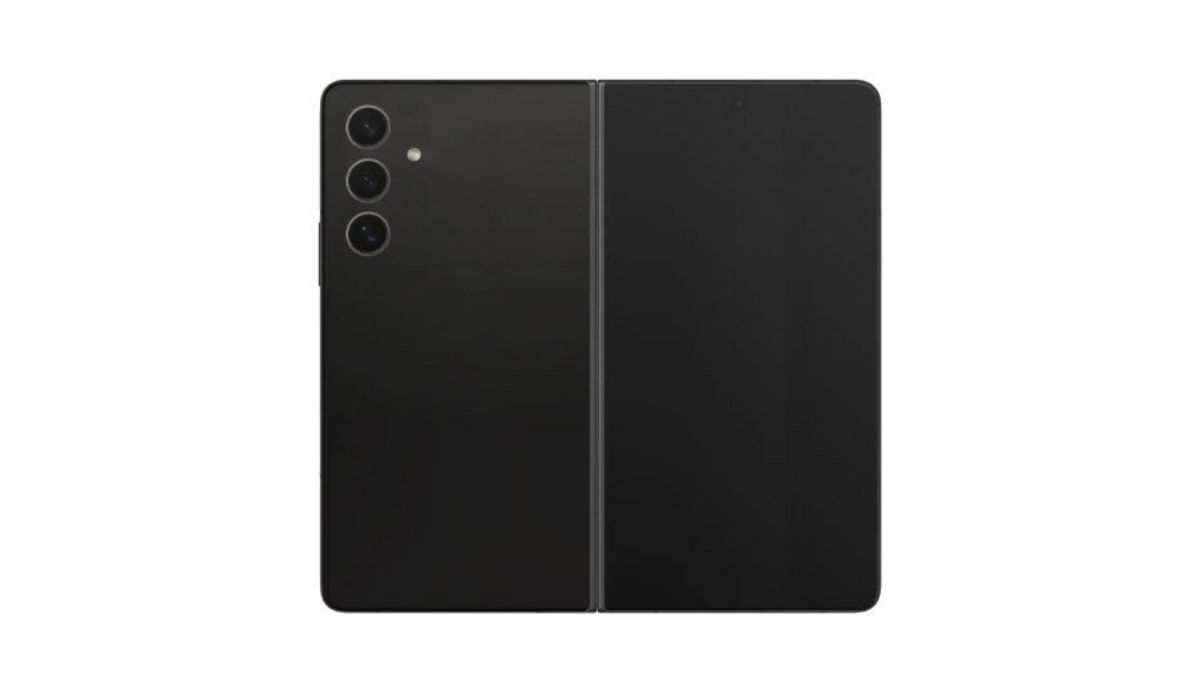
The star of the line-up is the Samsung Galaxy Z Fold6. If there is one Samsung model that can be referred to as the ultimate smart device this year, this is it. It packs a premium flagship chipset, oodles of RAM and storage, and has the new Samsung AI. Best of all, it opens up from a regular phone size and transforms into a tablet form factor.
Best Samsung flip phone of 2024
If you do not like how big and heavy the Galaxy Z Fold6 is but still want a foldable device, your next best bet is the Galaxy Z Flip5. It packs much of the features of the Fold6 in its more compact and lighter form.
Best compact 2024 Samsung smartphone
The vanilla Samsung Galaxy S24 is the most compact regular Samsung phone that you can buy. So, if a candy bar smartphone that is comfortable for one-handed use is your preference, this is the 2024 Samsung phone to buy.
Best affordable big screen
The Galaxy S24 Plus brings the flagship experience in a bigger form factor. As the name implies, it is the S24 in a bigger size. It is available from $919.99.
Best flagship Samsung smartphone of 2024
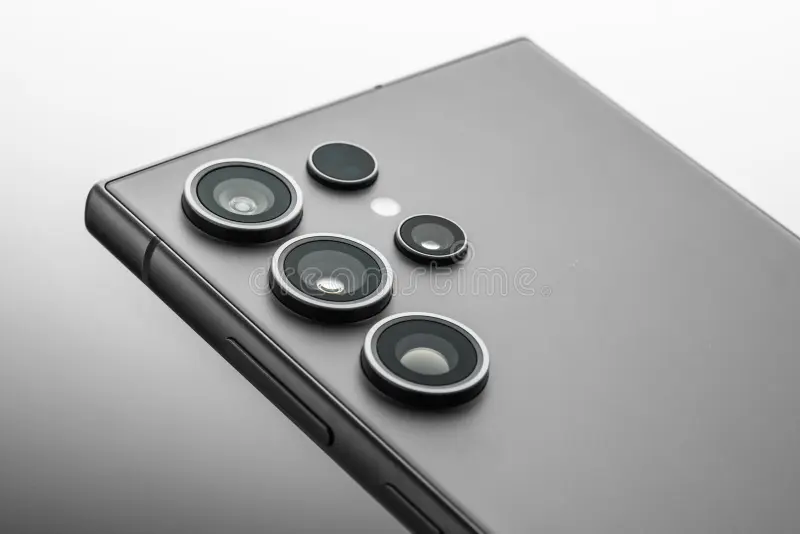
While the Galaxy S24 Plus offers only a bigger size, the Galaxy S24 Ultra offers more features, including S-Pen support. It is a different beast from the other two Galaxy S24 models.
Best affordable all-rounder
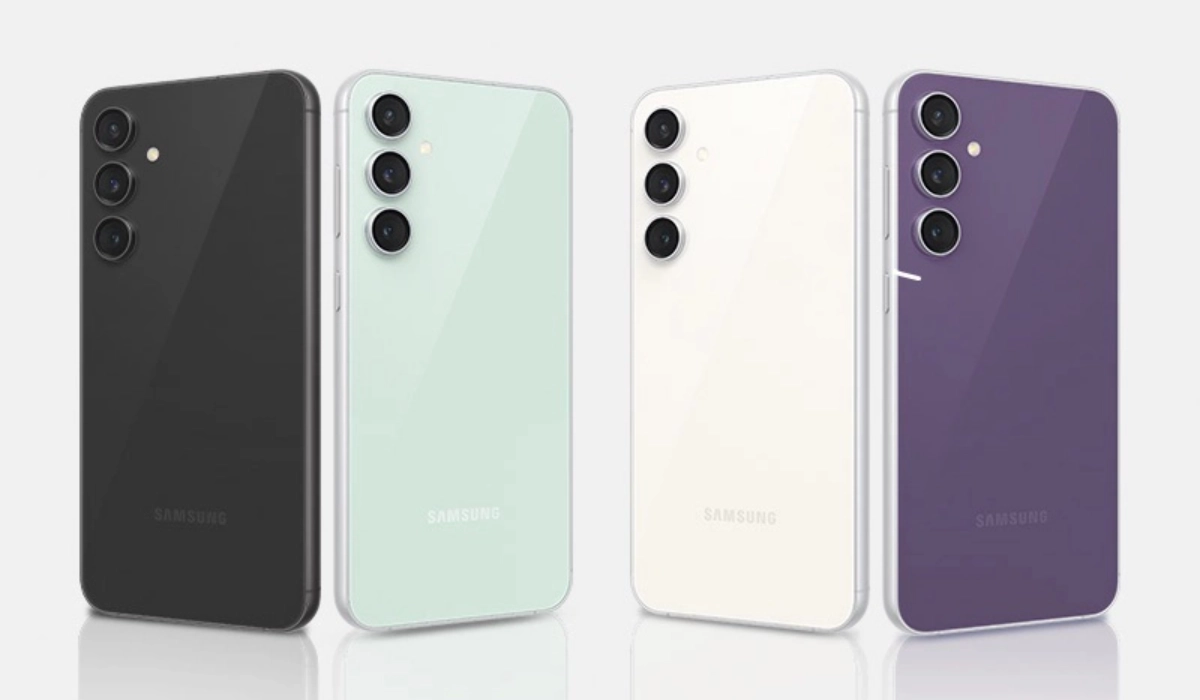
If you want to spend just a little above $500, our recommendation for a 2024 Samsung smartphone is the Galaxy S23 FE. It packs most of the features of the regular Galaxy S23 but at a more affordable price.
The 128GB storage variant of the Samsung S23 FE is available from T-Mobile and Verizon for $599.99. You can buy it unlocked for $629.99 (128GB storage) or $689.99 (256GB storage).
Best budget 2024 Samsung smartphone
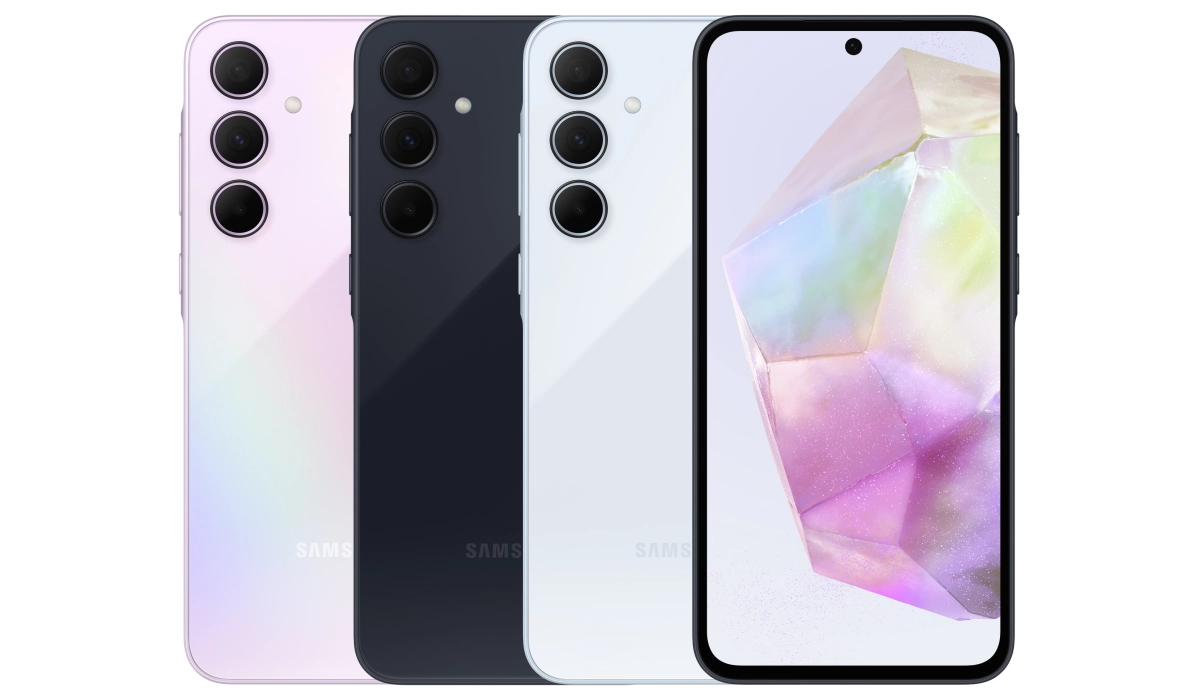
For those who are on a budget and unable or unwilling to spend more than $500 on a smartphone, Samsung Galaxy A35 5G is what the doctor ordered.
It does not match the performance levels of the big boys and girls in the Z and S classes, but it offers enough power to keep your apps running smoothly most of the time.
The Galaxy A35 5G is available, unlocked, for $399.99 for the 128GB internal storage option. You can pick it from AT&T and T-Mobile for the exact same price.
It is the best budget 2024 Samsung Galaxy phone you can buy, as its slightly more capable sibling, the Galaxy A55 5G, is not sold in the United States.
Speaking of the Galaxy A55, if you interested in that model, here are a few alternatives to consider .
What of Samsung Galaxy A15 5G?
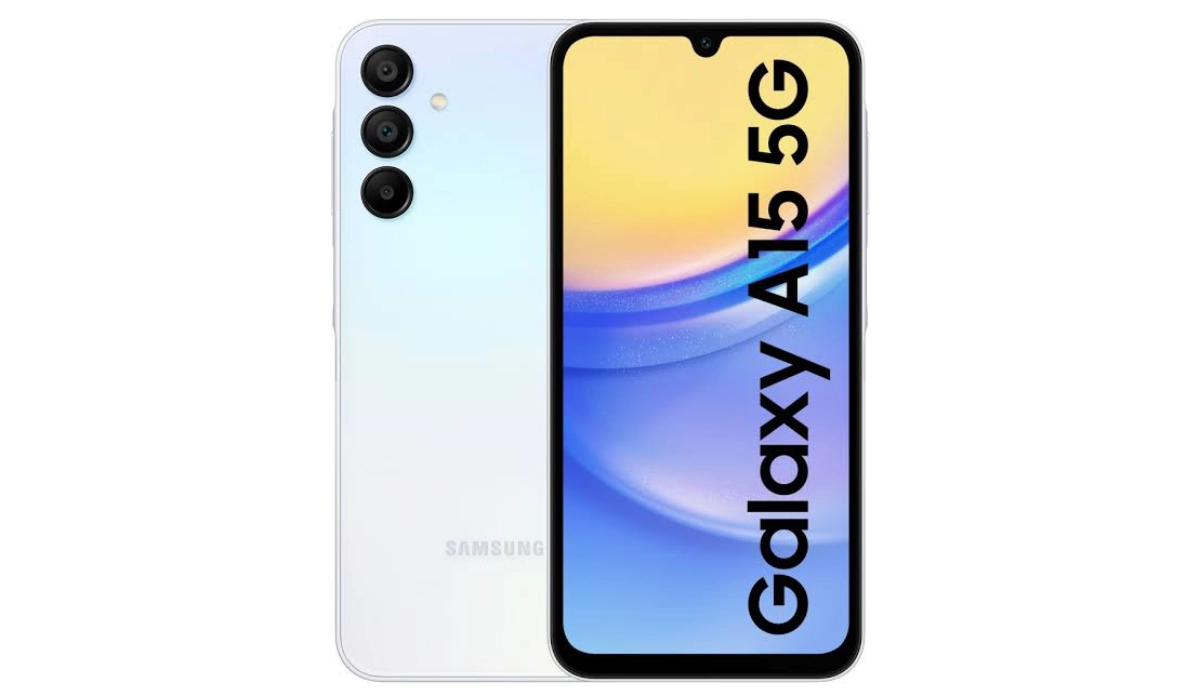
With a starting price tag of $126, the Galaxy A15 5G is the cheapest 5G-enabled 2024 Samsung smartphone you can buy. If you are opting for this model, you have to tame your expectations, though. It is sometimes sluggish or laggy, and it isn’t great at photography or video recording. But it is a good device for the price.
To round up, if you own an older Samsung device, you might be eligible to take advantage of the Samsung Upgrade Program , which lets you trade-in devices, so do ask. The official Samsung US website is a good place to find out.
Author:Mister Mobility
Digital Skills and Communication Coach | Mobile Phone Connoisseur since 2001 | Tech Blogging since 2004
Add MobilityArena as a preferred source on Google
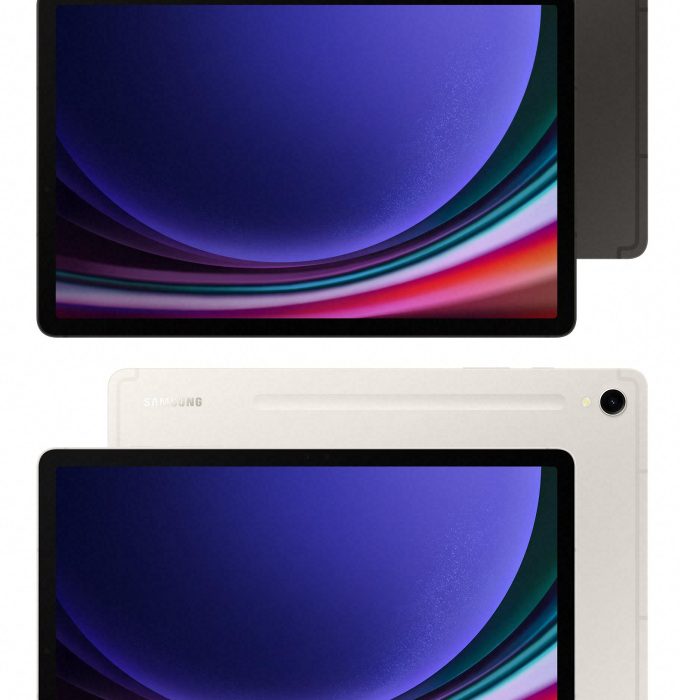
Troubleshooting sophisticated devices like the Samsung Galaxy Tab S9 FE helps to better understand the problems reported by users and how to proffer solutions to these problems. The Tab S9 FE has garnered attention for its impressive features, but users have reported several issues that can hinder their experience. I have gathered based on the reports of users, these problems and I discuss practical solutions to enhance your tablet usage in this article.
- Some Troubleshooting Steps and solutions Rebooting and Charging Issues App Crashes Performance Concerns S Pen Compatibility Heating Issues
- Conclusion
Some Troubleshooting Steps and solutions
Rebooting and Charging Issues
Quite a number of users have faced unexpected reboots while charging their Galaxy Tab S9 FE, often getting stuck at the boot logo. This is a frustrating experience. The solutions to fix this glitch is provided below:
- Uninstall Problematic Apps: Usually, the common app that causes this problem is the Samsung Notes app. Users have found that uninstalling it can resolve the rebooting problem. To do this, go to Settings > Apps > Samsung Notes > Uninstall.
- Safe Mode: Boot your device in Safe Mode to determine if third-party apps are causing the issue. To enter Safe Mode, press and hold the power button, then tap and hold “Power off” until you see the option to restart in Safe Mode. If the problem does not occur in Safe Mode, it is likely due to a third-party app.
- Factory Reset: If issues persist, consider performing a factory reset. Ensure you back up your data first, as this will erase all information on the
App Crashes

Some users have reported frequent crashes, particularly with Samsung Notes and other applications. I recommend the following solutions to handle this:
- Update Apps: Ensure all your apps are updated to their latest versions. Go to the Google Play Store, tap on your profile icon, and select “Manage apps & device” to check for updates.
- Clear Cache: Clearing the cache of problematic apps can also help. Navigate to Settings > Apps > [App Name] > Storage > Clear Cache.
- Reinstall Apps: If an app continues to crash, try uninstalling and reinstalling it.
Performance Concerns
The Exynos 1380 chipset has been reported to be underperforming during gaming or multimedia tasks. You can solve this issue following the simple steps below:
- Limit Background Processes: Close unnecessary background apps that may be consuming resources. You can do this by accessing the recent apps screen and swiping away apps you are not using.
- Performance Mode: Enable Performance Mode by going to Settings > Battery and Device Care > Battery > More Battery Settings > Performance Profile and selecting “Optimized” or “High Performance.”
S Pen Compatibility
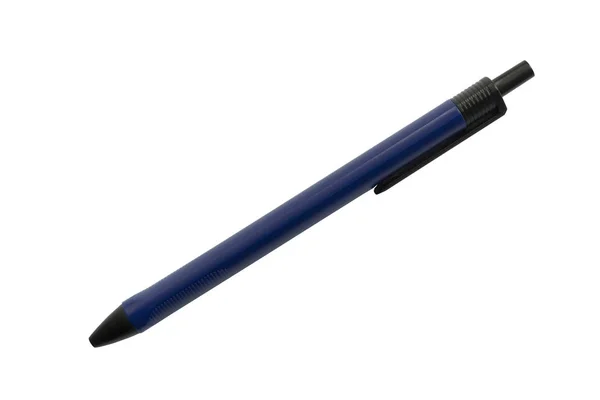
The S Pen included with the Tab S9 FE has been reported to lack advanced features like air actions. Simply check Compatibility, ensure that you are using the correct model of S Pen that supports all features. If you require advanced functionalities, consider upgrading to a compatible S Pen model that supports air actions.
Heating Issues
Another problem reported by some users is that the tablet can become warm during use, even with light tasks. To avoid the tablet been warm like this or even over overheating, I recommend you:
- Ensure that your tablet has proper ventilation when in use. Avoid using it on soft surfaces like beds or couches that can block airflow.
- Regularly close apps running in the background to reduce processor load and heat generation.
Conclusion
While the Samsung Galaxy Tab S9 FE has its share of issues, many can be resolved with simple troubleshooting steps. By following these solutions, users can enhance their experience and make the most out of their device. If problems persist despite these efforts, contacting Samsung support for professional assistance may be necessary.
