Add MobilityArena as a preferred source on Google
Do you want to make your own music by mixing songs from your phone’s music library? This blog post is for you if you want to learn how to mix music without investing in expensive equipment. You will need a music mixer app to help you mix audio files on your phone. It is a simple and inexpensive way to begin your mixing journey.
So, in this article, we’ve chosen music mixer apps for Android and iPhone, so you can play around with them and eventually pick the one you like for your daily use.
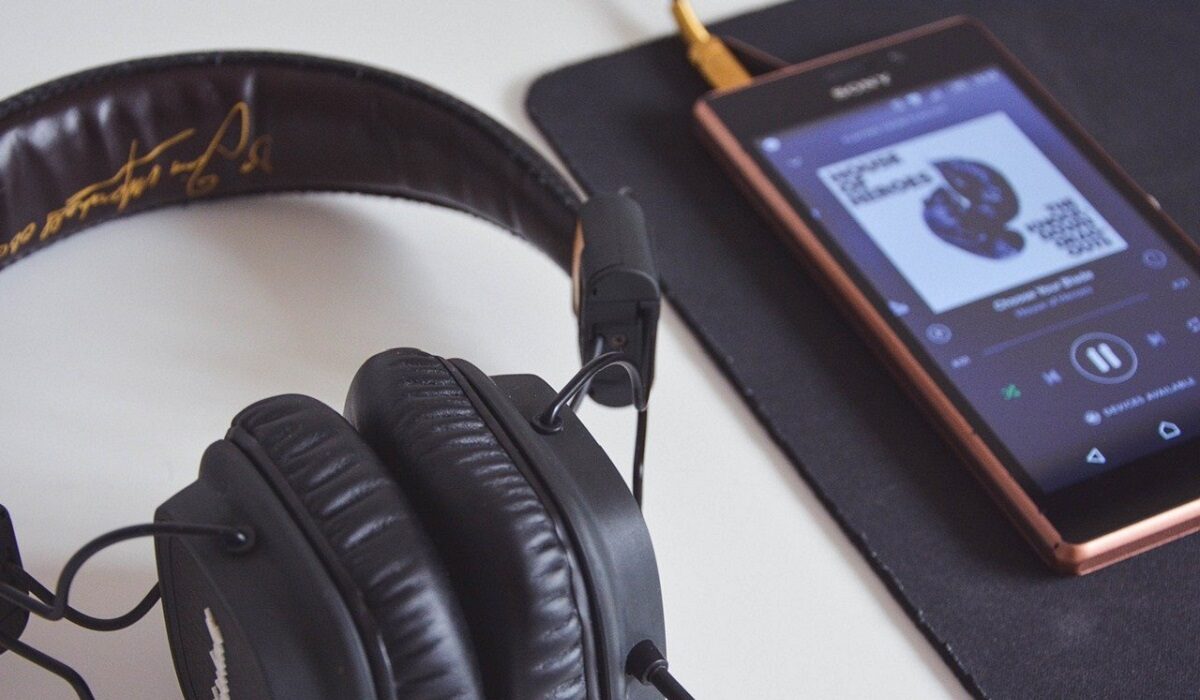
Music player
- Garage Band
- Edjing Mix App
- VirtualDj Remote
- Pacemaker
- Mixpad-Music Mixer Free
- Music Maker Jam
- Studio HD
- Cross DJ Free
Garage Band
The Garage Band Sound Mixer app is only available for iOS. This music mixer app for iPhone and iPad includes a live loop function that allows you to easily mix audio files. Aside from that, it is built with a collection of musical instruments that you will use to create and mix audio files. It includes a Remix FX option for creating DJ effect styles. You can also add sounds, free instruments, and loops to your mix by downloading them. It also lets you share songs online.
Edjing Mix App
Edjing Mix is another sound/audio mixer app that you can download for your Android or iPhone smartphone. You can remix over 50 million audio tracks with this cross-platform DJ mix app. So, if you’re looking for ways to shuffle music on your phone, this app is for you. This music mixer app is linked to Deezer, allowing you to listen to millions of songs. It allows you to download music from cloud storage and upload music from iTunes. You can also share your mix on social media.
VirtualDj Remote
Another popular music mixer app for smartphones is VirtualDJ Remote. This audio mixing app allows you to mix 3, 4, or 6 decks and broadcast your mix live. Furthermore, this sound mixer app allows for wireless communication between the VirtualDJ Remote and the VirtualDJ software.
Pacemaker
Pacemaker is an iOS app mixer that lets you combine two or more audio files. You can also listen to millions of songs on Spotify and easily share your mixes with your friends online. Pacemaker, on the other hand, does not allow you to change BPMs from track to track.
Mixpad-Music Mixer Free
MixPad-Music Mixer Free is another free sound mixing app for Android and iOS. When compared to Pacemaker, this application has more audio mixing features. You can use this music mixer app to combine multiple audio, sound, and music files and save them in the desired output quality. You can also record tracks, apply effects, create beats, and do other things. You can save your mix directly to the cloud. You can only import files from your phone, unfortunately.
Music Maker Jam
You can also use Music Maker Jam, an audio mixer app that lets you mix the sound on eight channels, adjust the music tempo, remix music, record music, and freely share your audio files. With this simple sound mixing app, you can make presets for your mixes as well as your own personal effects. You can remix tracks simply by shaking your phone. You can also use different loops in the same soundtrack.
Studio HD
Studio HD is the best music mixer app available on the market that is specifically designed for iPads. Studio HD allows you to work with 24 tracks, edit loop tracks, edit tracks, and arrange them in any order you want. It includes features such as the ability to automate the mix by adjusting the volume and automating with four effects, as well as exporting the mix to SoundCloud.
Cross DJ Free
Cross DJ free is credited as the best home DJ sound mixer available for download on your smartphone. This audio mixer app can detect precise BPM, automix automatically, split audio, and loop beats. In portrait mode, you can mix. The app is compatible with iTunes. The pad controls on the app are large.
- Don’t miss our mobile phone reviews .
- Follow our news on Google News .
- Follow us on Instagram , Facebook , Twitter , and YouTube .
Author:Moses Udah
Creative, teacher, web content writer, copywriter, and student.
Add MobilityArena as a preferred source on Google
The popularity of podcasts has resulted in the creation of thousands on a variety of topics including sports, music, current events, interviews, audiobook, radio programs, and humor, among others. Podcasts can be listened to whenever and wherever you want. They are a great way to gain knowledge and be informed.
Some podcasts provide great features while others do not, so it is paramount to choose the podcast app that provides the best choices. We have chosen the best podcast listening apps for you in this article.
- Spotify Podcasts
Spotify has gotten its act together in recent years, acquiring both its own and third-party podcasts. The truth is that it is one of the best podcast apps available today, particularly if you have Spotify Premium.
Simply follow these steps within the Spotify app to find podcasts:
- Go to “Podcasts & Shows” on the home screen.
- Once inside, you’ll see a variety of suggestions as well as new episodes of your favorite podcasts.
- Another option is to go to “Search” and then select the “Podcasts” option:
- Once inside, you’ll notice various categories.
- Choose your favorite, explore, and begin enjoying your favorite programs.
- Keep in mind that you can save Spotify music (and episodes) for offline listening.
PodBean
Google Podcasts
Furthermore, the Google Podcasts app allows you to search for your favorites, as well as listen to personalized recommendations and the most popular podcasts. Available for free on Android and iOS.
- iVoox
iVoox is one of the best apps for listening to podcasts on Android and iPhone. There are hundreds of programs and audiobooks available in both Spanish and English on a variety of topics, including humor, education, history, monologues, and much more. Its interface is simple to use, and everything is organized into sections, making it simple to find what you’re looking for. It also has very useful features like playing on the locked screen or in the background, making personalized playlists, and downloading for offline listening. It’s one of the most powerful podcast catalogs available, and it’s completely free. Also, it’s regarded as one of the best apps for listening to audiobooks.
- Stereo
Stereo takes podcast listening to the next level by allowing live interaction in chat rooms and public conversations. As a result, you can share your knowledge and opinions with your favorite podcasters and streamers.
- TuneInRadio
TuneInRadio is an app that specializes in providing access to various types of audio content, including podcasts. You will also be able to listen to over 100,000 radio stations per day, as well as access television channels, sports programming, opinion media, and music. Although its catalog of emerging content is small, the app contains several episodes of creative authors.
The app is free, but there is a premium version that removes all advertising and gives you access to a larger number of podcasts and radio stations.
- Podcast Go
- Don’t miss our mobile phone reviews .
- Follow our news on Google News .
- Join our WhatsApp Group , to be notified of the most important articles and deals,
- Follow us on Instagram , Facebook , Twitter , and YouTube .
Author:Moses Udah
Creative, teacher, web content writer, copywriter, and student.
