Add MobilityArena as a preferred source on Google
The smooth operation of any business or institution largely depends on setting up a proper data storage solution. Businesses need a reliable solution for storing and sharing data. To achieve this goal, most small businesses are using NAS devices that provide a scalable, effective, and affordable data storage solution.
NAS provides an ideal combination of both local and cloud-based data storage solutions. A network-attached storage (NAS) device contains multiple hard disk drives and connects directly to the network. This device can connect through a wired or wireless network connection. It provides an easy way to centralize your data and keep your team connected. Typically, a NAS device consists of its own processor (CPU), memory (RAM), and storage operating system.
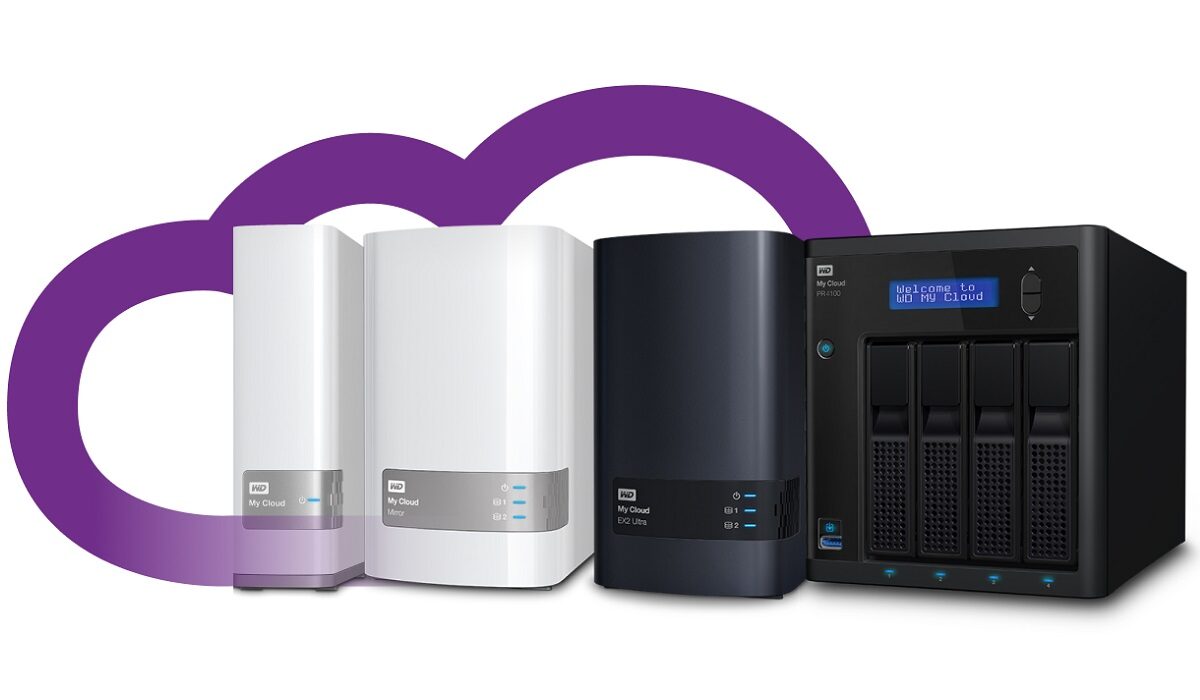
NAS is different than Cloud-based storage services like Dropbox that allow you to lease space on another person’s network-connected drives. With an internet connection, Cloud service enables users to access data from any place. But with a NAS, you get the same functionality without entrusting your data to a hosting service.
It means that your employees at different locations can access the data. The latest documents can be uploaded on the company’s NAS and all the authorized members can access the recent documents. In addition to this, there are many more benefits of using a NAS at your office. So, keep reading to find out the advantages of using network-attached storage.
Ample Storage Space
Businesses need the huge storage capacity that NAS can provide. This device can increase the available storage space to ensure smooth business operations. Desktop computers and laptops have limited storage space but adding a NAS provides a cost-effective way to boost storage space. You can find NAS devices with multiple hard drive bays to achieve higher disk capacity and better redundancy.
Efficient Collaboration
NAS provides a way to centralize your file storage. It allows users to access files either from the desktop workstation or remotely. Employees don’t need to keep emailing files to access them remotely. With the help of a NAS device, documents can be accessed from one central location by all employees to ensure better collaboration. The best NAS devices such as Buffalo NAS and WD My Cloud allow users to access data remotely. This makes collaboration easier, but if somehow the NAS gets damaged, the business can encounter data loss. To restore NAS data, businesses need a specialist like WD My Cloud data recovery service.
Easy to Install and Use
NAS devices are produced by many reputed brands that make sure to keep the configuration simple and easy to use. Even if you need a NAS for home, it’s easy to follow setup instructions and start using NAS without spending several hours understanding complex instructions. It is compact and has a simple web-based interface to ensure easy setting.
Data Protection
NAS devices that come with built-in RAID options allow users to duplicate data across multiple drives. It means that if one drive stops functioning, the user will not face data loss because a copy already exists. This type of NAS provides data redundancy and minimizes downtime in the event of sudden failure.
Author:Emily Robertson
Emily is a guest contributor.
Add MobilityArena as a preferred source on Google
Samsung has really been a smartphone brand to reckon with over the years, with their leading flagship devices, the S and Note series. These series have stolen the hearts of many people all over the world. But how does Samsung do when it comes to the midrange device segment? In this article, we compare Samsung Galaxy A12 and Samsung Galaxy A51.
Samsung has been taking on the fierce competition in the midrange segment with their very own midrange line up, the A-series and in this article we set these two players from the midrange segment of Samsung to go head-to-head. If you are looking out to buy either of these two devices, this article is going to help you to pick right, as we will be comparing them from every point of view.
The Samsung Galaxy A12 is from December 2020 and the Samsung Galaxy A51 from December 2019. Yes; they are a year apart, but it is important to see their specifications and what they are individually bringing to the table.
- Samsung Galaxy A12 and Samsung Galaxy A51: Comparison Table
- Samsung Galaxy A12 and Samsung Galaxy A51: Similarities
- Samsung Galaxy A12 and Samsung Galaxy A51: Differences
- Samsung Galaxy A12 vs Samsung Galaxy A51: Conclusions
Samsung Galaxy A12 and Samsung Galaxy A51: Comparison Table
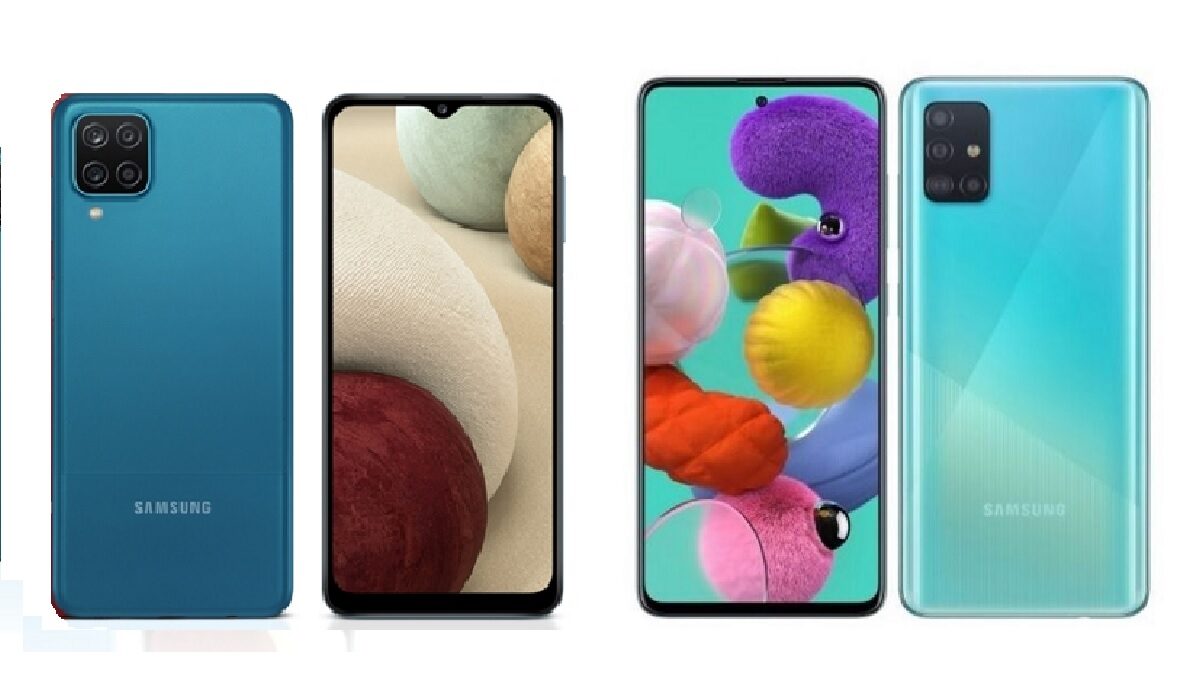
Samsung Galaxy A12 vs Samsung Galaxy A51
| Samsung Galaxy A12 | Samsung Galaxy A51 |
|---|---|
| 6.5 inches, 720 x 1600 pixels, 20:9 ratio PLS IPS | 6.4 inches, 1080 × 2400 pixels, 20:4 ratio Super AMOLED display |
| Android 10 + One UI 2.0 Upgradable to Android 11 | Android 10 + One UI 2.0 Upgradable to Android 11 |
| Octa-core MediaTek Helio P35 2.3 GHz (12nm) | Octa-core EXYNOS 9611 , 2.0 GHz (10nm) |
| 8 MP selfie camera | 32MP selfie camera |
| 48+5+2+2 MP rear quad camera with LED flash | 48 + 12 + 5 + 5 MP rear quad camera with LED flash |
| 32/64/128 GB internal storage + dedicated microSD slot, | 64 GB / 256 GB internal storage + dedicated microSD slot |
| 3/4 GB RAM | 4/6/ 8 GB RAM |
| 5000 mAh battery + 15W fast charging | 4000 mAh battery + 15W fast charging |
| $135 | $288 |
As seen from the specifications of the two devices, there are a few similarities and lots of differences, which we will talk about. Noteworthy is the fact that Samsung proved that the age of a device does not actually determine how it will perform when placed alongside other devices. Like we stated earlier, these devices are clearly a year apart, yet the older device stands head and shoulder above the newer.
Samsung Galaxy A12 and Samsung Galaxy A51:Similarities
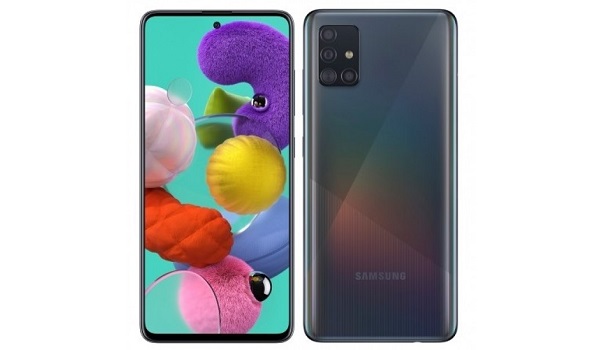
Samsung Galaxy A51 with a punch hole selfie camera
As we saw from the table above, the older Samsung Galaxy A51 came up as being the better one, with its specifications clearly higher than the more recent Galaxy A12. Of course, that is understandable, considering that it occupies a higher rung on Samsung’s catalogue. Let us look at a few things that these two smartphones share in common.
First and foremost is the fact that they are both upgradable to Android 11, this is a very important feature that I personally consider before getting a new device and this is because of the sustainability of devices. This feature is mainly common in flagship Android devices, since manufacturers understand that customers are paying much, and so might need the device to last longer than usual. It is good to see this feature on midrange devices from Samsung.
The second shared feature is that the two devices share the same charging speed, 15W fast charge. You might not consider 15W as fast charge, but that is actually a valid way to go – not too fast and also not too slow..
Samsung Galaxy A12 and Samsung Galaxy A51: Differences
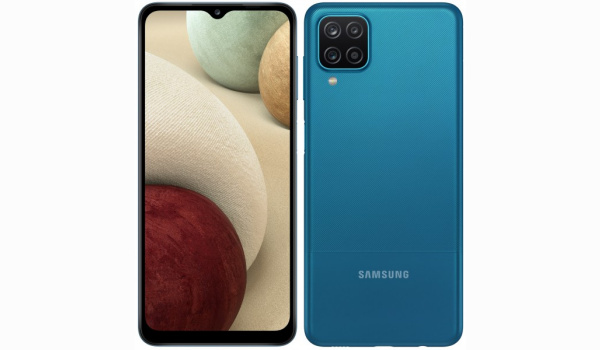
Samsung Galaxy A12
Now, this is where the big guns come to play, and these two devices start throwing punches at one another. There are a lot of differences between them.
The first and most noticeable difference is in the screens. The A51 packs a crisp and bright Super AMOLED display, while it distant relative, the A12, has a less attractive PLS IPS display. Do not get me wrong: the screen on the A12 is good, but definitely nowhere as good as what is on the A51. The A51 also has a 1080 × 2400 pixels resolution as against the 720 ×1600 pixels resolution on the A12. Conclusion: with the A51, you are getting more pixels, hence a brighter screen with more viewing angles.
Another very noticeable difference between these two devices is the processor, the A12 comes with a less powerful MediaTek Helio P35 as against the EXYNOS 9611 chip on the A51. The Galaxy A51 is faster than the A12 and also better for gaming (if you are the type that plays games).
When it comes to photography, bot smartphones have similar main cameras at 48MP, but the game turns in the favour of the A51 since it has better complimentary cameras and also a better chipset to process the images taken and with the selfie camera the A51 packs an even high camera with 32MP as against the 8MP on the A12.
With storage, the A51 gives you a wider option as it packs higher storage variants than the A12. Fingerprint sensors are also positioned differently, as the A51 houses an under display fingerprint sensor thanks to the Super AMOLED screen while the A12 has a side mounted fingerprint sensor.
Well all the blows have been in favour of the A51 but the A12 saved the last and yet one of the best blows for itself and that blow is the battery, the A12 packs a better 5000mah battery as against the 4000mAh battery on the A51. It is just like a losing boxer who delivers a heavy punch at the end of the match so that no one will say he went down without a fight.
Samsung Galaxy A12 vs Samsung Galaxy A51: Conclusions
Well this has been a big contest between the Samsung Galaxy A12 and the Samsung Galaxy A51 , so if you are deciding to get any of these devices it is important to keep this article in mind also note that the pricing of these devices is wide, so you will be paying $153 above the price of the A12 ($135) to get the older A51 at $288. Also, since the A12 is a more recent device, it will get more security patches and Android updates than the A51. So the decision all comes down to what you want.
Author:KittysTech
Tech analyst, Collins Eshiet, writes about technology. Follow me on Twitter @KittysTech.
