Add MobilityArena as a preferred source on Google
The iPhone is one of the most secure smartphones available. However, it never hurts to be a bit more careful with your security. This is even more important nowadays, when hacking and cyberattacks have become widespread. Here are some iPhone security tips for you to follow.
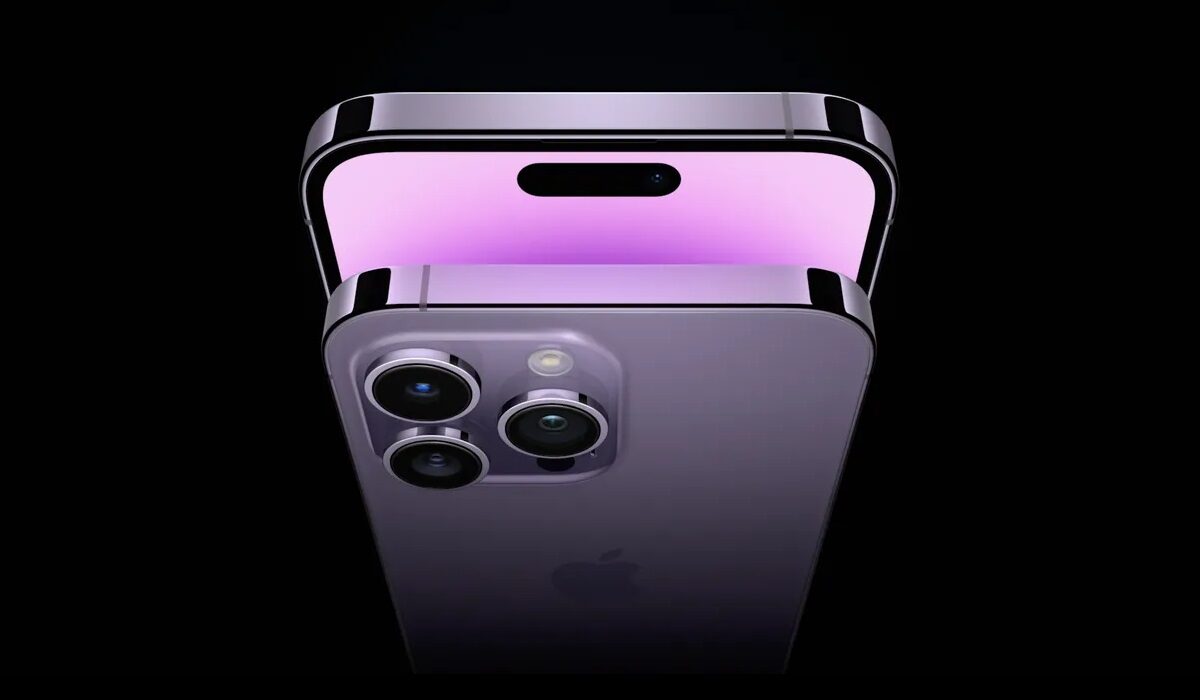
Top iPhone Security Tips
- Deactivate lock screen access to particular features and notifications. Not all your apps need to show notifications when the screen is locked. This is important. For example, someone could read your WhatsApp messages while your screen is locked. Therefore, you need to switch off lock screen access to some apps. Go to Settings>Touch ID and Passcode. Look for the section Allow Access When Locked and turn it off for Reply with Message, Wallet, Today, and Notifications View.
- Make use of the iCloud Backup whenever your device is connected to a power source and a WiFi network. This would keep your data safe in case your phone gets damaged or you have to wipe it. Go to Settings>iCloud, then set iCloud Backups to On.
- Always have a passcode on your iPhone . Also, the longer your passcode, the better. Go to Settings>TouchID and Passcode>Turn Passcode On. Select Change Passcode to enter six digits. Also, you can make your passcode alphanumeric. This makes it harder to guess.
- Use 2-factor authentication for Apple ID/iCloud . This is an extra level of iPhone security. In the event that someone manages to figure out your password, they’ll not be able to login to your Apple account without authentication.
- Activate Find My iPhone . This helps you track your iPhone or remotely lock it if you lose it. it also helps you to wipe the contents if you need to. Go to Settings>iCloud>Find My iPhone and turn it on.
- Do not jailbreak your device . This bypasses a lot of security features on your iPhone. It also means that you can install anything on your device, including potential threats. You will also lose the warranty of your iPhone if you jailbreak it.
- Always make sure that your iOS version is up to date . This is because newer versions are released with bug fixes. These fixes make the device more secure.to update your iOS firmware, go to Settings>Software Update. Then if there is a system update available, install it.
- Do a privacy check on your device . This is necessary because sometimes an app tries to access your microphone, location and photos even though they are not related to the apps’ function. You need to turn off access to these apps. Go to Settings>Privacy, then go through all the sections and check apps that require access to Camera, Microphone, Location Services, etc. if you think any of them should not have access to these features, turn them off.
When you have tried all these tips, you can be sure of your iPhone security. These top iPhone security tips work for any apple iPhone model you use and also apply to iPods and iPads as well.,
Author:EmmyCN
Add MobilityArena as a preferred source on Google
On paper, the Samsung Galaxy Note 7 is a heck of a beast. It is arguable that this was destined to be the Tyrannosaurus Rex (T-Rex) of its time. This was a smartphone that looked destined to rule the land. But in a shocking plot twist, the Note 7 has turned out to be what one would call a haunted smartphone. Here is the story of the Samsung Galaxy Note 7 Fire Bird.
Samsung Galaxy Note 7: Great Specs, Huge Demand
The demand for the Galaxy Note 7 was huge. It was so huge that Samsung could not meet up with the demand in many places. Pre-order records were great. This was going to be one of the bestselling devices of the year 2016.
The Galaxy Note 7 Fire Bird Arises

Like the legendary Phoenix fire bird, Samsung Galaxy Note 7 arises and burns to ashes.Image Credit
Nobody saw it coming. Samsung devices are not given to catching fire. But one after the other, news and reports of exploding Note 7 units filtered in. A battery defect was supposedly generating excessive heat and triggering the fires. See “Why the new Samsung Galaxy Note 7 is blowing up” . Eventually, Samsung had to recall the device.
Phoenix Reborn
Towards the end of September 2016, Samsung resumed sale of the Galaxy Note 7 with replacement batteries from another source. But the ghost that haunted the Note 7 wasn’t quite done yet. Another set of replacement units of the Note 7 began to catch fire again. It looks like the spirit of the legendary Phoenix is involved here. Perhaps the issue with the Galaxy Note 7 isn’t that of faulty batteries alone. Samsung is investigating.
Total Recall 2
Samsung has again issued a statement requesting that all owners and users of the Note 7 turn them off and return them. Part of the official statement says:
Samsung is working with the US Consumer Product Safety Commission (CPSC) to investigate the recently reported cases involving the Galaxy Note7. While the investigation is taking place, Samsung is asking all carrier and retail partners here and around the globe to stop sales and exchanges of the Galaxy Note7. Since the affected devices can overheat and pose a safety risk, we are asking consumers with an original Galaxy Note7 or a replacement Galaxy Note7 to power it down and contact the carrier or retail outlet where you purchased your Galaxy Note7.
Stay Away For Now
This must be a strenuous time for Samsung Mobile. This is a crisis that no brand wants to have on their hands. Yet, if any smartphone maker in the world can survive this, Samsung can. In the meantime, if you own a Galaxy Note 7, stay safe and switch it off. Swap it for an S7 or S7 Edge, or get a refund.
If you were planning on buying one, you might want to look for alternatives in the market or wait till when the manufacturer has fixed the Galaxy Note 7 Fire Bird. In all, Samsung has recalled about 2.5 million Galaxy Note 7 smartphones.
The Phoenix Is Dead
On the 11th October, 2016, Samsung announced that it is ending production of the Galaxy Note 7. It is a sad ending for the Note 7, but killing it off was the expedient thing to do. Samsung is better off cutting its loses and moving on. RIP, Samsung Galaxy Note 7 Fire Bird. Your fiery life was short but lived in a blaze.
Author:Mister Mobility
Digital Skills and Communication Coach | Mobile Phone Connoisseur since 2001 | Tech Blogging since 2004
