Add MobilityArena as a preferred source on Google
Key takeaway : Unisoc, formerly known as Spreadtrum, makes processors for entry-level and mid-range Android smartphones. Chipsets by this brand are getting quite popular in smartphones targeted at people looking for low-cost options. For the detailed Unisoc chipset ranking lists and other info, do read on.
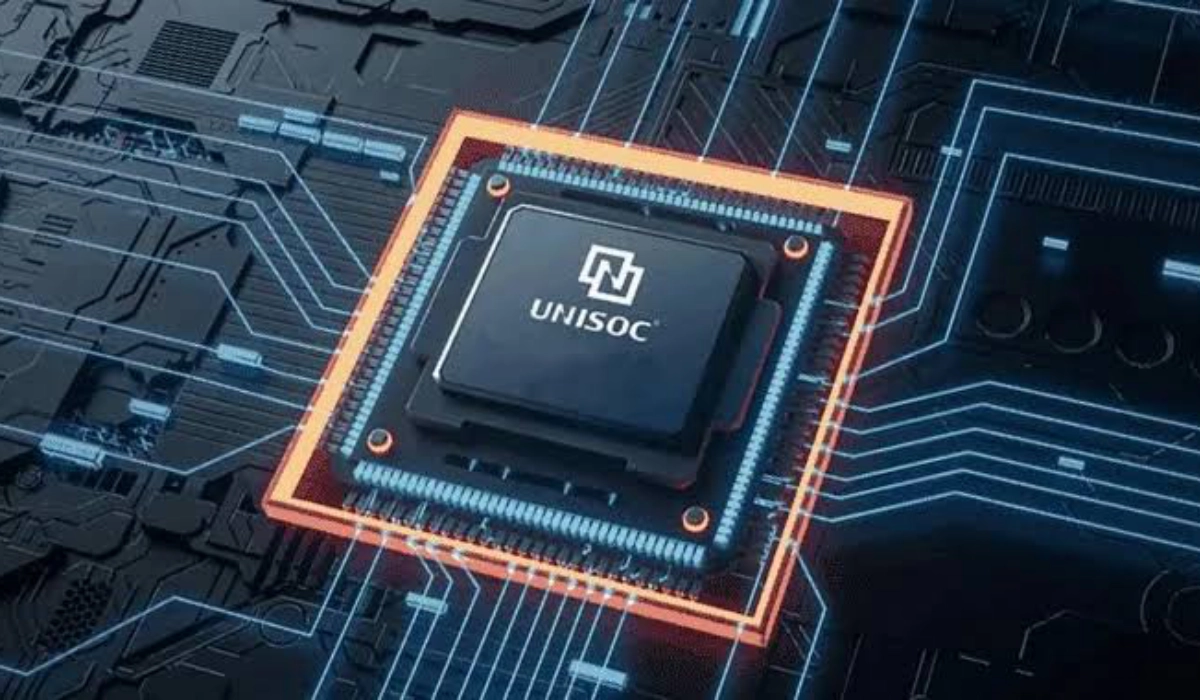
The fabless semiconductor company known today as Unisoc was originally called Spreadtrum Communications and RDA Microelectronics when it started out in 2001 in China. The name change from Spreadtrum to Unisoc happened in 2018.
Unisoc specialises in producing mobile phone processors for low-cost and budget feature phones, smartphones, smart media systems, LAN, WAN, IoT, and smart displays. But it is most widely known in technology circles for its chipsets used in entry-level and mid-range smartphones. Today, it is the fourth largest mobile processor manufacturer in the world, after Qualcomm Snapdragon , Apple, and MediaTek .
Some popular Unisoc chipsets include the Unisoc SC9863A , Tiger T606, and Tiger T616. However, there are others. How do they all compare in terms of ranking, considering their capabilities? Let’s find out below.
- Unisoc Chipset Ranking List by Performance 2024
- List of Unisoc 5G chipsets
- The best Unisoc chipset or processor in 2024
Unisoc Chipset Ranking List by Performance 2024
This list starts with the most capable Unisoc chips listed at the top, down to the most basic ones at the bottom.
- Tiger T820
- Tiger T760
- Tiger T700
- Tiger T710
- Tiger T750
- Tiger T7510
- Tiger T740
- Tiger T7520
- Tiger T612
- Tiger T603
- Tiger T618
- Tiger T610
- Tiger T616
- Tiger T606
- Tiger T310
- Unisoc SC79863a
- Unisoc SC9863A1
- Unisoc SC9863A
- Unisoc SC98531
- Unisoc UIS8141E
- Unisoc SC9850K
- Unisoc SC9832E
- Unisoc SC7331e
List of Unisoc 5G chipsets
if you have ever wondered if Unisoc makes 5G chipsets, you are definitely not alone. Quite a number of other people wonder, too. While this semiconductor brand is known more for its 3G and 4G chips, it manufactures 5G chipsets. Here is a list of all Unisoc 5G chipsets, from the latest down to the oldest.
- Tiger T820
- Tiger T770
- Tiger T765
- Tiger T760
- Tiger T750
- Tiger T750
- Tiger T740
As at July 2024, Unisoc has seven 5G chipsets in production. The first Unisoc 5G chipset produced was the T740. It is used in the Hisense F50.
The best Unisoc chipset or processor in 2024
The best Unisoc chipset would mean the most capable and the most powerful. As at July 2024, the most powerful and most high-end Unisoc chipset is the Tiger T820 . How powerful is it? The Unisoc Tiger T820 is a 6nm EUV mid-range 5G-enabled SoC with one fast ARM Cortex-A76 clocked up to 2.7 GHz, three more A76 clocked to 2.3 GHz, and four Cortex-A55 clocked up to 2.1 GHz.
As far as benchmarks go, the T820 ranks slightly below the Snapdragon 778G and just above the Snapdragon 695. As at this time, Unisoc does not manufacture chipsets for high-end and premium flagship smartphones. Their business model is entirely targeted at the affordable end of the market. The unisoc T820 is used in the ZTE Nubia Neo 2 5G smartphone.
Author:Mister Mobility
Digital Skills and Communication Coach | Mobile Phone Connoisseur since 2001 | Tech Blogging since 2004
Add MobilityArena as a preferred source on Google
You’ve likely used HDR in your smartphone camera. Now, Ultra HDR brings you the benefit of more enhanced contrast in your photos. I am here to help you understand it, in easy, non-technical language.
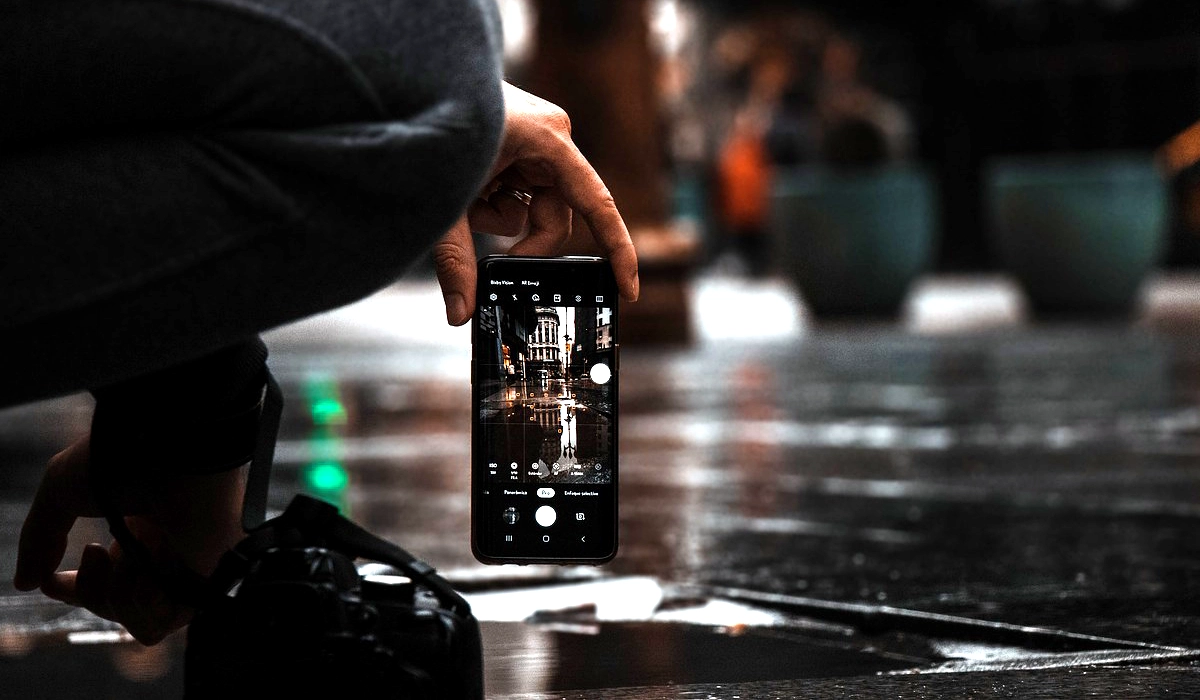
If you use your smartphone camera extensively, you have definitely seen the HDR option somewhere in there. the location differs from one phone brand to another. In many cases, you will find the option to enable or disable it buried in your smartphone camera’s settings. And sometimes, when you are capturing a photograph, a prompt shows up on the screen to capture the image with HDR on or off. HDR is short for Ultra Dynamic Range. in 2023, Google developed an enhanced version of HDR that will be coming to a smartphone near you (or in your hand) soon.
If you are buying or already use the Google Pixel 8 or Pixel 8 Pro, those are the first smartphones that capture photos in Ultra HDR. Other smartphone brands will definitely jump on the new technology. Note that there are two sides to this: the first is capturing Ultra HDR, and the second is displaying it. I explain both sides in the sections below.
- The transition from HDR to Ultra HDR
- How Ultra HDR works
- Bigger file sizes
- Ultra HDR Is Automatic
- Compatibility and Supported Devices
- 3rd Party camera Apps
The transition from HDR to Ultra HDR
A basic understanding of HDR is required for you to understand what Ultra HDR is. So, we shall begin with a quick comparison of both.
HDR enhances image quality by dynamically adjusting brightness, contrast, and color to improve the image. To give you an idea of what it does, if you have been observant when using the Google Photos app to edit your images, applying “Dynamic” to it delivers more colors, better contrast, and increased brightness compared to the original appearance of the image; right? Ultra HDR improves on that by providing crisper, vibrant colors, and greater contrast. It attempts to improve on the image by making it more realistic That is the summary of the differences between the two. All of the technical details boil down to these benefits.
If still interested in learning more about HDR, our earlier article, What is HDR camera? is a good place to read up more.
How Ultra HDR works
Remember how I pointed out that HDR makes images better with more vivid colors and better contrast? When you are taking the photo in HDR mode, your phone captures extra information about the brightness and color intensity in different parts of the image, and then uses the information to enhance the appearance of the image. The secret is in the extra data. This extra data is called metadata (you don’t have to bother about the term, but it is a good idea to remember it should you run into documentation that mentions it).
In the case of Ultra HDR, the process is similar; only that it gets much better results. It dynamically adjusts brightness and contrast in the captured image. Google’s Ultra HDR primarily works at the point of capturing the image. Here’s how it operates, explained in three distinct phases:
Capture Phase : When you take a photo in Ultra HDR mode, your phone’s camera captures multiple exposures of the same scene. These exposures cover a wide range of brightness levels, from shadows to highlights.
Processing Phase : The camera software analyzes these exposures and combines them intelligently and adds extra information that is saved with the image. This info goes around with the image, even when you share it via Bluetooth or over the Internet. This processing happens on the device you are capturing with.
Display Phase : Now that you have captured an Ultra HDR image, you need to be able to view it on a compatible device – that is, a device with an HDR-capable display. If the viewing device is compatible, that extra info saved with the image is used by the device to adjust color, brightness and contrast to display an enhanced version of the image.
Bigger file sizes
Because Ultra HDR JPEGs include additional data that enhances image quality, this extra information increases the file size compared to regular JPEGs. The practical implication is that you will end up with slightly larger image files.
Ultra HDR Is Automatic
You are going to love this, especially if you are not a professional photographer. When it comes to adjusting the level of HDR enhancement in Ultra HDR images, it is primarily an automatic process. There is nothing for you to do apart from select Ultra HDR mode in your phone’s camera, point at the subject, and shoot. It is all done behind the scenes. You don’t need to manually tweak any settings.
Compatibility and Supported Devices
For capturing, Google’s pixel 8 and Pixel 8 Pro are the first smartphones to capture in Ultra HDR. The selection of smartphone cameras supporting this new technology is still severely limited. You can expect the upcoming Pixel 9 series cameras to support it as well.
As for compatibility in displaying Ultra HDR images, photos captured using this new technology are saved in JPEG format. As such, any platform that supports displaying JPEG images can display them. Those with HDR support will display them in their enhanced formats, while those without HDR support will display them in their non-enhanced format.
Any devices running Android 14 or higher with screens that support HDR is supported and will display those enhanced images in their full glory. If not supported, the devices will display the images, but the enhancements of the photos won’t be visible. So, even if your device is not HDR-compatible, it will display the images but in their non-HDR appearance.
As per available information at this time, Ultra HDR images work on platforms like Google Chrome (or any Chromium-based browser) running on Android 14 or Windows 11/macOS. Devices with HDR-capable displays and compatible operating systems can fully showcase them.
As more devices get Android 14 and more apps are updated to support the new technology, more people will be able to view the enhanced images on their mobile and on their computers.
3rd Party camera Apps
Originally, only camera apps that use the Android Camera2 API could capture Ultra HDR images. Camera2 API is built into Android OS and is often used by phone manufacturers, including Samsung and OnePlus, among others. App developers use the CameraX API, which did not originally support the new technology, thus excluding 3rd party apps from it. But that is set to change. In 2024, Google is updating the CameraX library to support the new technology to allow 3rd party apps with built-in camera functionality to be able to capture photos in Ultra HDR mode.
To wrap this article up, more and more phones will be released with the ability to capture photos in Ultra HDR mode, and more and more devices will be released with the ability to view the full enhancements of the technology. Some say this is a gamechanger in smartphone photography. I am not convinced it is, but it is an exciting development that anyone interested in capturing better photographs can benefit from.
Author:Mister Mobility
Digital Skills and Communication Coach | Mobile Phone Connoisseur since 2001 | Tech Blogging since 2004
