Add MobilityArena as a preferred source on Google
Is Vodacom different from Vodafone? Are they the same entity, are they related in any way, or are they completely unrelated?
If you are anything like many other people, you will have wondered what the difference is between the similar-sounding Vodafone and Vodacom. It can be a little confusing. As a matter of fact, I won’t be surprised if some people just assume that they are the same entity. However, Vodafone and Vodacom are separate entities, though related.
- Is Vodacom different from Vodafone?
- What is the difference between Vodafone and Vodacom?
- Countries where Vodafone has mobile networks
- Countries where Vodacom has operations
- The relationship between Vodafone and Vodacom
- Takeaways on the relationship between Vodafone and Vodacom
Is Vodacom different from Vodafone?
Yes, Vodafone and Vodacom are different companies, though they are related.
What is the difference between Vodafone and Vodacom?
Vodafone is a British mobile network operator that was launched in 1985 and with operations not only in the UK but also in multiple countries in all regions around the world. Vodafone has mobile networks in 32 European countries, as well as in India (in Asia). In addition, it provides business services in North America, South America, Europe, the Middle East, and Australasia.
Countries where Vodafone has mobile networks
Vodafone Group has wireless mobile networks in a total of 21 countries, including the UK, Albania, Australia, Czech, Germany, Spain, Greece, Hungary, Iceland, Ireland, Italy, Netherlands, New Zealand, Portugal, Romania, Turkey, Qatar, and Ukraine.
Vodacom, on the other hand, is a South African mobile operator that was founded in 1994. It has operations in a number of other countries on the African continent. Vodacom is currently active in South Africa, Kenya, Ghana, Egypt, Tanzania, Congo, Zambia, among others.

What is the relationship between Vodafone and Vodacom?
Countries where Vodacom has operations
Vodacom is exclusively an African operation. It has mobile networks in 6 countries, namely South Africa, Tanzania, Democratic Republic of Congo, Mozambique, Lesotho, and Kenya. It also provides business services (not mobile networks) in 48 African countries, including South Africa, Kenya, Ghana, Tanzania, Nigeria, Angola, Cameroon, and Cote d’Ivoire.
The relationship between Vodafone and Vodacom
The connection between the two is that Vodafone is a majority shareholder in Vodacom. While the South African government has a 17% share in Vodacom, Vodafone has a 60.5% share in the company. The name Vodacom was coined from an amalgamation of Vodafone and Telkom (the South African government-owned telecom operator).
In a nutshell, Vodafone is British and Vodacom is its South African subsidiary. Of course, to be more accurate, Vodacom operations are a part of Vodafone’s global network. Which means that when you think of Vodafone, you ought to include the operations of Vodacom in Africa.
Takeaways on the relationship between Vodafone and Vodacom
- Vodafone is the parent company to Vodacom.
- Vodacom is the African operations of Vodafone.
Author:Mister Mobility
Digital Skills and Communication Coach | Mobile Phone Connoisseur since 2001 | Tech Blogging since 2004
Add MobilityArena as a preferred source on Google
Low volume on an iPhone can be a genuine pain, whether you’re trying to enjoy an audiobook or song, or if you’re worried about missing your alarm. However, if you’re having trouble increasing the volume on your iPhone device, there’s usually an easy workaround depending on the issue at hand.
We’ll discuss some of these possible fixes in this guide. So keep reading to find out ways to fix low volume on an iPhone.
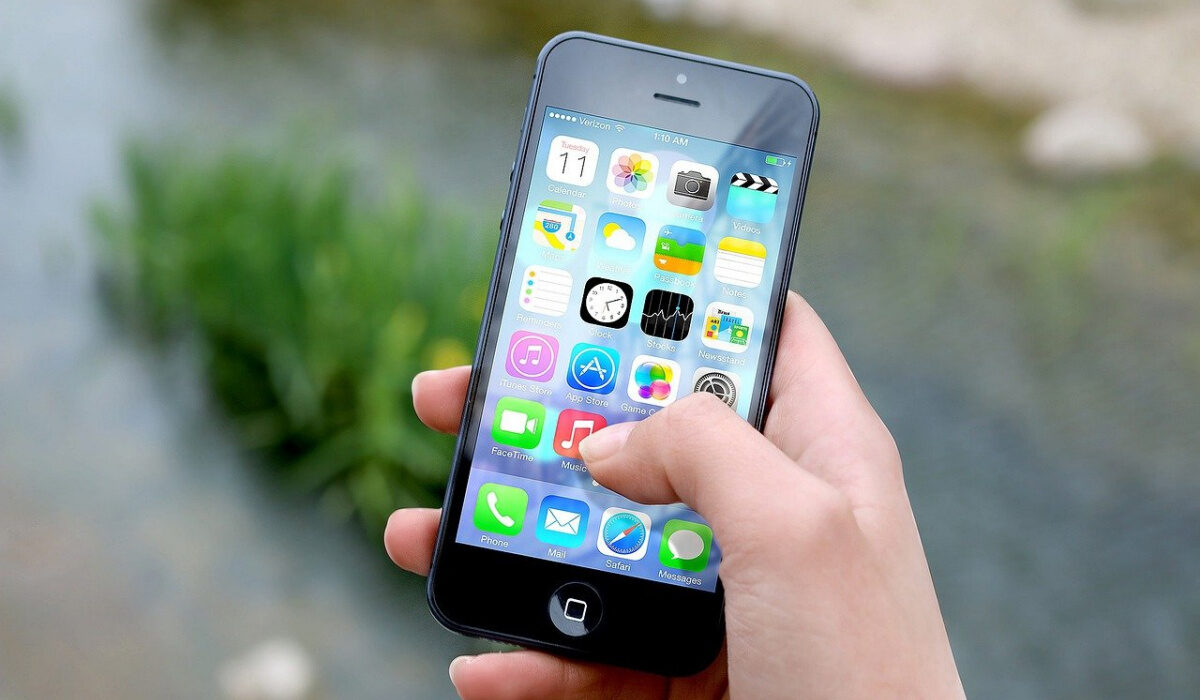
How Can I Fix Low Volume on iPhone?
A number of issues could cause your iPhone volume to be too low. This also means that there are several potential ways to fix low volume on an iPhone, whether it’s a software or hardware issue.
The fix you need may be as easy as cranking up the phone’s volume or as complex as needing some hardware replaced. But you may not be sure of how to fix low volume on an iPhone unless you identify the underlying issue. Consider our suggestions below:
Increase the Volume
The first thing to do when attempting to fix low volume on an iPhone is to turn up your phone’s volume – it may just be this easy. You’ll have to try this fix while you’re on a call or listening to an audio file.
Use your phone’s Volume Up button to try increasing the volume back to a level that you can hear comfortably.
If the buttons make no difference, ensure that Change with Buttons is enabled under Settings > Sounds & Haptics . An alternative is to swipe down from the top-right corner of your screen to access the Control Center and change the volume there (this works on iPhone X and later). On older smartphones, swiping upward from the bottom will bring up Control Center .
Deactivate Silent Mode
You could also try fixing low volume on an iPhone by flipping the silence mode switch on the phone’s side.
If it’s set to orange (rather than silver), it means notifications are silenced and that may be the reason for the low volume you’re experiencing.
Turn Off Noise Cancellation
There’s an accessibility feature on the iPhone called Noise Cancellation that may be useful for some users to improve their hearing.
Some iPhone users who have trouble hearing incoming calls have however claimed that turning off Noise Cancellation significantly increases call volume.
Navigate to Settings > Accessibility > Audio/Visual and select Noise Cancellation Off to turn off noise cancellation (green indicates that it’s On) and fix the low volume on your iPhone.
Disconnect from Bluetooth
Your speakers might not be the issue in some cases. Instead, you could be Bluetooth-connected to another device. This might also be the situation if you have your phone connected to your car’s audio system or use an Apple TV.
Turn off Bluetooth and swipe to open your Control Center as described above to verify this. In any other case, head over to Settings > Bluetooth to see what devices you’re currently connected to. If necessary, disconnect, then retry playing your video or music to see if you’ve fixed the low volume on your iPhone.
You can also tap the pyramid-shaped icon at your screen’s bottom, which has signals coming out of it, to choose where the song is playing.
Disable Do Not Disturb Mode
When you are busy or asleep, Do Not Disturb prevents disturbances by blocking calls and notifications from appearing. It’s possible that you turned it on and then forgot to turn it off. You’ll need to correct this to fix the low volume on your iPhone.
Make sure DND is not enabled by going to Settings > Do Not Disturb . You can also check this using the half-moon icon under the Focus heading in Control Center ‘s Do Not Disturb section.
Clean your Speakers
Call volume can also get muted by speakers that are covered in lint and dust. So to fix low volume on an iPhone, consider cleaning your speakers before trying your calls or playing audio.
Update your device
You may also be able to fix low volume on your iPhone by doing something as simple as updating your device.
You might be running an outdated version of iOS. Although updates or a lack thereof shouldn’t cause any issues with the sound, it’s always a good idea to keep your phone updated to fix any bugs.
To check if an updated version of iOS is available, navigate to Settings > General > Software Update .
In summary , try any of our suggestions to fix low volume on your iPhone. If they don’t work, consider speaking to Apple Support to get helpful advice from trusted professionals.
