Add MobilityArena as a preferred source on Google
Gaming on smartphones is hot these days. If you enjoy fast cars and are looking to download GTA 5 for Android, you are not alone. Many other fans are hunting for the same thing.
Grand Theft Auto (GTA) is an action and adventure game by Rockstar North. The game was first launched in September 2013 and is available worldwide for PlayStation 4, PlayStation 3, Xbox One, Xbox 360, and PC.
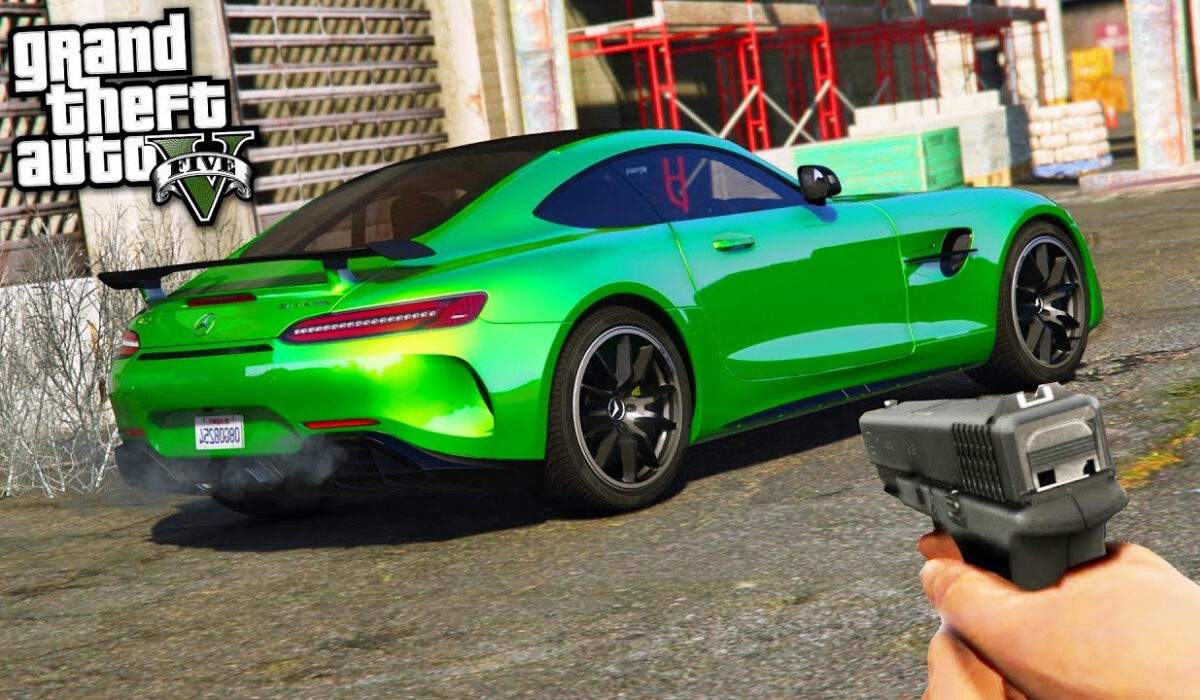
Being available as a mobile game would mean that you can now enjoy your favourite car racing game on your smartphone wherever you go. Unfortunately, if you look at the last line in the previous paragraphs, there is no mention of the game being available for Android or iOS smartphones.
That is because Rockstar Games has not developed mobile versions of the popular game yet. We are keeping fingers crossed that GTA for Android will be available soon.
Where to download GTA 5 for Android
Till a policy change by Rockstar Games, you cannot download GTA 5 for Android . To play the game, you have to get a PlayStation 4, PlayStation 3, Xbox One, Xbox 360, or just buy the game and install on your PC.
- Don’t miss our reviews .
- Join our WhatsApp Group , to be notified of the most important articles and deals,
- Follow us on Instagram , Facebook , Twitter , and YouTube .
Author:InfoDesk
Add MobilityArena as a preferred source on Google
There are a number of iPhone charging issues out there. If you own one of Apple’s finest, you may have run into one or more of them. Some of those problems have to do with the phone’s charging port. Others are about the charging cable or some other factor. Whatever it is, help is here.
This easy-to-read guide walks you through simple solutions to those charging problems and also provides recommendations about the best charging accessories for your precious iPhone.
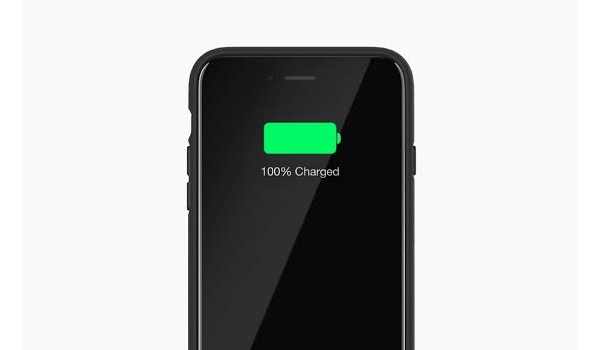
iPhone charging but won’t turn on
If your iPhone charges but isn’t turning on, Apple recommends that you leave it plugged and let it charge for one hour, then try to turn it on again. if it still will not run on, you need to contact Apple Support .
iPhone charging slowly
One of the iPhone charging issues that users are facing is that of their device charging slowly. This issue started after the release of iOS 12 and it affects many iPhone models. Apple has confirmed the issue and say they are working on a software fix for it. If there is a software update available for your iPhone, you should install it.
iPhone not charging at all
If your phone is not charging at all, chances are that the charging cable is dirty or damaged. To clear any dirt, get a soft cleaning clothe or soft brush and lightly clean the phone’s charging port, as well as the cable’s end. If the cable is damaged, you should have it replaced.
Lastly, there is also the possibility that your phone’s charging port is damaged. In this case, what to do is take it to an Apple-certified support centre to have it checked and fixed.
Best iPhone charging cable?
If you need to replace your iPhone charging cable, we recommend the ZUS Kevlar cable. It is tough and built to survive but will set you back by about $20. A more affordable option that is the Anker Powerline cable. It isn’t built like the ZUS, but it is a reliable product and costs about $12.
- Don’t miss our mobile phone reviews .
- Follow our news on Google News .
- Join our WhatsApp Group , to be notified of the most important articles and deals,
- Follow us on Instagram , Facebook , Twitter , and YouTube .
Author:MobileChic
That motivated, gadget-loving geeky chic who tries to stay on top of things. Unapologetic iFan.
