Add MobilityArena as a preferred source on Google
Mobile Network Operators (MNOs) and Mobile Virtual Network Operators (MVNOs) are two types of mobile service providers that operate in the United States of America. While they both offer mobile services, there are some key differences between the two.
MNOs are the primary mobile service providers in the United States. They own and operate their own physical network infrastructure, including cell towers and other equipment. MNOs are responsible for maintaining their network, providing customer support, and billing their customers directly.
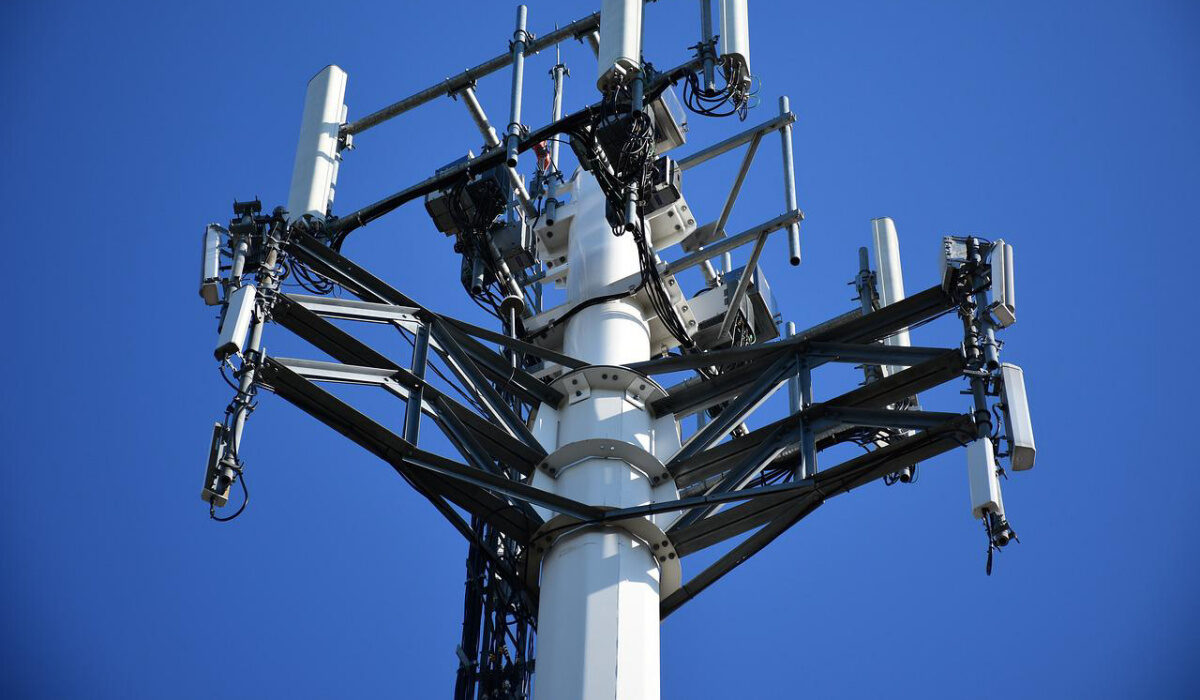
A Mobile Virtual Network Operator (MVNO) does not own physical infrastructure like cell towers.
- What is a Mobile Virtual Network Operator (MVNO)?
- Similarities between MNOs and MVNOs
- Differences between MNOs and MVNOs
- How Mobile Virtual Network Operators (MVNOs) operate in the United States
- Examples of Mobile Virtual Network Operators in the United States
- Recap
What is a Mobile Virtual Network Operator (MVNO)?
Mobile Virtual Network Operators (MVNOs), on the other hand, do not own their own physical network infrastructure. Instead, they lease network capacity from MNOs and resell it to their own customers. MVNOs typically do not have their own cell towers or other network equipment, but instead rely on the network infrastructure of the MNO they are leasing from. MVNOs are responsible for providing customer support and billing their customers, but they do not have to maintain their own network infrastructure. Examples of MVNOs in the United States include Boost Mobile, Cricket Wireless, and Straight Talk.
Similarities between MNOs and MVNOs
Despite their differences, MNOs and MVNOs share some similarities. Both types of mobile service providers offer similar services, such as voice, text, and data plans. They also both offer prepaid and postpaid plans, and many offer unlimited data plans as well. In addition, both MNOs and MVNOs offer a variety of devices, including smartphones and tablets, for purchase.
Differences between MNOs and MVNOs
One of the biggest differences between MNOs and MVNOs is pricing. MNOs typically charge more for their services than Mobile Virtual Network Operators (MVNOs), as they have to recoup the costs of building and maintaining their own network infrastructure. MVNOs, on the other hand, are able to offer lower prices by leasing network capacity from MNOs and reselling it to their own customers.
Another difference between MNOs and MVNOs is coverage. MNOs typically have better coverage than MVNOs, as they own and operate their own network infrastructure. MVNOs, on the other hand, may have more limited coverage, as they are dependent on the network infrastructure of the MNO they are leasing from.
How Mobile Virtual Network Operators (MVNOs) operate in the United States
In the United States, MNOs and MVNOs are both regulated by the Federal Communications Commission (FCC), which sets rules and guidelines for the mobile industry. Both MNOs and MVNOs must comply with FCC regulations regarding network security, emergency services, and other issues.
MNOs and MVNOs also compete with each other in the mobile market. While Mobile Network Operators (MNOs) generally have a larger market share and more resources, Mobile Virtual Network Operators (MVNOs) are able to offer lower prices and more flexible plans. This competition has led to a variety of pricing and plan options for consumers, as well as increased innovation in the mobile industry.
Examples of Mobile Virtual Network Operators in the United States
Here are some examples of Mobile Virtual Network Operators (MVNOs) in the USA and the carriers they are riding on:
- Boost Mobile : Boost Mobile is an MVNO that operates on the T-Mobile and AT&T networks.
- Cricket Wireless : Cricket Wireless is an MVNO that operates on the AT&T network.
- Metro by T-Mobile : Metro by T-Mobile is an MVNO that operates on the T-Mobile network.
- Straight Talk : Straight Talk is an MVNO that operates on the AT&T, T-Mobile, and Verizon networks.
- Ting : Ting is an MVNO that operates on the T-Mobile and Verizon networks.
- TracFone : TracFone is an MVNO that operates on the AT&T, T-Mobile, and Verizon networks.
- US Mobile : US Mobile is an MVNO that operates on the Verizon and T-Mobile networks.
You can access a more detailed list of the top Mobile Virtual Network Operators (MVNOs) in the United States . Note that these carriers may change their network partners over time, so it is important to check with each carrier for the most up-to-date information.
Recap
Mobile Network Operators (MNOs) and Mobile Virtual Network Operators (MVNOs) are two types of mobile service providers that operate in the United States. While MNOs own and operate their own physical network infrastructure, MVNOs lease network capacity from MNOs and resell it to their own customers.
Both types of mobile service providers offer similar services, but differ in pricing and coverage. MNOs typically charge more for their services but have better coverage, while MVNOs are able to offer lower prices but may have more limited coverage. Both MNOs and MVNOs are regulated by the FCC and compete with each other in the mobile market.
Author:Mister Mobility
Digital Skills and Communication Coach | Mobile Phone Connoisseur since 2001 | Tech Blogging since 2004
Add MobilityArena as a preferred source on Google
The SIM card plays an important role in your iPhone, as it stores important information such as your phone number, contacts, and carrier details. Unlocking your SIM card allows you to enjoy the flexibility of switching carriers, using local SIM cards when traveling, and exploring different network plans.
In this article, I’ll walk you through how to unlock SIM card for iPhone. I’ll cover contacting your mobile carrier for this purpose, and various other unlocking methods. So, keep reading to find out how to unlock your iPhone’s SIM card easily.
- How to Unlock SIM Card For iPhone Unlock SIM Card for iPhone Via Settings App Unlock SIM Card for iPhone Via Phone App Unlock SIM Card for iPhone With PUK Unlock SIM Card on iPhone Using Third-Party Services
How to Unlock SIM Card For iPhone
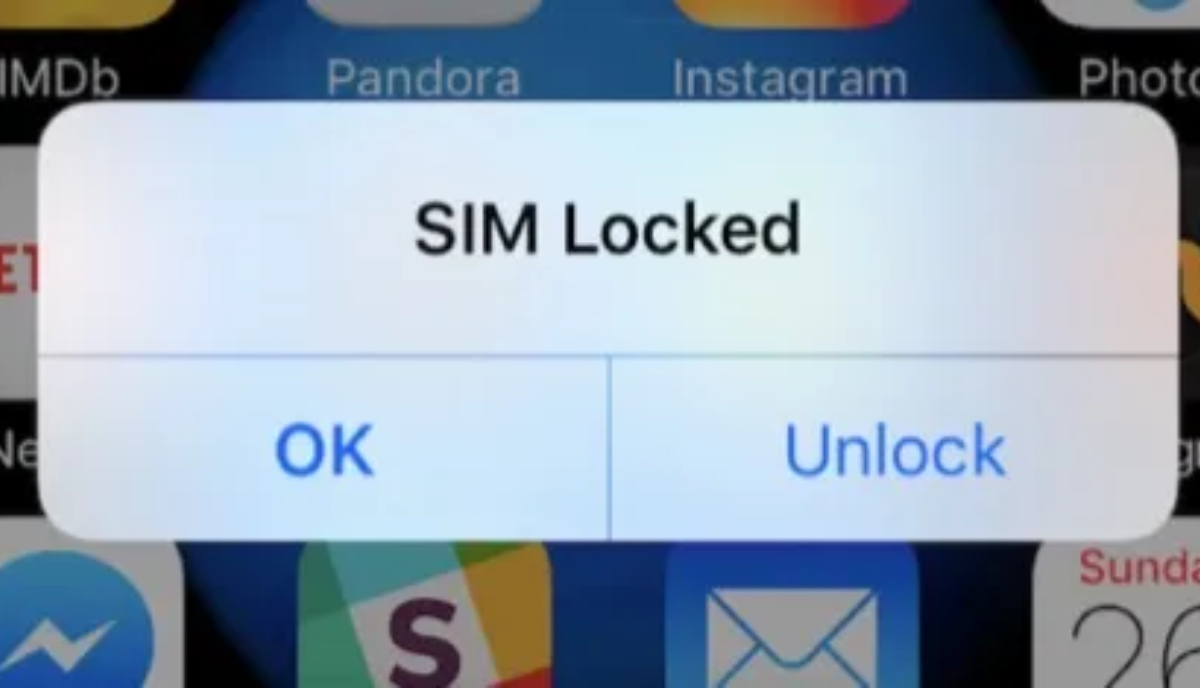
Locking the SIM card with a PIN is done to safeguard your cellular data and personal calling. If your iPhone displays a message stating that the SIM card is locked, it’s because there is a SIM PIN in place to protect your account. Once the SIM card lock is enabled, you’ll see this message frequently when attempting to switch carriers or remove the SIM card.
Luckily, there are various methods available to unlock an iPhone’s SIM card, and I’ve described them below. Try one or more of these options if you ever have to unlock SIM cards for an iPhone.
Unlock SIM Card for iPhone Via Settings App
Using the Settings app is one of the simplest methods to unlock an iPhone’s SIM card if the PIN code is locked. To unlock your iPhone’s SIM card with the Settings app, follow these steps:
- Open the Settings app on your iPhone.
- Scroll down and tap on “ Cellular ” or “ Mobile Data ” depending on your device.
- Look for the option “ SIM PIN ” or “ SIM Card Lock ” and tap on it.
- Enter your current SIM card PIN.
- Toggle off the switch next to SIM PIN .
Unlock SIM Card for iPhone Via Phone App
If you’d rather unlock the SIM card on your iPhone using the Phone app, follow the instructions below:
- Navigate to the Contacts page on your iPhone using the Phone app.
- Make a call, which can be to any random contact.
- A dialog will appear with a “ Unlock ” button. To continue, click it.
- Enter your SIM PIN and tap the green button to unlock your iPhone’s SIM card.
- If you don’t remember your SIM PIN, click “ Keypad ” at the bottom of the screen on the Phone app
- Enter the following code: “ *#06# ”
- Your iPhone’s IMEI number will appear on the screen. Write it down or take a screenshot.
- Contact your mobile carrier’s customer support and provide them with your IMEI number.
- They will guide you through the process of unlocking your SIM card.
Unlock SIM Card for iPhone With PUK
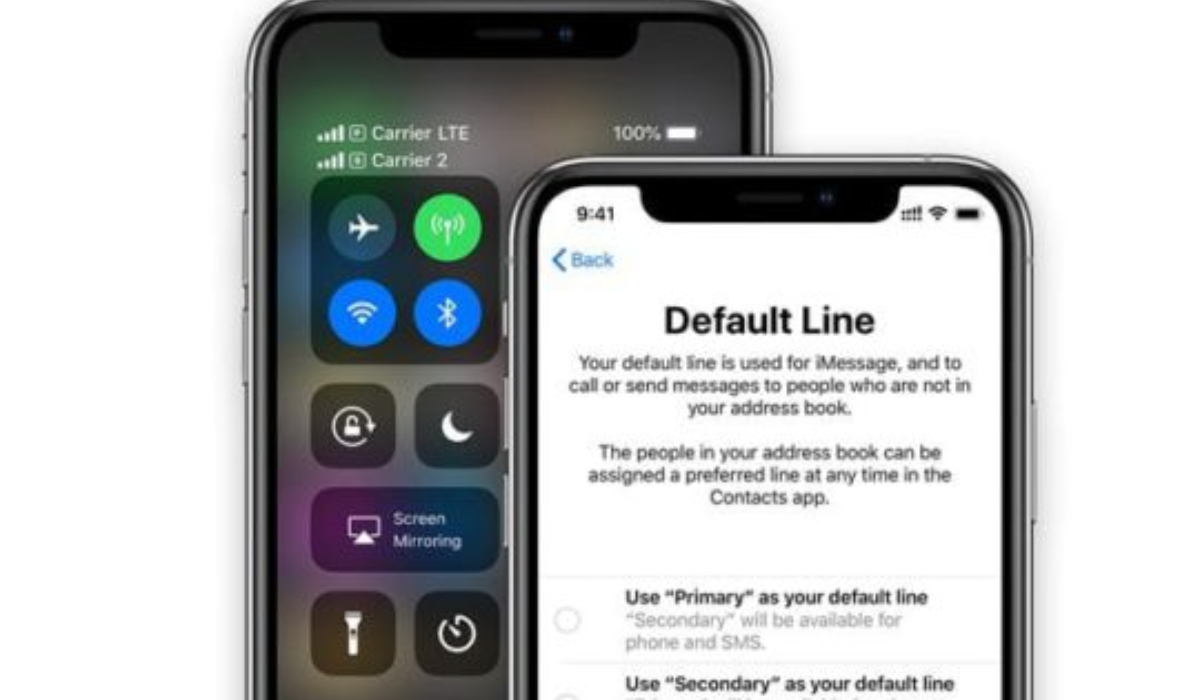
If you’ve set your SIM card to be locked with a PIN, it’s possible to unlock it with the same PIN. However, if you forget that PIN and find yourself locked out of your iPhone, your iPhone may start requesting a PUK code after you entered the wrong PIN multiple times. It’s important in this case to inform your carrier of this development, so they can help you unlock your SIM card using a PUK code.
To unlock your SIM card with the PUK code, follow these steps:
- Contact your mobile carrier’s customer support.
- Request the PUK (Personal Unblocking Key) code for your SIM card.
- Once you have the PUK code, enter it when prompted on your iPhone screen.
- Follow the on-screen instructions to set a new SIM card PIN.
Remember, the PUK code is unique to your SIM card and should be provided by your mobile carrier. Also, when you do set a new SIM pin, make sure to write it down somewhere so you don’t forget it next time.
Unlock SIM Card on iPhone Using Third-Party Services
To unlock your SIM card on an iPhone using third-party services, you can search online for trusted providers like UnlockBase or EaseUS MobiUnlock . These tools can unlock your iPhone SIM card regardless of your service provider.
You would need to download the software onto your computer, connect your iPhone, and follow the on-screen instructions, making sure to provide the necessary information to unlock your SIM card. However, make sure to read reviews before choosing any of these third-party services and proceeding with their instructions.
To sum up, unlocking your iPhone SIM card can be done through various methods. Each of the methods outlined above has its own steps and requirements, so choose the one that suits you best. Remember to follow the instructions carefully to successfully unlock your SIM card and enjoy the flexibility of using any SIM card with your iPhone. If you’re in need of other useful iPhone tips, make sure to check out this category .
