Add MobilityArena as a preferred source on Google
What Is a VPN? The word is an acronym for “ virtual private network ”. What it does is allow the user to connect to the Internet as if they were on a private network, therefore boosting functionality and security of the system. It also helps users access features that are naturally blocked on a public network.
The above might seem like a lot to digest, but let us break it down into simpler and more practical bits. Every time that you access a website via the internet, the website immediately has the permission to access certain data relating to you. Some sites do not even need our permission before they access the information. Websites and web page use the information they pull from you to serve you better ads or content that relate to our “supposed” needs.
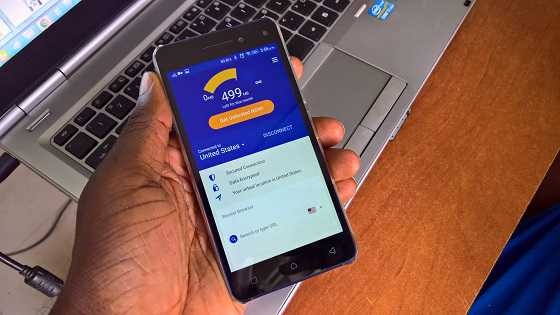
What is Virtual Private Network (VPN)
The kind of information that websites tap into are our browsing history, location, the kind of device we are using, IP address, session information, network traffic, and so on. Have you ever being surfing the web and seen an advert that seems to be aimed directly to you? If yes, that is the result of data that has been gathered on you. What a VPN does is that it puts you on a private network and so shields you from most of this data collection.
The main reason why websites on the Internet can have access to our information is because the network we are browsing on is public, hence this information that we leave there are also public and can be easily accessed. So when you browse with a VPN it takes this information and encrypts them therefore making them anonymous. A virtual private network gives you a different IP address or location, conceals your history, etc.
Why use a VPN?
A lot of people opt to using a VPN because they do not want their personal information given out on the Internet. Another reason is that certain services on the Internet that we might want to make use of are blocked from internet users in our current location. This is known as geo-blocking . With the help of a VPN, users can conceal their IP address or current location and gain access to these services. For example if you stream movies on Netflix you will know that certain movies or series are not available in all locations, so if you want to access those movies, you will need the aid of a VPN.
Not all VPNs are equal
Having explained the basics, it is important to know that not all VPN service providers give their users a true private network. Many just provide an Internet Proxy (IP) that employs the technology, what does this mean for users? It simply means that if you are transferring data that is not encrypted over the internet with the aid of a VPN, the data gets to the provider’s servers almost naked and unprotected, so they have access to your data. This can be avoided by using a secure VPN that offers complete oversight of the data path to the users at both end. So this means that when choosing, it is wise that you choose one that is secured, and that you can trust.
Some Best VPNs
- Surf Shark VPN: I can personally recommend this one to anyone looking out for a secure VPN and won’t mind paying for its services. One reason I love this Surf Shark is that a single subscription can be used on multiple devices at the very same time. So I might be surfing the net on my phone and want to check something up on the PC, all I need to do is to put down my phone and be assured that I am still browsing on a secure private network. You can check their website out here or download the application from Google Play Store, or the Apple Store.
- Nord VPN: This is yet another paid VPN which like the previous I personally have used, and it is a very good one. Also has the multiple device support and is also very secure. It is also pretty cheap, you can check out their website for pricing right here .
- ProtonVPN: If you really want to use a VPN but do not agree to the idea of paying for it, then ProtonVPN is a good choice for you. It has three free locations that you can easily connect to, but if you want more options you will have to pay. For security reasons I’ll advise that you go for a paid service especially if you are using it for business or work. Check the ProtonVPN website over here .
Author:KittysTech
Tech analyst, Collins Eshiet, writes about technology. Follow me on Twitter @KittysTech.
Add MobilityArena as a preferred source on Google
We all know how unreliable regular payment systems can be. Cobhams rides to mark the end of horrible payment experiences and the birth of a revolutionized digital payment system, Ohwo .
If you have ever had issues making payment with your card, crazy analog POS charges- don’t get me started with having to touch an un-sanitised POS with COVID infections waxing strong, you would agree that there is a need for a safe, simple, fast and secure payment system.
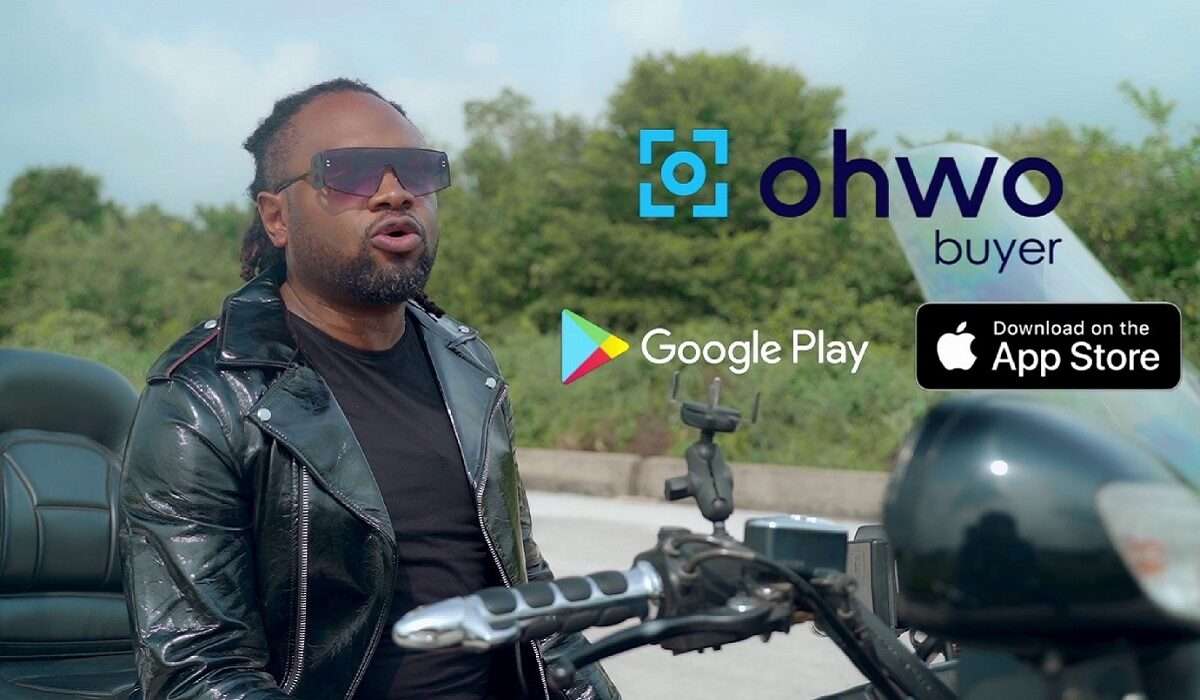
The Ohwo app is a recently launched digital payment solution that enables users to make and receive payments instantly without any form of physical contact. See! Your fear of COVID and any other contact-based infection is already squashed. It is a fast, simple and secure way of making and receiving payments by simply scanning a QR code from the seller’s phone.
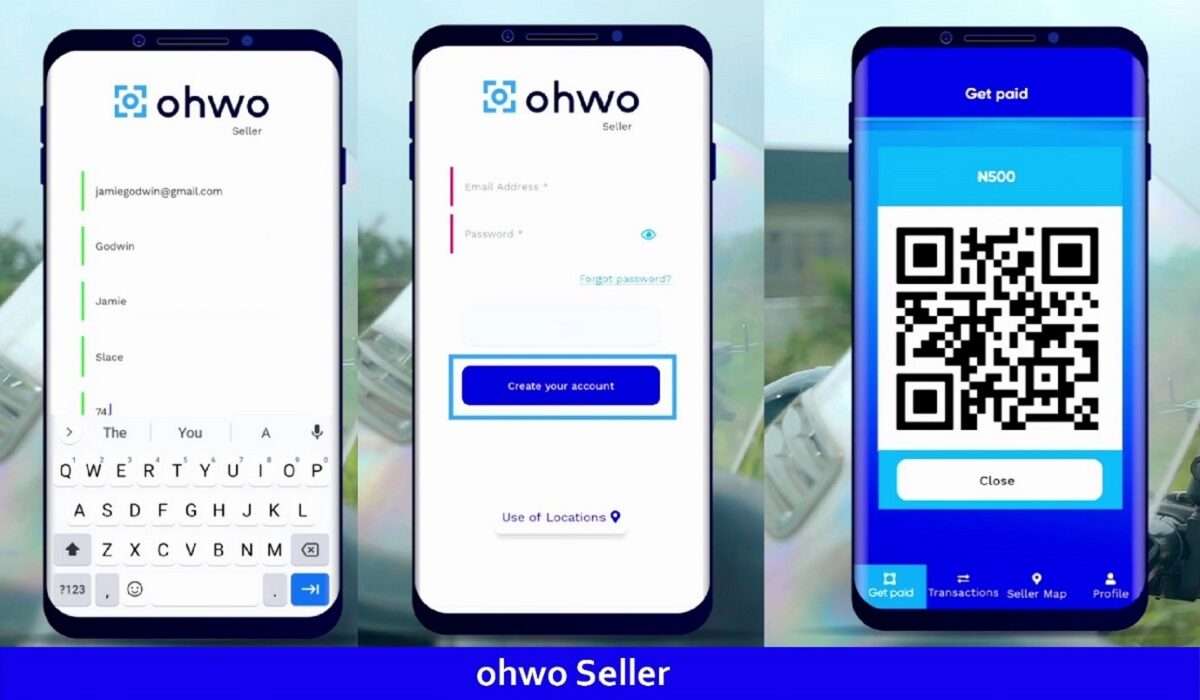
What’s there not to love about a product that allows you to enjoy hassle-free transactions and saves you tons of time. With instant transaction notification, very low transaction charges, Ohwo ensures all your payments are made with ease.
Finally, you can do away with the analog POS and enjoy a premier contactless digital POS that takes away the need for extra hardware and enjoy seamless transactions with Ohwo on your phone.
An extra perk is that a buyer using the “Ohwo Buyer App” can track their purchase history. This mobile app was definitely built for the Nigerian customer.
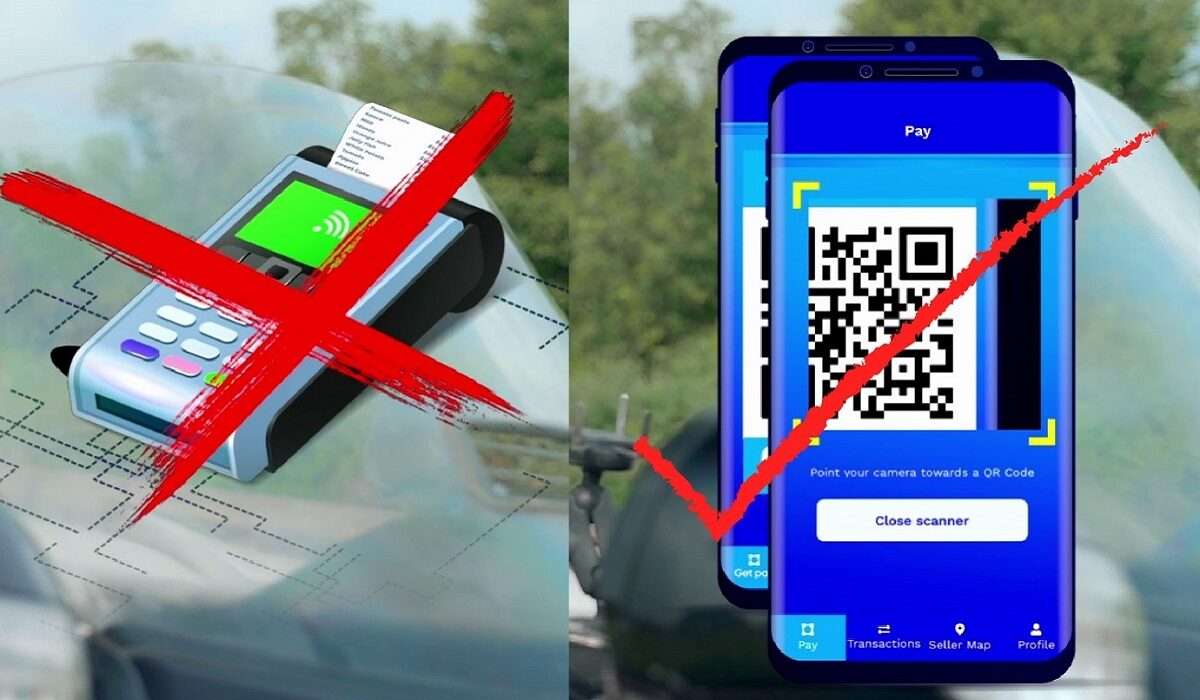
Wondering how this mobile app can help you make your business the customer’s favourite? Ohwo’s got you! As a business owner using the “Ohwo Seller App” you would not have to go through the tedious process of having your customers queue tiringly for a POS device, you get to settle your customers payments in no time.
You can also call the app your efficient, unpaid accountant. The accurate bookkeeping/ auditing function automatically audits your business transactions. It’s time to ditch the endless pages of transaction documents. Ohwo keeps your books for you! As a business owner, you can easily track all your transactions and sales with ease from within the app for FREE!
I know you can’t wait to get started with the Ohwo app
Here’s how the app works:
Business owner or individual, download and install the seller and buyer apps respectively and use in 4 simple steps:
- Step 1: Type in the value of transaction
- Step 2: Generate QR code on your phone
- Step 3: Customer scans code
- Step 4: Receive payment
To make payment,
- Step 1: Scan QR code with your phone?
- Step 2: Approve payment
That’s it! You’ve either received money or sent money, easy-peasy, yea?
Ohwo is available for download on the Google play store and iOS store
Now you too can enjoy simple, secure and contactless transactions!
A must WATCH:
Download Ohwo
Download the buyer app on Google Play Store HERE .
Download the seller app on Google Play Store HERE .
Download the buyer app on IOS store HERE .
Download the seller app on IOS HERE .
Instagram: https://bit.ly/3uZzlpI
Twitter: https://bit.ly/2SgHnNt
Facebook : https://bit.ly/34Y3pqU
