Add MobilityArena as a preferred source on Google
While vibrations are important for notifications and feedback, it is concerning when your Android phone buzzes at random or constant for no reason. This may be an unpleasant experience, especially when it occurs in your quiet time or during important meetings.
If you’re having the same problem and are wondering how to fix when Android vibrates for no reason, this post is for you. In this article, I’ll show you different ways to fix your Android if it vibrates for no reason.
- How Can You Fix When Android Vibrates For No Reason? Restart Your Phone Disable Vibration for App Notification Turn Off Touch Feedback Update Your Operating System Reset Your Android Phone
How Can You Fix When Android Vibrates For No Reason?
Many Android users have been reporting that their phones suddenly started vibrating for no obvious reason. This is an annoying situation to be in, especially if you have to work or attend a class, or you’re trying to fall asleep. Such random vibrations can be caused by a variety of factors, including temporary glitches and malfunctioning software.
You may not be sure what’s causing the problem, but you can try one or more of the methods below to fix when Android vibrates for no reason.
Restart Your Phone
Restarting your phone addresses different problems, even if it may seem like a simple fix. A quick restart could also help to fix when Android vibrates for no reason. Restart your phone with these instructions:
- Hold down the power button while you wait for the power menu to appear, then select Restart from the menu.
- Try simultaneously pressing and holding the Side and Volume Down buttons on a Samsung device until the power menu appears, releasing both buttons, and selecting “ Restart ” from the menu that appears.
- Press and hold the Power and Volume Up buttons until options appear, then hit “ Restart ” for Google Pixel 6 users. Check to see if the restart helps to fix when Android vibrates for no reason.
Disable Vibration for App Notification
Some troublesome apps might still cause vibrations even when your app alerts are switched off, making it difficult to identify the perpetrator.
To resolve this and fix when Android vibrates for no reason, make an effort to identify the applications you just installed and deactivate all notifications in their notification settings.
Go to Settings > Notifications > See All Apps , choose any app you think could be the source of the unnecessary vibrations, and turn off every notification category. If the vibrations are caused by unchecked background programs, you can erase their cache and data.
Turn Off Touch Feedback
It’s possible that you enabled haptic feedback on your phone by accident, making any random touch on your screen or keyboard to result in vibrations.
When your phone vibrates randomly and you can’t recall ever turning on touch feedback, it can be distressing. You can fix when Android vibrates for no reason by disabling vibrations caused by touch interactions in settings.
Toggle off all vibration settings by going to Settings > Sound and Vibration . On a Samsung phone, you’ll find them under System Sound/Vibration Control .
In a similar manner, some Samsung phones have a function called Smart Alert that, when turned on, makes your phone vibrate when you pick it up if you missed a call or message. Toggle off Smart Alert under Settings > Advanced Features > Motions & Gestures .
Update Your Operating System
Android is prone to bugs that cause different issues. These bugs could cause incoming calls to make your phone vibrate without lighting up the screen or just vibrations for no apparent reason.
Updating your Android OS will help remove many of these flaws as well as fix when Android vibrates for no reason.
To check if the manufacturer of your Android smartphone has released an update to fix the random vibration problem, follow the instructions below.
- Navigate to Settings > System > Advanced > System Update to see if your phone needs any updates. If an update is available, press Download Now and then follow the on-screen instructions to update the system.
- If you have a Samsung device, go to Settings > Software Update > Download and Install . If an update is available, simply press Install Now to obtain the updated software.
Also, note that if you often install programs from unknown sources, they may not always perform as intended and may cause odd vibrations. Uninstall any applications you are unsure of, and make an effort to only download apps from the Play Store going forward.
Reset Your Android Phone
Try factory resetting your phone if it continues to vibrate despite the update. Doing this will delete all your data on your smartphone and return the device to its original state. Make sure you’ve backed up all of your device’s data so you don’t lose anything crucial.
Follow these steps, to factory reset your device and fix when Android vibrates for no reason:
- Navigate to Settings , scroll down to General Management , and then press it.
- At the bottom of the page, press the Reset button.
- Choose “ Factory data reset ” from the available options. To proceed, tap Reset .
- Check to see whether the issue is fixed after a factory reset.
Keep in mind that the procedure for factory resetting your Android phone varies slightly based on the model.
Random vibrations on your device without any notifications can be stressful. However, I hope one of the solutions I’ve described above helps fix when Android vibrates for no reason. If you’re having notification disturbances on your iPhone, check out this guide .
Author:Joan Agie
Add MobilityArena as a preferred source on Google
Your drone is a great piece of technology, but with the right accessories, you can unlock extra value and get better results with it. It isn’t just enough to buy a drone. Drone accessories either extend the functionality of your device or provide protection for it. Paying attention to drone accessories is important for several reasons, as listed below.
- Why drone accessories are important
- List of Essential Drone Accessories
Why drone accessories are important
- Performance Enhancement : Drone accessories can significantly enhance the performance of your drone. For example, extra batteries extend flight time, allowing you to capture more footage. ND filters improve image quality by controlling exposure in different lighting conditions. Accessories like propeller guards enhance safety by protecting the drone and its surroundings.
- Creative Possibilities : Drone accessories open up creative possibilities for aerial photography and videography. For instance, using a tablet or smartphone mount enables a larger screen for better framing and composition. A landing pad provides a stable surface for takeoff and landing, allowing for smoother shots. These accessories help you achieve professional-looking footage and explore new perspectives.
- Safety and Protection : Drone accessories such as propeller guards, carrying cases, and landing pads help protect your drone from damage during transport, takeoff, and landing. They also enhance safety by minimizing the risk of accidents or collisions, particularly when flying in crowded areas or near obstacles. Safety should always be a top priority when operating a drone.
- Convenience and Efficiency : Having the right accessories increases convenience and efficiency during drone operations. Carrying cases or backpacks provide organized storage and ease of transportation. Charging hubs and extra batteries ensure minimal downtime between flights. Accessories like memory cards with ample storage capacity allow you to capture and store more footage without interruption.
- Longevity and Investment Protection : Using drone accessories that are specifically designed for your drone model ensures compatibility and proper functionality. This promotes the longevity of your drone and protects your investment. Additionally, accessories like drone insurance provide financial protection in case of accidents or damages.
By paying attention to drone accessories, you can optimize the performance, creativity, safety, and longevity of your drone. It allows you to make the most out of your aerial photography or videography endeavors while ensuring a smooth and enjoyable flying experience.
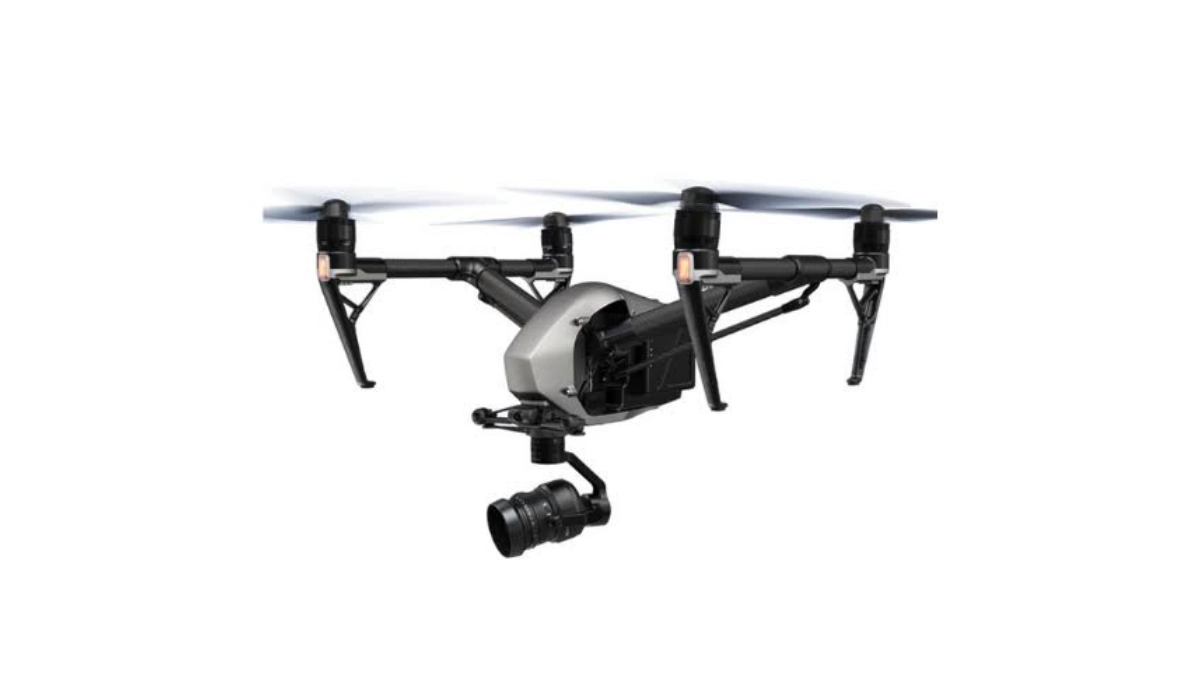
Drone accessories either extend the functionality of your device or provide protection for it.
List of Essential Drone Accessories
When it comes to drone accessories, there are several useful and popular options available to enhance your flying experience, improve safety, and expand the capabilities of your drone. Here are some top drone accessories to buy:
- Extra Batteries : Additional batteries are important drone accessories. They allow for extended flight time and more shooting opportunities without having to wait for recharging. Having multiple fully charged batteries on hand ensures uninterrupted flight sessions.
- Battery Charging Hub : A charging hub allows you to charge multiple drone batteries simultaneously, saving time and ensuring a quicker turnaround between flights. It is especially useful for drones that support multiple batteries.
- ND Filters : Neutral Density (ND) filters are camera accessories that reduce the amount of light entering the lens without affecting color balance. ND filters are beneficial in controlling exposure and achieving more balanced and cinematic footage in bright lighting conditions.
- Propeller Guards : Propeller guards are protective frames that attach to the drone’s arms and enclose the propellers. They provide added safety by preventing accidental contact with objects and help protect the propellers from damage during crashes or collisions. The first drone I bought became redundant after a propeller damage incident. Learn from me and get protection for your propellers. They are must-have drone accessories.
- Carrying Case or Backpack : A dedicated carrying case or backpack designed for your drone model ensures safe transportation and convenient storage. It protects the drone, batteries, and accessories while providing ease of mobility during travel or on-location shoots.
- Tablet or Smartphone Mount : A tablet or smartphone mount allows you to attach your device securely to the drone’s remote controller. This enables a larger screen for better visibility and precise control while flying and capturing footage.
- Remote Controller Sunshade : A sunshade or sun hood for your remote controller helps block out excessive sunlight and glare, improving visibility of the display. It is especially useful when flying in bright and sunny conditions.
- Landing Pad : This might not have occurred to you, but a landing pads are essential drone accessories. They provide a designated landing spot for your drone, protecting the gimbal, camera, and sensors from debris, dust, and uneven surfaces during takeoff and landing. It also helps maintain a clean and stable surface for drone operations.
- Memory Cards : High-capacity and high-speed memory cards are essential for storing your aerial footage. Invest in reliable and fast memory cards with sufficient storage capacity to ensure smooth and uninterrupted recording.
- Drone Insurance : Consider getting drone insurance to protect your investment and cover any potential damages or accidents. Drone insurance can provide peace of mind and financial protection in case of unexpected incidents.
These drone accessories can enhance the performance, convenience, and safety of your quadcopter operations. Remember to check compatibility with your specific drone model and research reputable brands to ensure quality and reliability.
Lastly, it is important to pick the right drone for your specific needs. If you are looking to buy a drone for the first time, check out our detailed drone buyers guide .
Author:MobileChic
That motivated, gadget-loving geeky chic who tries to stay on top of things. Unapologetic iFan.
