Add MobilityArena as a preferred source on Google
Why is your Smart TV not connecting to the Internet? There are a number of possible reasons why this happens. They include: software issues, including bugs, as well as hardware issues.
Whether you own a Samsung Smart TV, or one from Sony, LG, Hisense, TCL, Vizio, or any of the other brands, sometimes, you run into a hitch when your TV refuses to connect to your Wi-fi hotspot. Of course, a smart TV can be used without an internet connection. You can use it like any other non-connected TV sets.
But if you want to enjoy the features for which it is called smart, if you want to use YouTube, Netflix, Hulu, and other services on it, you will need an Internet connection. As such, you need to fix the problem of your Smart TV not connecting to the Internet.
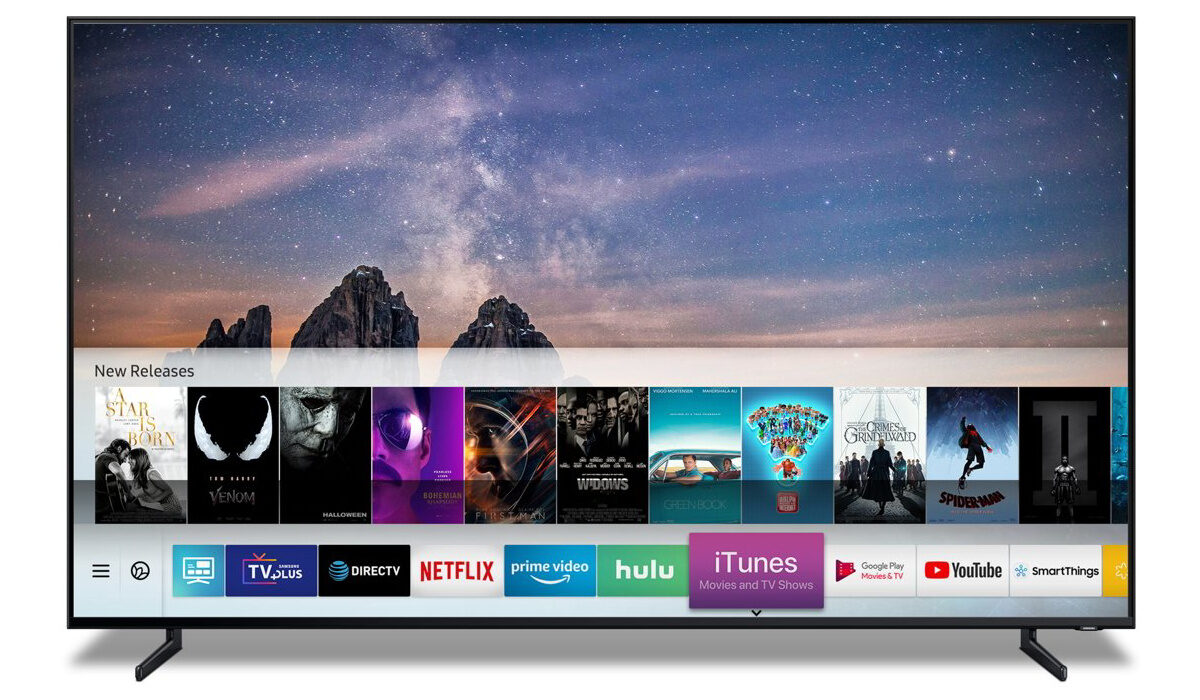
- Things to do to fix your Smart TV not connecting to the Internet
- Contact your ISP and/or reboot your router
Things to do to fix your Smart TV not connecting to the Internet
The first thing you should do to get an idea of what is happening is to change your internet connection, if you have an alternative service. Switch from one WiFi connection to another and see if the connection problem goes away. If it does, the problem was from your default Internet connection – perhaps a temporary issue from your service provider, or an issue with your router, mifi, or phone hotspot.
Contact your ISP and/or reboot your router
Sometimes, when your Smart TV stand there is no Internet connection, it means that something is wrong from your ISP’s end. To clear an issue from your service provider, reach out to them with an explanation that your Smart TV connects on an alternative link but not theirs. They will fix it and ask you to restart your router or other sharing device.
To clear most issues on your router or mifi, a restart is a great idea. Reboot it and if the connection issue is from that end, things should work fine again. A reboot, or restart, works wonders.
If you changed your Internet connection and your TV still won’t connect, that is an indication that the problem is not from your Internet connection. In which case, all our attention is on the TV set from here. The next step is to restart your TV. Why?
Like any other computing system, your Smart TV sometimes gets clogged up and a simple reboot often does wonders, clearing issues of this kind most of the times. Preferably, switch it off from the power mains for about 30 seconds, before powering it on again.
There are other technical things you can do to fix your Smart TV not connecting to the Internet. For example, you can manually change its DNS and allied network settings. But I don’t advice that you tamper with technical things, unless you really know what you are doing. And if you were technical enough to understand the issues, you would not be reading this article.
One last thing you can do to fix your Smart TV not connecting to the Internet, though, is to update the software (or firmware). If you are already comfortable with the idea of software updates for your phone, this is a piece of cake. Find the software update menu under the System settings on your TV, and check if any updates are available. If there is, download and run it, then restart your TV and try to connect again.
Hopefully, one of the above procedures solves the problem of your Smart TV not connecting to the Internet. If the problem is still present, this is where you should get some technical help to fix it. As mentioned earlier, I do not advice that you fiddle with the connection settings of your Smart TV unless you know what you are doing.
Any of the above fixes are for software-related issues. Should your TV’s problems spring from the hardware, only a qualified technician should be allowed to tamper with it. Preferably, have it examined by a qualified person at an authorised service centre.
Author:Mister Mobility
Digital Skills and Communication Coach | Mobile Phone Connoisseur since 2001 | Tech Blogging since 2004
Add MobilityArena as a preferred source on Google
You may have heard of Android Auto and now also Android Automotive, and you probably wondered if they are the same thing. They are not. The latter is an improvement on the former.
It isn’t only Apple that has its smartphone data connectivity system connecting with the multimedia system. Google also wants us to be able to use our favourite apps and multimedia while on the road. What are the differences between Android Auto and Android Automotive ? Let us explain.
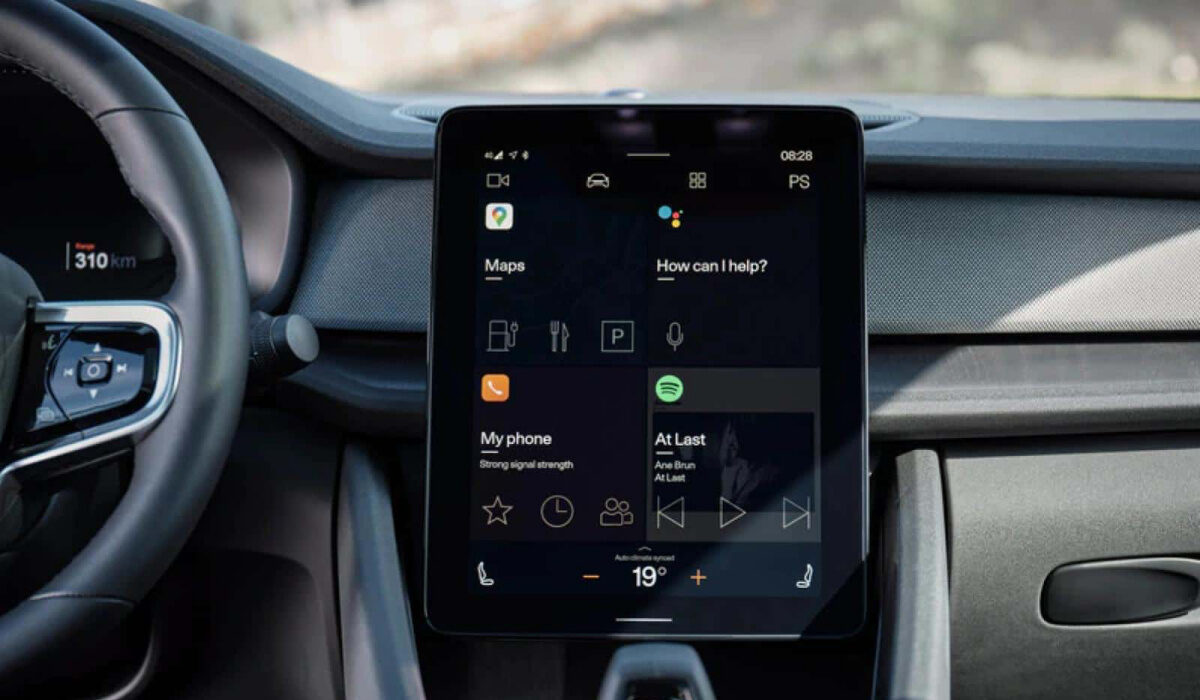
- Android Auto – the basics
- Android Automotive – the basics
- Android Auto vs Android Automotive: To sum up
- Which car brands are adopting Android Automotive?
Android Auto – the basics
Android Auto is an application created by Google in order to manage and stream the image from your personal device (smartphone) running on Android system to the screen located on the console of your car, connected to the multimedia system. As a result, it is possible to benefit from the solutions that were previously used on our smartphones, such as: satellite navigation, playing multimedia files, sending SMS and making phone calls, searching for information on the Internet or communicating with a personal assistant.
Android Auto is a solution available wired (via USB cable) or wirelessly, using Bluetooth technology. Obviously, in order to use it you need to find out whether your car offers support for this system. What’s interesting, you can switch between the Android Auto interface and the built-in interface of your car’s on-board computer at any time. If you own an Audi without Android Auto support, you can use additional Android Auto modules which will enable you to use this system without replacing your car radio with an aftermarket device.
Android Automotive – the basics
Android Automotive (also known as Android Automotive OS or AAOS) is an operating system developed by Google and Intel. It was developed to be used for dashboards (multimedia screens) used in modern cars. Automotive companies such as Audi and Volvo took part in creating this platform. It is worth mentioning that Android Automotive is not only focused on providing us with travel-related information and multimedia playback. Car manufacturers who decide to use the software may allow us to control air conditioning or other vehicle functions with it.
Android Auto vs Android Automotive:To sum up
Unlike Android Auto, Android Automotive is a complete operating system that runs in the vehicle’s computer. It does not require a smartphone to operate. All you need is your Google account to access all your most important content and applications.
Android Automotive is an open source operating system and any automaker can use it without Google Automotive Services (GAS), which is a collection of apps and services from Mountain View company (Google Maps, Google Play, Google Assistant, etc.).
Android Automotive seems to be a more beneficial solution, but it will still be some time before the software will be available in all new car models.
Which car brands are adopting Android Automotive?
Car brands that are switching to Automotive for use in their cars include Volvo, Polestar, BMW, Honda, GM, and Stellantis.
Author:MobileChic
That motivated, gadget-loving geeky chic who tries to stay on top of things. Unapologetic iFan.
