Add MobilityArena as a preferred source on Google
In order to keep your online accounts safe, it is a great idea to use a unique password for each site. However, if you have several different accounts on various sites, it could become quite a chore to remember all the passwords. One way to reduce that stress is to use a password manager. Now, there are several password managers out there. All of them store your passwords quite well. However, the best password managers do more than just that.
Basic password managers save your login information for different sites. They also encrypt all your login information, including your address and credit card information. Many password managers also help you generate unique passwords which are difficult to crack. Also, many good password managers offer password ranking, which tells you which of your passwords are weak and which are strong.

- LASTPASS
- DASHLANE
- KEEPASS
Here are some good password managers you can make use of:
LASTPASS
This is one of the best password managers available. It is free for the most part, though there are some features you can only make use of if you pay for the premium version. On Lastpass, once you set up your master password, it allows you to import all of your saved login credentials from Firefox, Chrome, Internet Explorer, Opera and Safari. After that, you can delete all of the information from your computer.
DASHLANE
This password manager has similar features to Lastpass and other password managers. What makes it stand out is the streamlined interface. It is simple and intuitive, and it also has two-factor authentication. Also, it allows you to change passwords for multiple sites with just a few clicks. You can also use the Dashlane software to reset your account password remotely if your account gets hacked.
KEEPASS
This is an open-source password manager software, which stores your encrypted data locally. It does not upload your information online. The software is portable enough to load on a thumb drive and transfer to multiple devices. Also, you can share access among several authorized users. Right now, the official version of the software only supports Windows. However, cross-platform users can use KeePass X for Linux and MacOS, and there are several versions for iOS, Android and Windows Phone.
Author:EmmyCN
Add MobilityArena as a preferred source on Google
What is Bluetooth audio stutter ? When the audio from your Bluetooth headset, earbuds, or loudspeaker cuts in and out, that phenomenon is called audio stutter or stuttering. It sounds like the audio wants to die.
Bluetooth connectivity is now a staple for a lot of mobile devices. One of the biggest advantages of the feature is that it reduces the amount of cords we have to carry around, which is pretty vital. However, there could be times when you connect your smartphone to an audio playback device, such as a pair of headphones, and you get Bluetooth audio stutter. This can be really annoying.
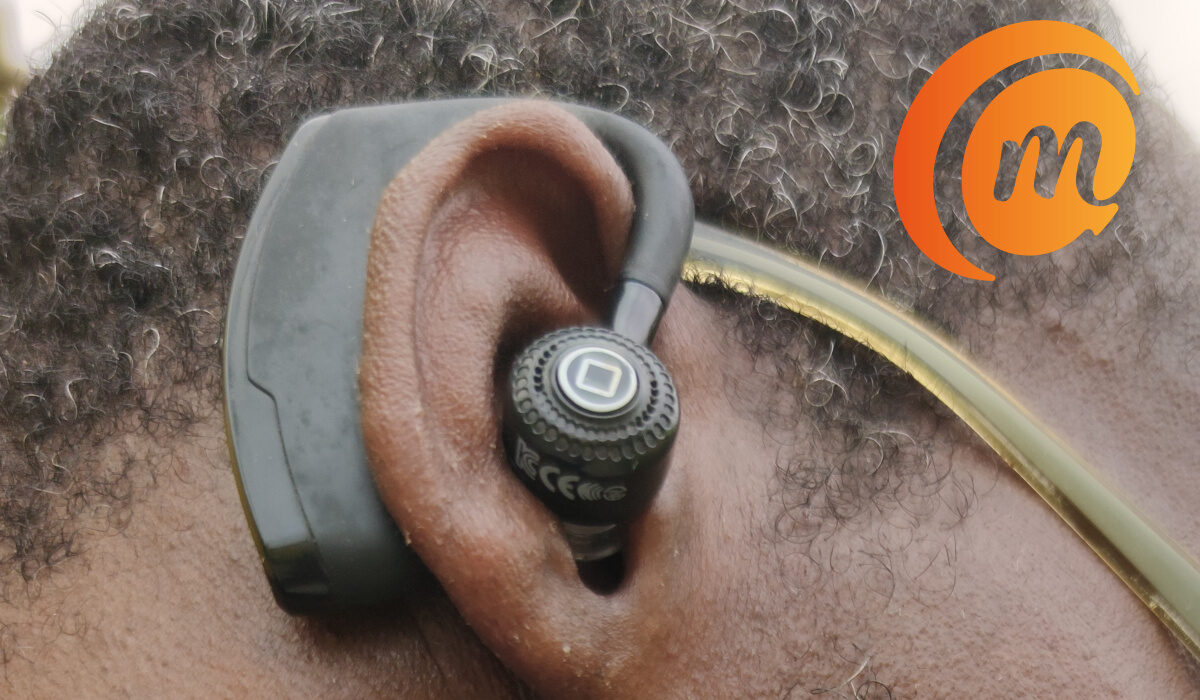
Anyone who uses a Bluetooth speaker or a pair of Bluetooth headphones will tell you that the connection should allow for seamless transmission of audio from one point to another, depending on the devices involved. There are a lot of things that can prevent this from happening, thus causing Bluetooth audio stutter.
Causes of Bluetooth Audio Stutter and Solutions
Some of the most common causes of stuttering on your Bluetooth device include a low battery, your connected Bluetooth devices being too far apart, or some form of physical obstruction between them. In these cases, check your battery and reduce the distance between the connected devices to see if the stuttering stops.
Bluetooth audio stutter can be caused by wireless signal/electronic interference. Devices like cordless phones, baby monitors and microwave ovens can disrupt the Bluetooth signal, since these devices all operate in the same frequency range. To fix this problem, you can try changing the channels on your wireless network. Also, you can minimize the number of active Bluetooth devices connected to your computer.
Mac users might also experience audio stuttering when they turn on the handoff feature on their devices. All you need to do in this case is to turn it off. Furthermore, your computer might be recognizing your Bluetooth device as both a speaker and a wireless headset. To solve this, deselect the headset, then choose it as a wireless speaker.
Mobile devices might experience audio stuttering when paired with a car’s audio system. A common fix to this problem would be to clear the cache files on your smartphone. If you are looking for a resolution for a specific phone pairing with a specific, it is a good idea to look for online forums for the phone brand and the phone carrier.
Now, since most wireless devices connect to various other devices through Bluetooth, there could be times when a particular mobile app associated with the headphones is the issue. If you use wireless headphones with a mobile app, always check that the operating system is up to date and you have the latest version of the mobile headphone app.
- Bluetooth Profiles – HSP, A2DP, AVRCP, HFP
- Use aptX Adaptive Phones and Earphones for Best Quality Bluetooth Audio
- Bluetooth Tethering: Share your phone’s Internet/data with other devices
