Add MobilityArena as a preferred source on Google
Why is your phone not showing missed calls? If your phone is not showing missed calls notifications, it is likely that the Contacts and Call logs permissions have been tampered with in some way. Whether it is a Samsung phone, TECNO, Infinix, Xiaomi, OnePlus, or an iPhone, sometimes you find yourself in this situation. A common reason why it happens is that you unknowingly activating the phone’s Do Not Disturb (DND) feature.
The Do Not Disturb feature is designed to block off all notifications – calls, SMS, WhatsApp, Facebook, etc – from distracting or disturbing you. showing you. The idea is that if DND is enabled on your smartphone, it will not display any missed calls notifications. Sometimes, people toggle it on without even being aware that they did. At other times, people enable it for an office or church meeting and then forget to turn it off after. The good news is that fixing that is easy.
Fix missed calls notifications not showing by disabling DND
On your Samsung, Huawei, Xiaomi, TECNO, itel, or any other Android phone, swipe down from the top of your screen to pull down the notification menu, find the Do not disturb option, and see if it is enabled. If it is enabled, turn it off. If it isn’t enabled, then the problem is not DND. That means, our next stop is the phone settings.
On an iPhone, go to Settings > Do Not Disturb > Allow Calls From and select Everyone .
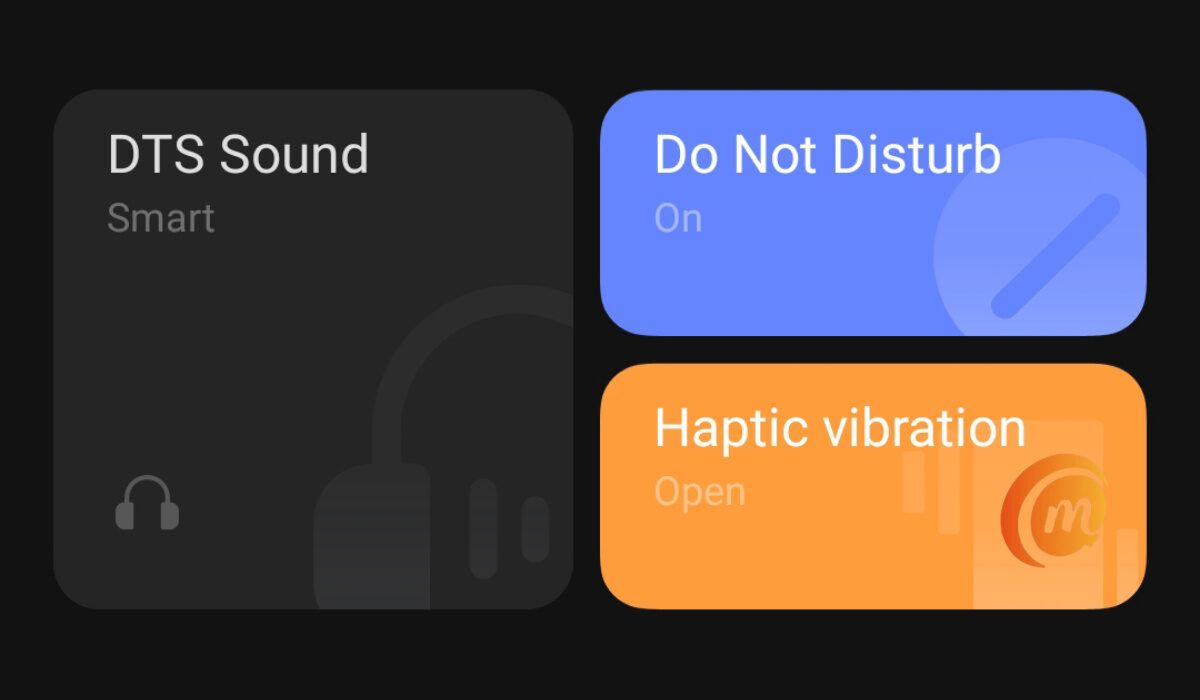
Why is your phone not showing missed calls?
Fix missed calls notifications not showing, by granting notification settings
On your Android smartphone, open the Settings , search for Apps , then find Contacts . Go to Notifications > Allow notifications, and enable Display in status bar/Status bar icon/Banners for silent notifications and sound notifications.
Again, open Settings , search for and access Badge display mode, and toggle on the switch next to Dialer .
On an Apple iPhone, go to Settings > Notifications > Phone , and tap the toggle on the Allow Notifications option.
Last Words
Doing the above should sort you out and your phone should begin to show notifications of missed calls once again.
- Don’t miss our mobile phone reviews .
- Follow our news on Google News .
- Join our WhatsApp Group , to be notified of the most important articles and deals,
- Follow us on Instagram , Facebook , Twitter , and YouTube .
Author:MobileChic
That motivated, gadget-loving geeky chic who tries to stay on top of things. Unapologetic iFan.
Add MobilityArena as a preferred source on Google
The mantra, “There is an app for that” rings true: there are language translation apps that translate not just text, but also text in images, and voice. There are scores of them available to download, but it can be difficult making a choice in that deluge.
This is why we have curated q shirt list of some of the best language translator/translation apps you can try out on your Android smartphone. Take a look at the list below.
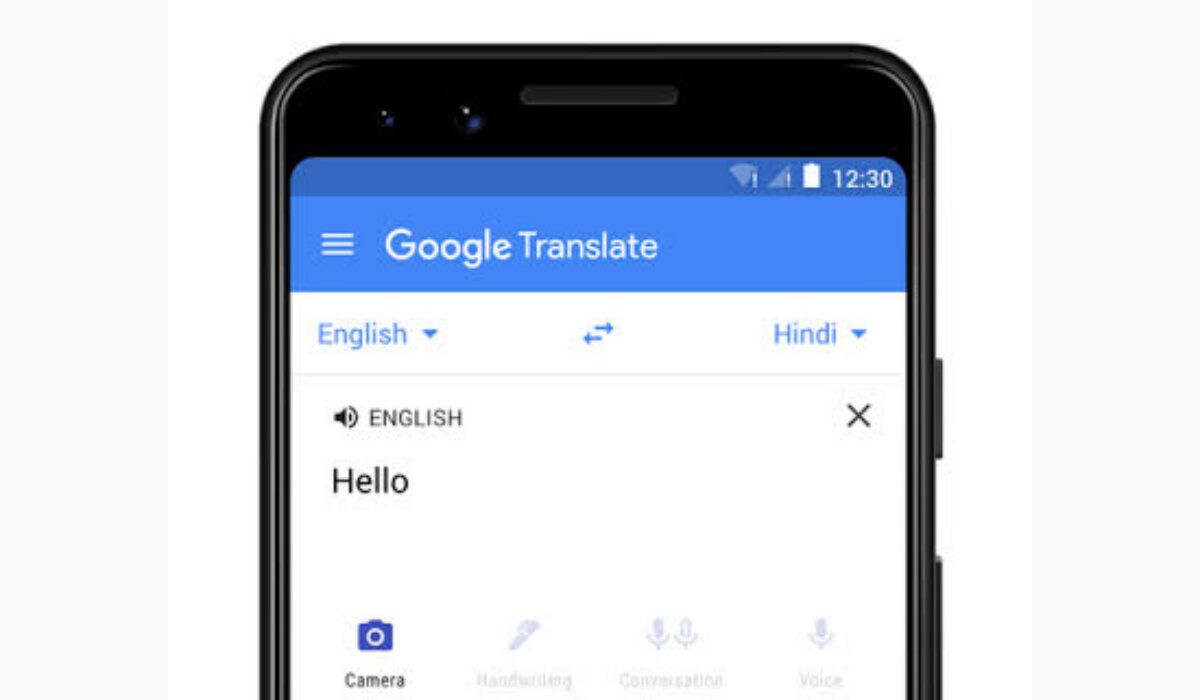
Top 5 Translator / Translation Apps to download
- Google Translate – Probably the most versatile and most popular translation tool today.
- Microsoft Translator – This is a free translation app that translates text, voice, conversations, photos, and screenshots. It is available to download from Google Play store, but also to Microsoft 365 subscribers and Office 2019 customers. Microsoft Translator is also want powers Translator for Bing.
- WordLens – This free translator app lets you translate text, voice, and text in images into over 70 languages. Features include mukti-person conversation translation.
- iTranslate Translator – features text, voice, and text within photos translation in up to 100 languages. Basic services is available for free. Advanced services require a monthly translation.
- TextGrabber – This free app lets you grab and digitise text, as well as translate it. It is an offline translation app, and so does not require an Internet connection.
You can find all the above apps to download in Google Play Store.
What is the best free translate app?
Google Translate is probably the most popular translator app, free or paid, and for good reason. So we recommend it. Also take a look at iTranslate as well. These are two of the most reliable translators available today.
- Don’t miss our reviews .
- Join our WhatsApp Group , to be notified of the most important articles and deals,
- Follow us on Instagram , Facebook , Twitter , and YouTube .
Author:MobileChic
That motivated, gadget-loving geeky chic who tries to stay on top of things. Unapologetic iFan.
